

Goodnotes ✓
AI-powered note-taking reimagined.
Free + from $6.99 / year
Verdict
A quick read before you dig into the full page.
- Best if
- AI-powered note-taking reimagined
- Skip if
- Limited hand-writing recognition accuracy
- Pick this when
- Cross-platform compatibility
Considering Qonqur instead? Compare side by side
Overview
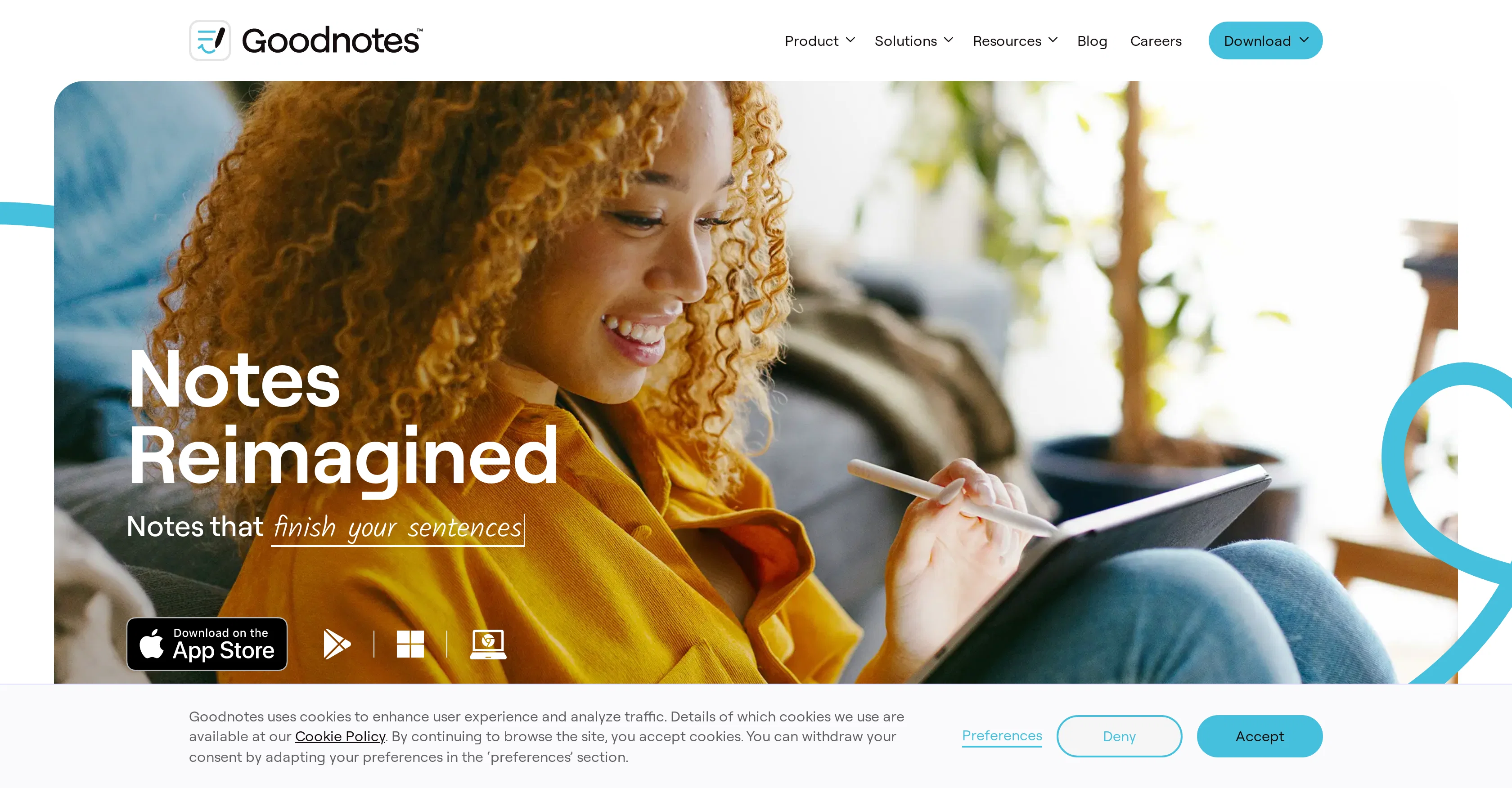
Goodnotes is an innovative AI note-taking application compatible with a variety of platforms such as iOS, Android, Windows, Mac, and Web. It has been designed with a focus on enhancing the user's handwriting experience, supported by Goodnotes' Digital Ink technology.
The program includes robust AI features like spellcheck and word complete, empowering users to concentrate on capturing their ideas rather than fretting over errors.
Recognizing the multi-device nature of modern life, Goodnotes ensures all notes are readily accessible across different platforms, facilitating seamless transitions between devices.
This versatility makes it suitable for a multitude of applications in schools, businesses, or personal use. The tool is capable of correcting mathematics homework, suggesting it relies on sophisticated technology capable of understanding and analyzing handwritten mathematical problems.
Additional features include the ability to freely write on paper that recognizes every typo. Goodnotes users can annotate PDFs, review notes, and type on a laptop while synchronizing their work across their devices.
Moreover, the software ensures the safety of users' notes and provides continued support for note-taking at no extra cost, ensuring the longevity and reliability of the tool.
In summary, Goodnotes presents itself as a dependable, multi-faceted, and intelligent tool for note-taking while redefining the classic handwriting experience with the inclusion of advanced AI functionality.
Access & connections
Where you can use Goodnotes.
Capabilities
What this tool accepts, produces, and is strongest at.
Input
- Text
Output
- Text
Pros & cons
Pros
- Cross-platform compatibility
- Multi-device synchronization
- Handwriting enhancement
- Digital Ink technology
- Spellcheck feature
- Word completion feature
- Education application
- Business application
Show 12 more
- Personal application
- Correction for math homework
- Typos recognition
- PDF annotation
- Notes review
- Sync work across devices
- Notes safety
- Continued support
- No extra cost
- Wide application range
- Math homework correction
- Recognition of typos
Cons
- Lacks collaborative features
- No audio recording option
- Limited text formatting capabilities
- No dark mode
- No offline functionality
- No automatic save feature
- Math correction feature limited
- Limited word completion capability
Show 2 more
- Limited hand-writing recognition accuracy
- Lacks version history
Compare alternatives
Similar tools in the catalog — with a clear reason to open each one.


Voicenotes ✓
FreemiumA place to dump your thoughts.
Why look Higher community rating
Full comparison
HyNote AI ✓
FreemiumHyNote | All-in-One AI Note Taker for Professionals
Why look Higher community rating
Full comparison
Elasticnote ✓
FreemiumPrivacy-first unlimited note-taking webapp.
Why look Offers a public API
Full comparison

Releases 1
Related tools
Recommended
Ideaflow Notes ✓
FreeTransforming thoughts into actionable notes.
Quillow ✓
Free TrialPersonal AI agents that are truly proactive

Kin - Personal AI Advisors ✓
FreePrivacy-first & designed your for mind, and life at work

NotebookLM ✓
FreemiumAI-powered note-taking and research assistant

HitWit ✓
FreemiumBring an AI product expert to *every* customer interaction
NoteX AI Meeting Agent ✓
FreemiumBest multilingual AI meeting agent for global teams