

GmailGPT ✓
Write emails in 1 click using AI
Verdict
A quick read before you dig into the full page.
- Best if
- You are lawyers and need: Quickly insert hyperlinks into legal documents
- Skip if
- Limited tone options
- Pick this when
- Free Gmail add-on
Considering Auto Gmail instead? Compare side by side
Overview
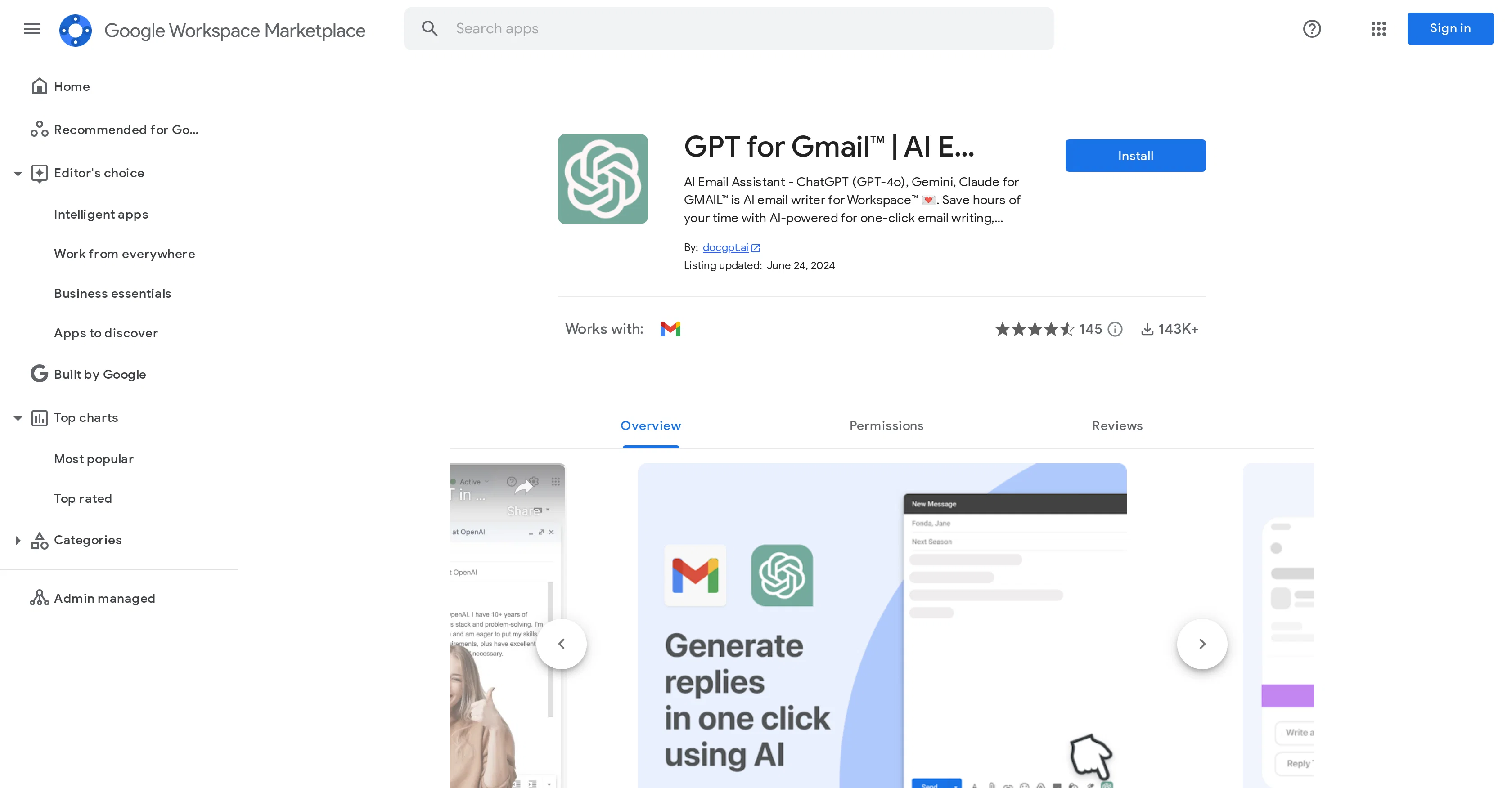
GPT for Gmail | AI Email Assistant | Gemini is an AI-powered tool dedicated to assisting users with their email writing within Google Workspace. This AI email writer leverages several versions of ChatGPT, including GPT-4o, GPT-4, GPT-3 Turbo, along with models such as Bard (Claude), Gemini, and Mistral.
By analyzing the context of users' past emails and any provided prompts, the tool constructs AI draft emails, reducing the time spent on email composition.
A notable feature includes a one-click email writing solution. The tool supports email translation and rephrasing, particularly assisting non-native English speakers in expressing themselves flawlessly in English.
Apart from this, advanced features such as translation and summarization are incorporated for more efficient email management. The tool serves as an AI virtual assistant in email communication and helps in various use cases like customer support, non-native English speakers overcoming language barriers, and business executives saving their productive time.
It supports 40+ languages and dialects, offering a varied user experience. The AI models used by the application do not require your OpenAI API key.
Best for
Short scenarios where GmailGPT tends to shine.
-
Quickly insert hyperlinks into legal documents.
Best for Lawyers
-
Create and manage email templates for efficient communication.
Best for Legal professionals
-
Utilize an AI assistant to research and draft legal documents.
Best for Paralegals
Example outputs 1
Sample generations and before/after results for GmailGPT.
Access & connections
Where you can use GmailGPT, and what it plugs into.
Platforms
Integrations
Capabilities
What this tool accepts, produces, and is strongest at.
Input
- Text
Output
- Text
Pros & cons
Pros
- Free Gmail add-on
- No sign-up required
- Flexible for formal or casual tones
- Generate, shorten, or lengthen emails
- Over 30 languages compatibility
- GDPR & California Privacy Act compliant
- High-standard security and reliability
- Data securely stored on Google servers
Show 12 more
- Data fully anonymized
- Generates ideas for email content
- Automated replies feature
- Provides email performance statistics
- Translation support for 30+ languages
- One-click integration with Gmail
- Preview mode for emails
- User community for feedback
- Handles job application tracking
- Assists in PR campaigns management
- Helpful for diverse industries and roles
- Runs as a Gmail add-on
Cons
- Only integrates with Gmail
- No offline usage
- Cannot edit God-given drafts
- No support for third-party apps
- Doesn't support multi-account switching
- Limited tone options
- No custom templates
- No browser extensions
Show 1 more
- Requires Internet connection
Compare alternatives
Similar tools in the catalog — with a clear reason to open each one.

Auto Gmail ✓
FreemiumAI learns from you and drafts answers to all your emails
Free + from $27
Full comparison
MailWizard ✓
Free TrialGmail emails that write themselves? It's not magic, it's MailWizard.
Why look Higher community rating
Full comparison
AI Mail Assistant ✓
Free TrialChatGPT AI for Gmail: Generate, summarize, translate, and improve emails.
Free + from €4.99 per month
Full comparison
Trimbox AI Assistant ✓
FreemiumAutomatically draft email replies, straight from Gmail.
Why look Higher community rating
Full comparison
Hiwriter ✓
FreeGenerate perfect emails instantly with AI in Gmail
Why look Fully free option
Full comparison
Ready to Send ✓
FreemiumAI drafts Gmail replies automatically
Why look Higher community rating
Full comparisonPeople also view
Tools that often show up alongside GmailGPT in collections and comparisons.

Superhuman ✓
PaidAI-powered email for blazing speed and productivity

Shortwave ✓
FreemiumIntelligent email management and productivity.

Notion Mail ✓
FreemiumEmail that works for you

hi ai ✓
PaidSend emails instantly using AI.

Duet Mail ✓
Free TrialMeet Your Gmail AI Executive Assistant, Save 4+ Hours Everyday

ComposeMate ✓
PaidCraft perfect emails in seconds with AI-powered writing.
Trimbox AI Assistant ✓
FreemiumAutomatically draft email replies, straight from Gmail.
Ready to Send ✓
FreemiumAI drafts Gmail replies automatically
Releases 1
Imported reviews 2
very free to use the app for everyone letting them know if this AI was very useful
I like the ability to guide the draft it creates. It will take general guidance, such as the desired tone.
FAQ 12
What is GmailGPT?
How does GmailGPT assist in email writing?
How compatible is GmailGPT with desktop and mobile devices?
Is there a need to sign-up or need an API key to use GmailGPT?
Can you specify the tone of the email content generated with GmailGPT?
How to launch and use GmailGPT?
What are the key features of GmailGPT?
Does GmailGPT comply with privacy regulations like GDPR and the California Privacy Act?
Where does user data reside when using GmailGPT?
How does GmailGPT access emails?
Who can use GmailGPT?
Can GmailGPT help with client communication, holiday wishes, event invitations and job applications?
Related tools
Recommended

TutorAI ✓
FreemiumInstant knowledge on any topic

Agentgpt ✓
FreemiumDeploy autonomous AI Agents effortlessly in your browser.

LearningStudioAI ✓
Free TrialAI-powered authoring tool for effortless online course creation.

Hyperis ✓
FreemiumOrganized task prioritization.

VenturusAI ✓
FreemiumBusiness idea analysis and reporting.

MagicSlides.app AI PPT Maker ✓
FreemiumCreate Stunning PPTs in Seconds with the AI PPT Maker