

Auto Gmail ✓
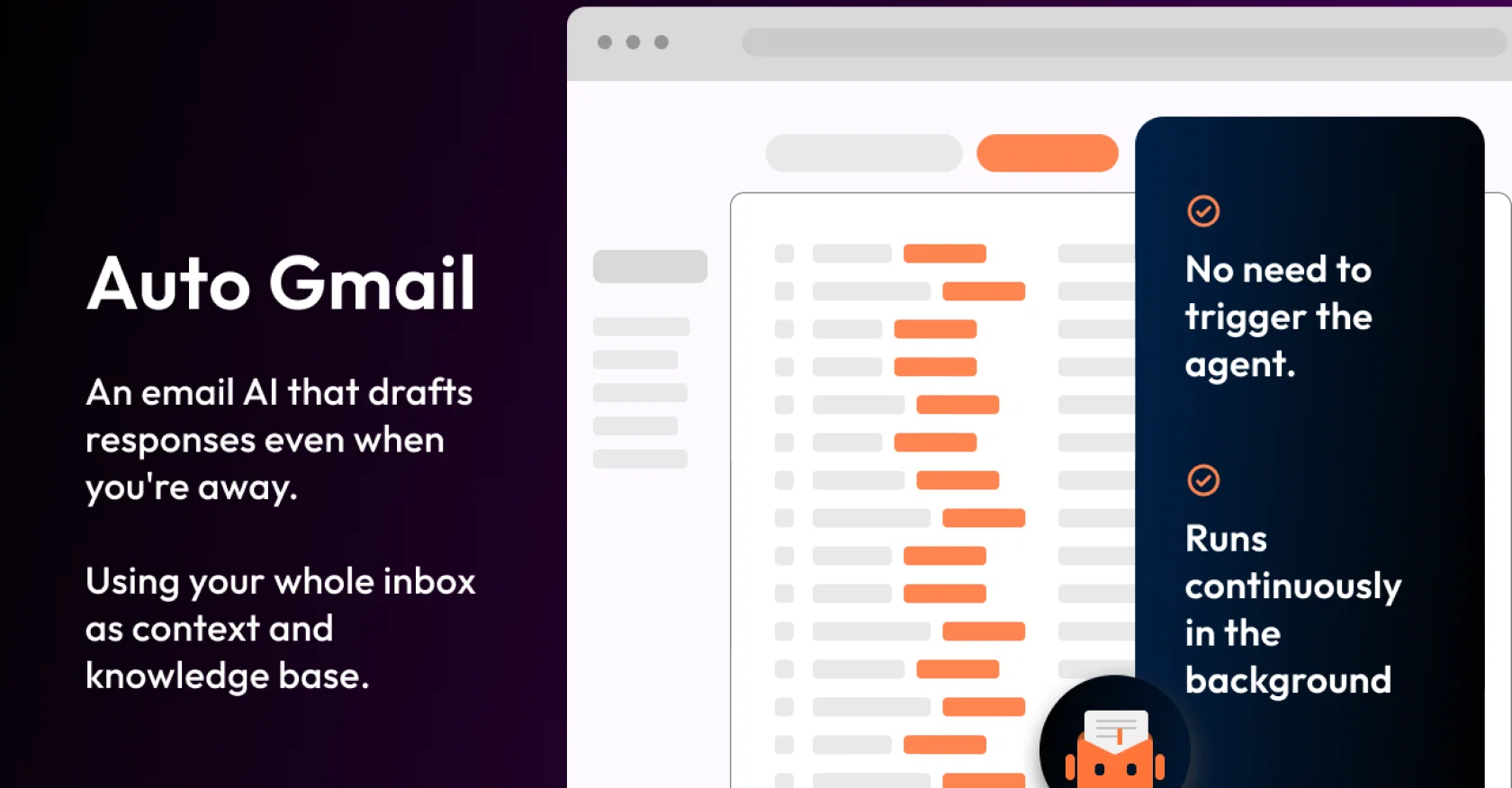
AI learns from you and drafts answers to all your emails
Free + from $27
Verdict
A quick read before you dig into the full page.
- Best if
- You are startups and need: Automating email responses for customer support
- Skip if
- Limited to Gmail accounts
- Pick this when
- Simplifies connecting Gmail accounts
Considering MailWizard instead? Compare side by side
Overview
It connects directly to your Gmail inbox and leverages advanced AI models like ChatGPT (GPT-4) and Llama-3 to learn from your past email communications.
By understanding your writing style, tone, and knowledge, it generates personalized draft responses to every inbound message you receive.
This automation aims to save users significant time—up to 2 hours per day—by handling the initial drafting process, while still keeping the user in control to review and send the emails.
The extension works seamlessly across desktop and mobile platforms, ensuring that drafts are ready for you whenever you access your inbox.
Best for
Short scenarios where Auto Gmail tends to shine.
-
Automating email responses for customer support
Best for Startups
-
Saving time on email management
Best for Small businesses
-
Empowering support teams to answer faster
Best for Customer support teams
Example outputs 1
Sample generations and before/after results for Auto Gmail.
Access & connections
Where you can use Auto Gmail, and what it plugs into.
Platforms
Capabilities
What this tool accepts, produces, and is strongest at.
Input
- Text
Output
- Text
Pros & cons
Pros
- Simplifies connecting Gmail accounts
- Automates login process
- Eliminates manual entry
- Quick Google authorization
- Streamlines Gmail to app connection
- Remembers login credentials
- Automatic login
- Time-saving feature
Show 2 more
- Efficient workflow
- Eliminates login hassle
Cons
- Limited to Gmail accounts
- Reliance on stored credentials
- Potential security risks
- No multi-factor authentication support
- Dependence on reliable internet
- Lack any offline functionality
- Not compatible with non-Google apps
- May not comply with certain data privacy policies
Show 2 more
- No support for business/enterprise Gmail accounts
- Lacks user activity tracking
Compare alternatives
Similar tools in the catalog — with a clear reason to open each one.

MailWizard ✓
Free TrialGmail emails that write themselves? It's not magic, it's MailWizard.
Why look Typically cheaper
Full comparison
AI Mail Assistant ✓
Free TrialChatGPT AI for Gmail: Generate, summarize, translate, and improve emails.
Free + from €4.99 per month
Full comparison
Trimbox AI Assistant ✓
FreemiumAutomatically draft email replies, straight from Gmail.
Why look Typically cheaper
Full comparison
Hiwriter ✓
FreeGenerate perfect emails instantly with AI in Gmail
Why look Fully free option
Full comparison
Ready to Send ✓
FreemiumAI drafts Gmail replies automatically
Why look Typically cheaper
Full comparisonPeople also view
Tools that often show up alongside Auto Gmail in collections and comparisons.
Trimbox AI Assistant ✓
FreemiumAutomatically draft email replies, straight from Gmail.
Ready to Send ✓
FreemiumAI drafts Gmail replies automatically
MailWizard ✓
Free TrialGmail emails that write themselves? It's not magic, it's MailWizard.
Hiwriter ✓
FreeGenerate perfect emails instantly with AI in Gmail

GmailGPT ✓
FreemiumWrite emails in 1 click using AI
AI Mail Assistant ✓
Free TrialChatGPT AI for Gmail: Generate, summarize, translate, and improve emails.

RewriteBar ✓
Free TrialRewrite. Refine. Accelerate. — AI productivity for every macOS app. 🚀

Jetwriter AI ✓
FreemiumWrite better and faster on any site with your personal AI.
Releases 1
Imported reviews 3
I installed it an hour ago and received a few emails, but I don't see any activity.
Really proud that our tool also works on mobile!
There is no prompt page, the software does not produce useful answers, neither taking over the style from my previous Emails. Biggest Issue is the missing Prompt page, you can not communicate with your AI!
Once its set up its making Drafts, sometimes it hangs out and makes a lot of drafts for one mail. Its not the AI you would pay for!
FAQ 12
What is Auto Gmail?
How does Auto Gmail connect to my Gmail account?
What applications can I connect my Gmail account with using Auto Gmail?
How does Auto Gmail aid in authorizing with Google?
Do I have to remember my Gmail login information when using Auto Gmail?
Can Auto Gmail handle multiple Gmail accounts?
Does using Auto Gmail save me time?
How does Auto Gmail automate the Gmail login process?
How often do I need to input my Gmail credentials into Auto Gmail?
Does Auto Gmail work with third-party applications that need access to my Gmail?
Can Auto Gmail help in eliminating the need to manually log in to my Gmail account?
Is Auto Gmail easy to use?
Related tools
Recommended

Stunning ✓
PaidBuild AI-powered websites in seconds

Taplio ✓
FreemiumThe LinkedIn growth tool to turn content into pipeline

Automateed ✓
Free TrialCreate eBooks effortlessly with Automateed, the AI-powered writing tool.

PrometAI ✓
FreemiumTurn ideas into viable reality with AI business plan generator.

LearningStudioAI ✓
Free TrialAI-powered authoring tool for effortless online course creation.

VenturusAI ✓
FreemiumBusiness idea analysis and reporting.