

Glitter AI ✓
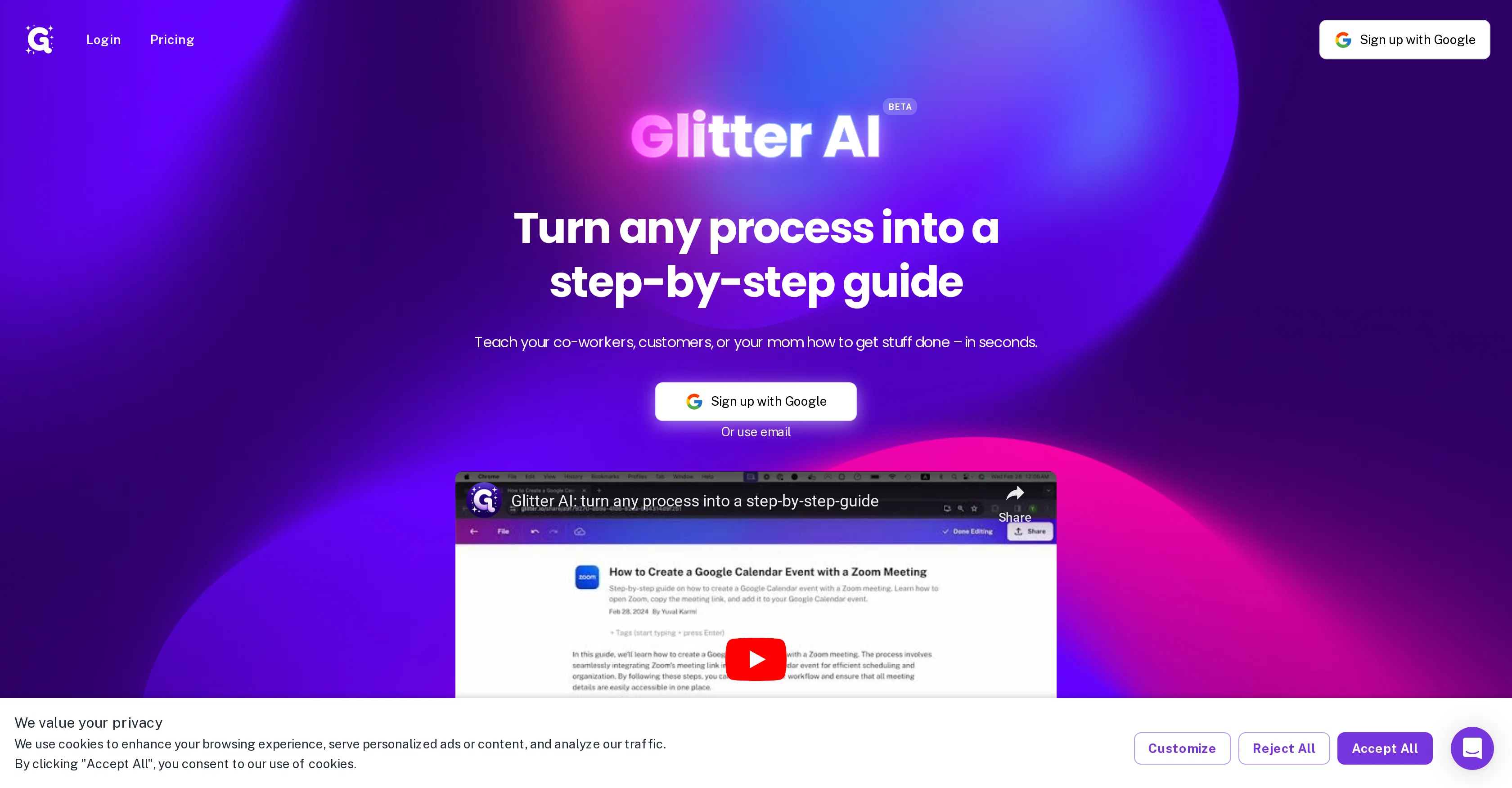
Turn any process into a step-by-step guide.
Free + from $16/mo
Verdict
A quick read before you dig into the full page.
- Best if
- Turn any process into a step-by-step guide
- Skip if
- Ineffective for complex tasks
- Pick this when
- Transforms processes into guides
Considering Guidejar instead? Compare side by side
Overview
Glitter AI is an AI-driven tool designed to transform various processes into comprehensible step-by-step guides. By using this tool, users can create detailed instructions to facilitate task completion for colleagues, customers, or personal acquaintances.
The core of Glitter AI is its ability to essentially learn and translate a task process into an easily understandable guide. This serves as an efficient way to communicate complex processes by breaking them down into simpler steps.
Users can develop these guides with convenient features, such as the 'click and speak' functionality, they don't have to type instructions manually. Appropriate for both professional and personal scenarios, it makes it easier to delegate tasks, explain processes, or provide guidance.
This way, Glitter AI offers a solution to share knowledge and expertise in an accessible format, benefiting both people who have familiar tasks to explain and those trying to learn new tasks.
The tool has a simple and user-friendly interface that allows generating guides rapidly, thus saving time and fostering better communication. In summary, Glitter AI serves as a tool for creating impactful, understandable step-by-step guides to communicate process instructions effectively for a variety of use-cases.
Access & connections
Where you can use Glitter AI.
Platforms
Capabilities
What this tool accepts, produces, and is strongest at.
Input
- Audio
Output
- Text
Pros & cons
Pros
- Transforms processes into guides
- Facilitates task completion
- Learning ability
- Breaks complex processes down
- Click and speak functionality
- Appropriate for professional use
- Appropriate for personal use
- User-friendly interface
Show 13 more
- Rapid guide creation
- Eases task delegation
- Enhances process explanation
- Aids guidance provision
- Shares knowledge effectively
- Makes expertise accessible
- Beneficial for task explainers
- Aids task learners
- Promotes better communication
- Time-saving tool
- Create guides without typing
- Simplifies comprehension of tasks
- Guide creation in seconds
Cons
- No text input option
- No offline functionality
- No API for integration
- Lack of advanced features
- Ineffective for complex tasks
- No cross-platform support
- Potential privacy issues
- No multi-language support
Show 2 more
- No collaboration functionality
- Verbose guide creation process
Compare alternatives
Similar tools in the catalog — with a clear reason to open each one.

Guidejar ✓
FreemiumThe smartest way to create shareable how-to guides
Why look Typically cheaper
Full comparison
Guideless ✓
FreemiumTurn any browser workflow into a polished, AI-narrated video guide in minutes.
Why look Typically cheaper
Full comparison
Guidde ✓
FreemiumCreates step-by-step video instructions platform.
Free + from $16/mo
Full comparison
video2docs ✓
Free TrialTransform screen recordings into well-written how-to guides using AI.
Why look Typically cheaper
Full comparison
Scribe ✓
FreemiumInstantly create visual step-by-step guides.
Why look Typically cheaper
Full comparison
Dubble ✓
FreemiumTranslating your actions into step-by-step guides, videos, and screenshots.
Why look Typically cheaper
Full comparisonReleases 1
Imported reviews 1
An awesome tool which helps build flows intuitively and quickly, great for demos
FAQ 12
What is Glitter AI?
How does Glitter AI work?
Can Glitter AI be used for professional scenarios only?
Is Glitter AI appropriate for personal use?
How does Glitter AI 'learn' a new task process?
What are the features of Glitter AI?
What is the 'click and speak' functionality in Glitter AI?
Can Glitter AI facilitate task delegation?
Can Glitter AI be used to explain complex processes?
How efficient is Glitter AI in creating guides?
Does Glitter AI streamline the process of knowledge sharing?
Is the interface of Glitter AI user-friendly?
Related tools
Recommended

Stunning ✓
PaidBuild AI-powered websites in seconds

AI Course Creator ✓
FreemiumAI-powered course creation in minutes.

Kin - Personal AI Advisors ✓
FreePrivacy-first & designed your for mind, and life at work

Kopage - White-Label AI Website Builder ✓
PaidCreate websites for your clients with AI, in 30 seconds or less!

Wizardshot ✓
FreeCreate AI-powered tutorials in seconds.

Floik ✓
FreemiumCreate interactive demos, videos, and guides in one platform.