
Dictation 2026 Rank: #2745
GladiaFlow ✓
Real-time voice dictation for your desktop.
Verdict
A quick read before you dig into the full page.
- Best if
- Real-time voice dictation for your desktop
- Skip if
- Needs own Gladia API key
- Pick this when
- Desktop compatible
Considering Wispr Flow instead? Compare side by side
Overview
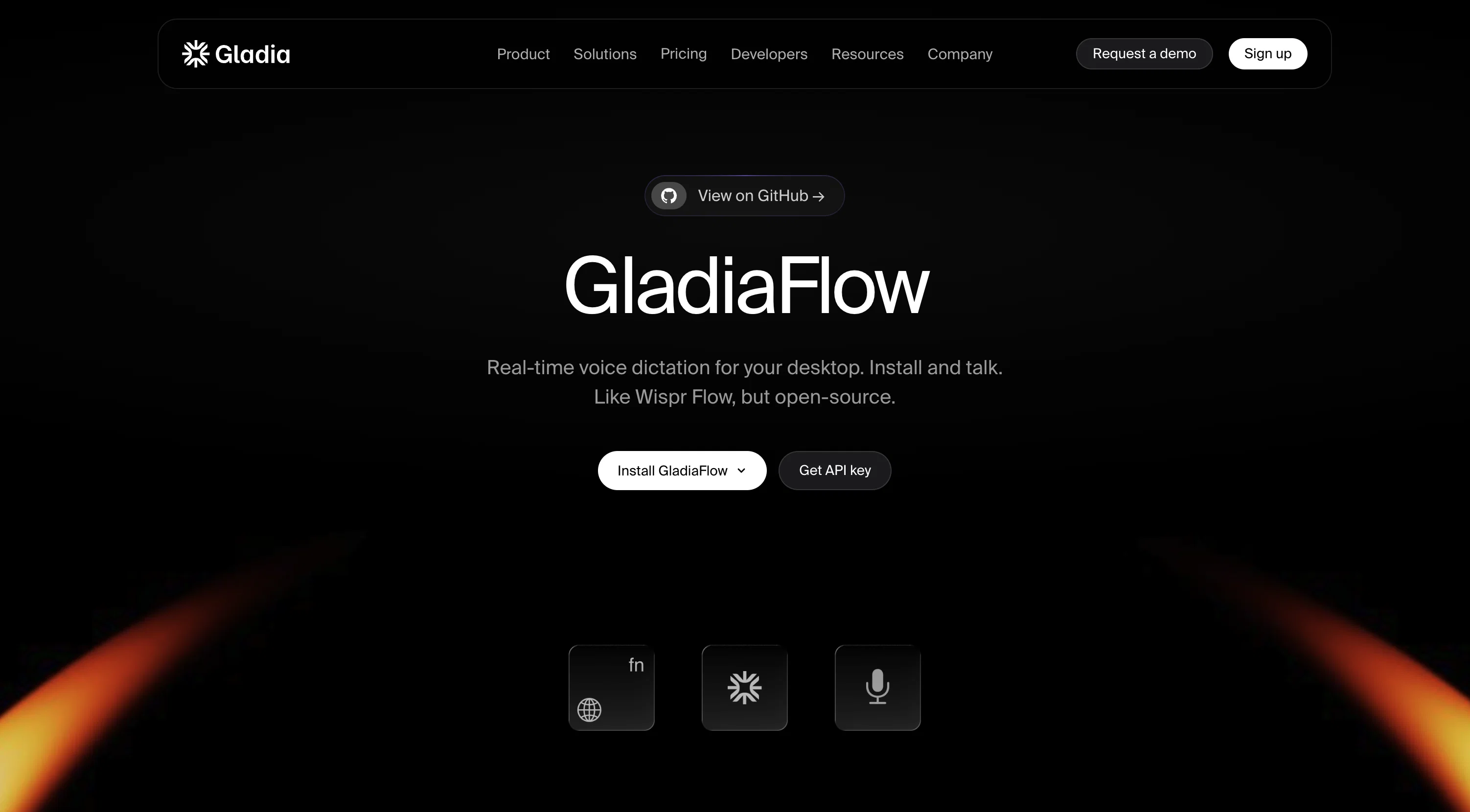
GladiaFlow is an open-source real-time voice dictation tool for desktops, supported on both macOS and Windows systems. It operates by converting your spoken words into written text by streaming your voice to the Gladia API.
The tool is compatible with a wide range of applications you are already using, transforming your voice into text in any focused field when activated.
It distinguishes itself with its capability to transcribe efficiently in over 100 languages and is designed to adeptly handle switches in language mid-sentence.
It includes a unique feature that enables user-customized vocabulary to enhance its understanding of names, acronyms, and specific industry jargon. Instead of a subscription basis, GladiaFlow charges based on use, promising a more cost-effective solution for users.
It is designed to keep pace with the user's speaking speed, offering no lag or waiting time. Users can access the source code to understand its functionality or suggest improvements due to its open-source nature.
To use GladiaFlow, users need to have their own Gladia API key.
Access & connections
Where you can use GladiaFlow.
Platforms
Capabilities
What this tool accepts, produces, and is strongest at.
Input
- API
- Audio
Output
- API
- Text
Pros & cons
Pros
- Open-source
- Desktop compatible
- macOS and Windows supported
- Voice to text streaming
- Compatible with many applications
- Works in any focused field
- Efficient transcription in 100+ languages
- Capable of mid-sentence language switching
Show 7 more
- Allows user-customized vocabulary
- Cost-effective pay-per-use system
- No lag or waiting time
- User accessible source code
- Offers interaction with user's speech speed
- Industry jargon recognition
- Provides own API key usage
Cons
- Needs own Gladia API key
- Pay-per-use model
- Potential for high costs
- Requires understanding of open-source
- Streaming data to API
- Custom vocabulary user setup
- No mobile support
- Mid-sentence language switch reliability
Compare alternatives
Similar tools in the catalog — with a clear reason to open each one.

Wispr Flow ✓
FreemiumSpeak naturally, write perfectly, 4x faster.
Why look Better for writing
Full comparison
Voibe ✓
Free TrialType 3x faster with private offline dictation.
Why look More privacy-focused
Full comparison

Aqua Voice ✓
FreemiumVoice-driven text editing for effortless document creation.
Free + from $10/mo
Full comparison
EchoWrite ✓
FreemiumDon't type text anymore, just speak
Why look Higher community rating
Full comparison
Releases 1
FAQ 12
What is GladiaFlow?
How does GladiaFlow work?
What platforms are compatible with GladiaFlow?
How can I use GladiaFlow on macOS?
What's the procedure to install GladiaFlow on Windows?
Does GladiaFlow support multiple languages in transcription?
How many languages can GladiaFlow transcribe?
What's the pricing model for GladiaFlow?
How can I customize vocabulary in GladiaFlow?
Can GladiaFlow recognize industry-specific jargon?
Does GladiaFlow support mid-sentence language switching?
What is the Gladia API I need to use GladiaFlow?
Related tools
Recommended

GetLogit ✓
FreemiumArtificial intelligence, available for everyone.

ChatGPT ✓
FreemiumAsk anything, create anything, and move from idea to action.

freebeat AI ✓
FreemiumTurn Music & Ideas into Viral Videos In One Click

VisibAI ✓
Free TrialFind out if AI knows your business exists.

Pounce ✓
Free TrialGet real followers and engagement in minutes.

AirMusic ✓
Free TrialAI music generator and music video creator in one platform.