Coding

GitHub Spark ✓

Create personalized micro apps with AI

Source rating 5.0 (1) 2.1k views 47 saves Unknown
More categories (4)

Verdict

A quick read before you dig into the full page.

Best if
Create personalized micro apps with AI
Skip if
Limited NL model options
Pick this when
Creates adaptable software

Considering Cursor instead? Compare side by side

Overview

GitHub Spark is an AI-assisted tool designed to enable anyone to create and adapt software for their unique needs and preferences. This tool is particularly used for the development and sharing of personalized micro applications referred to as 'sparks'.

These sparks are completely adjustable and directly usable across both desktop and mobile devices without the requirement of writing or deploying any code.GitHub Spark implements a trio of closely integrated components to achieve this.

An NL-based (Natural Language-based) editor enables the simple description of your concepts, which can then be refined over time. A managed runtime environment hosts your sparks, providing access to data storage, theming options, and LLMs (Low Level Microservices).

Moreover, a PWA-enabled (Progressive Web App-enabled) dashboard offers the ability to manage and launch your sparks from anywhere.Notably, GitHub Spark also allows for the sharing of sparks to others with either read-only or read-write permissions.

These recipients can opt to use the spark directly or remix it for their particular requirements. In essence, GitHub Spark promotes a personalized approach to software creation, drawing inspiration from the Unix philosophy for apps - to do one thing, but do it well.
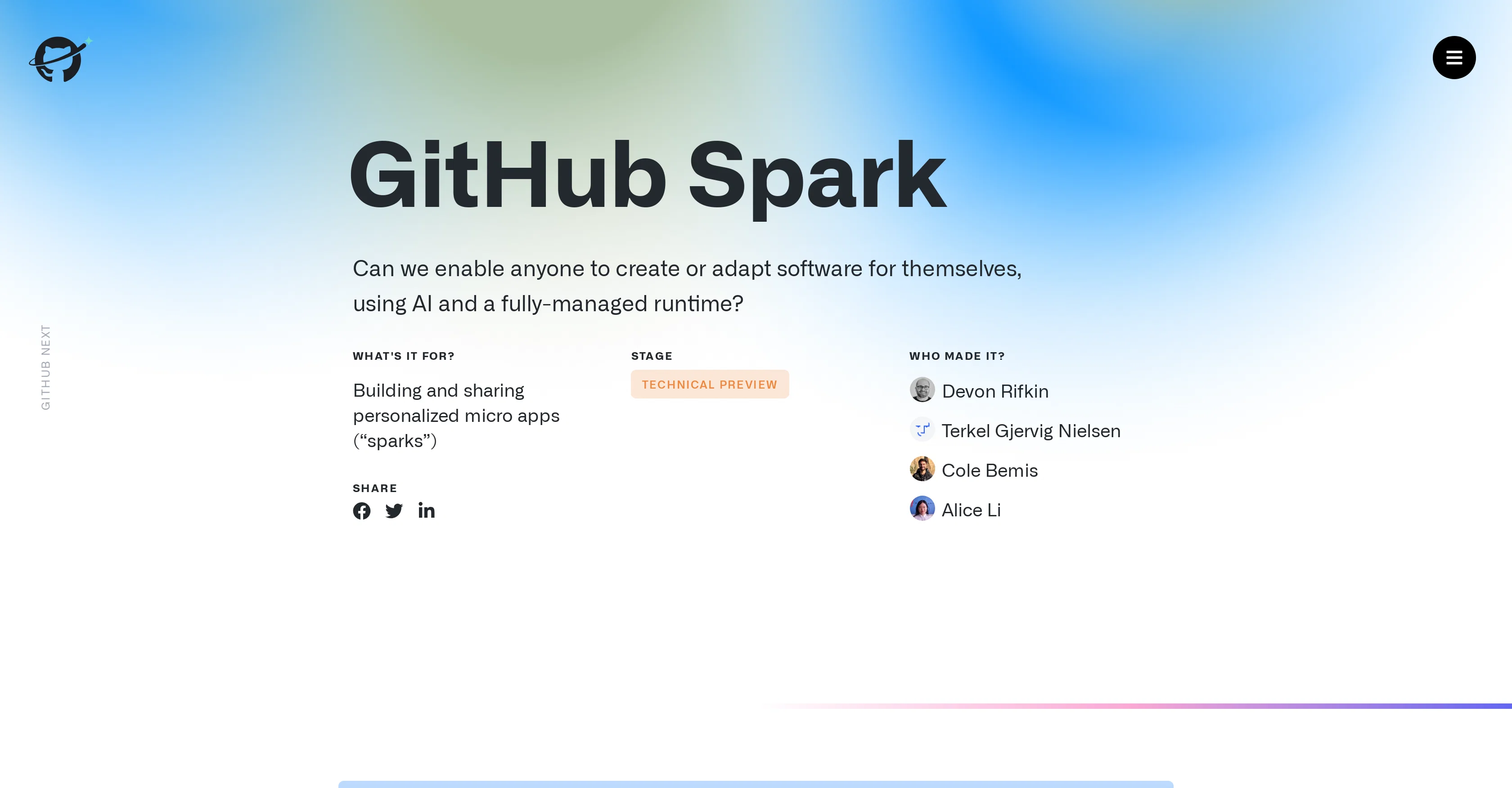
GitHub Spark website

Access & connections

Where you can use GitHub Spark, and what it plugs into.

Platforms

Web

Integrations

Capabilities

What this tool accepts, produces, and is strongest at.

Input

  • Text

Output

  • Code
  • Tabular
  • Text

Supported features

  • IDE

Pros & cons

Pros

  • Creates adaptable software
  • Develops/shares personalized micro-apps
  • App usable on desktop/mobile
  • No code or deployment needed
  • Natural Language-based editor
  • Interactive preview of app
  • Can request revision variants
  • Automatic history for revisions
Show 19 more
  • App seamlessly hosted and deployed
  • Runtime environment manages data storage, theme
  • Low Level Microservices included
  • PWA-enabled dashboard
  • Revision history allows backtracking
  • Theming options for apps
  • Sparks are remixable
  • Supports sharing with permissions
  • Allows semantic view source
  • Persistent data storage
  • Real-time interactive previews
  • Integrated model prompting
  • Meant for app centric development
  • Deployment-free hosting
  • Themable design system
  • Revision variants for brainstorming
  • Can install sparks on desktop/tablet/mobile
  • Managed key-value data store
  • Inspired by Unix philosophy

Cons

  • Limited to micro applications
  • Unclear data storage limitations
  • Dependency on managed runtime
  • Closed development environment
  • Lacks custom coding option
  • Limited theme customizations
  • Tied to GitHub platform
  • Limited NL model options

Compare alternatives

Similar tools in the catalog — with a clear reason to open each one.

Releases 1

Initial release November 5, 2024 Current
Initial release of GitHub Spark.

FAQ 12

What is GitHub Spark?
GitHub Spark is an Artificial Intelligence (AI) powered tool aimed at enabling users to create and adapt software to meet their specific needs and preferences. This tool is typically used for the development and sharing of personalized micro-applications, also known as 'sparks'. These sparks can be adjusted to suit the user's preferences and can be used directly across mobile and desktop devices without the need to write or deploy any code.
What are the main features of GitHub Spark?
The main features of GitHub Spark include: an AI-powered development tool, the ability to create and adapt software using a Natural Language (NL) based editor, the provision of a managed runtime environment that hosts your sparks, supports data storage, theming options, and Low-Level Microservices (LLMs). It also employs a Progressive Web App (PWA) enabled dashboard that allows users to manage and launch their sparks from anywhere.
Can GitHub Spark be used without coding experience?
Yes, GitHub Spark has been designed in such a way that users do not require any coding experience to utilize it. Its AI-assisted natural language based editor allows people to simply describe their concepts and refine them over time without needing to write any code. The application's built-in AI assistance makes software creation accessible to a wider audience, requiring only that they define their concept in words.
What is the role of AI in GitHub Spark?
In GitHub Spark, AI plays a crucial role. It is used extensively in the Natural Language (NL) based editor where AI helps convert a user's natural language input into functional code. AI also assists in the continuous refinement of concepts. A set of AI models is provided for the creation and revision of sparks, bringing versatility and enabling a variety of outcomes. The AI part of GitHub Spark is there to help users realize their ideas and preferences by transforming their words into practical software.
What is the purpose of the NL-based editor in GitHub Spark?
The NL-based editor in GitHub Spark plays the role of an interface between the user and the AI. This editor allows users to describe their software concepts in their natural language, which are then converted into functional code by the AI. It is designed to make software development easy and playful with features like interactive previews, revision variants, automatic history, and model selection. The NL-based editor enables users to make forward progress feel easy, encouraging them in their app creation journey.
How does the managed runtime environment in GitHub Spark work?
The managed runtime environment of GitHub Spark hosts your sparks after they have been created. It complements the NL-based toolchain and provides access to data storage, theming, and Low-Level Microservices (LLMs). It also enables the immediate deployment of created or revised sparks which can be run and installed on your desktop, tablet, or mobile device. Essentially, the managed runtime environment undergoes all the heavy lifting behind the scenes, allowing users to focus on the creative part of building their software or app.
Can I run GitHub Spark on both desktop and mobile devices?
Yes, GitHub Spark is designed to be cross-platform and can be run on both desktop and mobile devices. The apps (sparks) created through GitHub Spark are directly usable across these platforms. Additionally, the PWA-enablement ensures that you can manage and launch your sparks from anywhere using any device.
How is data stored in GitHub Spark?
GitHub Spark employs a managed runtime environment that includes persistent data storage. This is a managed key-value store that automatically knows when to be used. This storage allows your sparks to keep track of and use any necessary data. Development in GitHub Spark also comes with a data editor which helps you view and edit the data that your spark is utilizing, giving you full control over the state of your apps.
What is the dashboard in GitHub Spark for?
The dashboard in GitHub Spark serves as a central location from where you can manage and launch your sparks. The dashboard is PWA-enabled, meaning it can be accessed and used from anywhere on any device. From this dashboard, users can see all their sparks, manage them, launch them, and even share them with others.
Does GitHub Spark follow the Unix philosophy for apps?
Yes, GitHub Spark adheres to the Unix philosophy for apps. This philosophy emphasizes doing one thing but doing it well. In the context of GitHub Spark, this means each spark, even while it may be a micro-app, is meant to do its single task efficiently. So, each spark created can focus on doing its intended function very well, aligning with the core tenets of the Unix philosophy.
Can sparks created with GitHub Spark be shared with others?
Yes, sparks created with GitHub Spark can be shared with others. The tool allows users to share their personalized sparks with either read-only or read-write permissions, thereby enabling collaboration and the spread of personalized software creations.
What are the permissions for sharing sparks in GitHub Spark?
GitHub Spark offers two main permissions modes for sharing sparks: read-only and read-write. In read-only mode, the recipient can view and use the spark but cannot modify it. In read-write mode, the recipient can do everything the original user can do including modifying and re-sharing the spark.
GitHub Spark