

Videos 2026 Rank: #745
GenVideo | Text to Video Generator ✓
Turn text into video with top AI models.
Verdict
A quick read before you dig into the full page.
- Best if
- Turn text into video with top AI models
- Skip if
- Limited narrative structure options
- Pick this when
- Transform text into video
Considering freebeat AI instead? Compare side by side
Overview
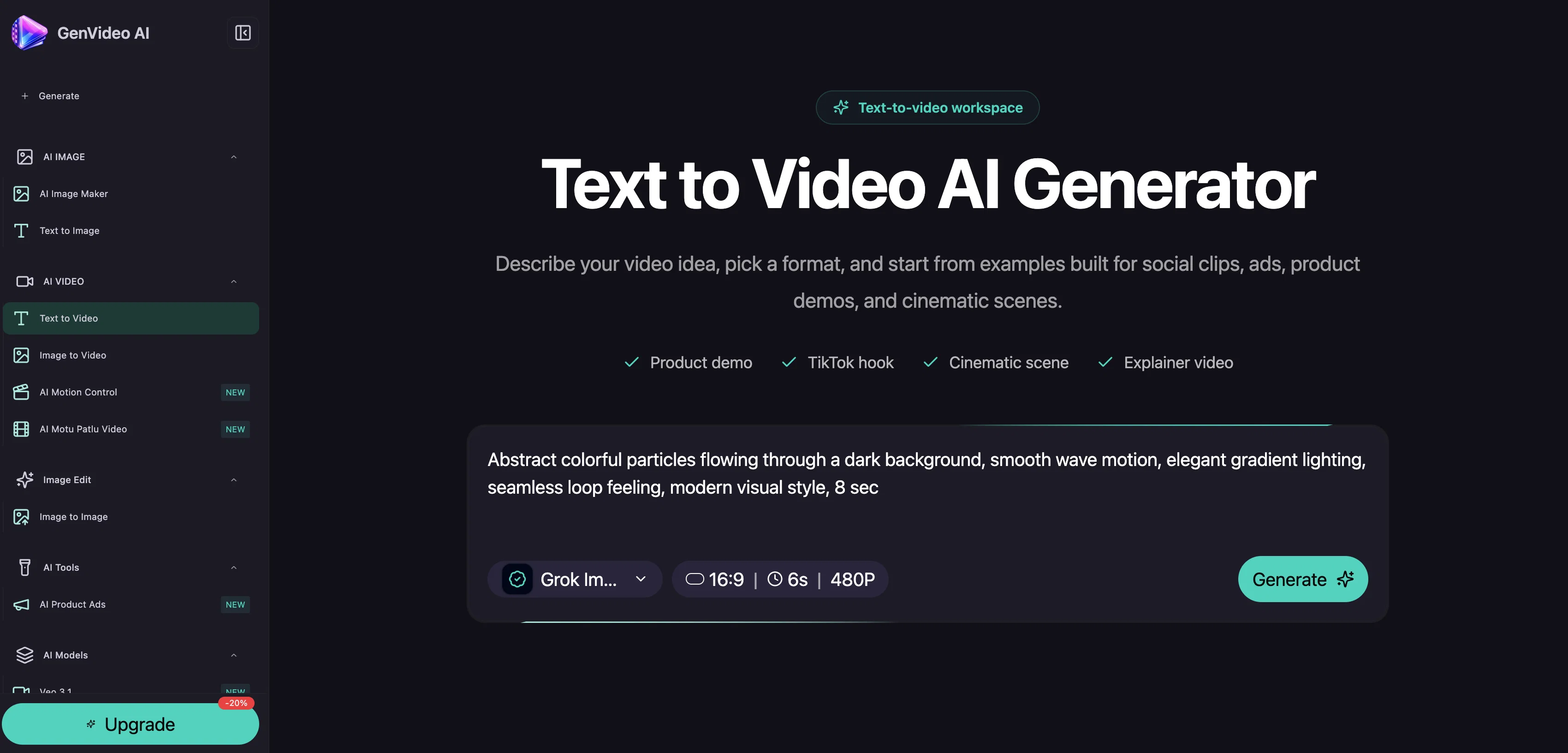
GenVideo AI is an artificial intelligence platform specializing in creating videos from prompts, text, or images. One integral feature of the platform is the capability of generating multiple AI video models from a single idea, enabling users to choose the model that best fits their purposes.
These models include Veo 3.1, Seedance, Kling, Wan, and Grok Imagine. Users can transform their written narrative into a visual experience by expressing scenes, motion, and camera direction.
For instance, users can create product ads, such as depicting a portable blender in a kitchen setup. Additionally, image-to-video transformation is made possible on the platform.
Users can upload an image and guide motion and camera direction, thereby creating a dynamic visual from a static image. Another unique feature is the character motion control using reference videos, enabling users to transfer body movement, gestures, timing, and performance energy to character images.
Furthermore, the platform offers AI Product Video Ads; users can select ad structures and preview results before finalizing. Each of these features allows users to create a range of video content, from product ads to cinematic scenes, with granular control over the visual elements and narrative flow.
Access & connections
Where you can use GenVideo | Text to Video Generator.
Platforms
Capabilities
What this tool accepts, produces, and is strongest at.
Input
- Image
- Text
- Video
Output
- Video
- Image
Pros & cons
Pros
- Transform text into video
- Control over visual elements
- Image-to-video transformation
- Character motion control
- Narrative flow control
- Automated video production
- Dynamic visual creation
- Upload images for videos
Show 18 more
- Guide motion and camera
- Transfer body movement to characters
- Preview results before finalizing
- Granular control over narrative
- Can create range of video content
- Support for ad structures
- Maintains facial detail
- Reusable product ad structures
- Control over lighting and mood
- Option to animate existing visuals
- Option to start with text
- Option to start with image
- Free video previews
- No card for free preview
- User-friendly interface
- Practical starting points
- Refining existing video drafts
- Preserves visual continuity
Cons
- Limited model choices
- Ad creation lacks customization
- Dependent on user inputs
- No support for audio
- Limited narrative structure options
- No logo incorporation feature
- Inability to include watermarks
- Lacks text on video feature
Show 1 more
- Lacks multi-language support
Compare alternatives
Similar tools in the catalog — with a clear reason to open each one.

freebeat AI ✓
FreemiumTurn Music & Ideas into Viral Videos In One Click
Why look Typically cheaper
Full comparison
MagicLight ✓
FreemiumTransform text into captivating videos instantly.
Why look Typically cheaper
Full comparison



Seedance ✓
FreemiumMulti-shot video generation from text and image.
Why look Stronger for image work
Full comparisonReleases 1
FAQ 12
How does the GenVideo AI create videos from prompts, text, or images?
Can I generate multiple AI video models from a single idea with GenVideo AI?
What are the different AI video models available in GenVideo AI?
How can I turn my written narrative into a visually expressive video with GenVideo AI?
How does the image-to-video feature work on GenVideo AI?
Can I control character motion in GenVideo AI using reference videos?
How does GenVideo AI help in creating AI Product Video Ads?
How can I preview the results before finalizing my video ad on GenVideo AI?
What types of video content can I create using GenVideo AI?
What are the features of the Veo 3.1, Seedance, Kling, Wan, and Grok Imagine models in GenVideo AI?
How can GenVideo AI transform a static image into a dynamic visual?
Is there an option to upload a source image on GenVideo AI while creating a video?
Related tools
Recommended

Automateed ✓
Free TrialCreate eBooks effortlessly with Automateed, the AI-powered writing tool.

Notis ✓
Free TrialThe first WhatsApp assistant that runs on your ChatGPT and Claude subscriptions

remio: Your Personal ChatGPT ✓
FreemiumGet Tailored Answer with Your Personal ChatGPT

ThumbnailCreator.com ✓
Free TrialCreate eye-catching YouTube thumbnails in seconds.

Supernormal App ✓
FreemiumThe AI assistant app that turns meetings into completed work

AppDeploy ✓
FreeDeploy real apps directly from ChatGPT or Claude