

Gaga AI ✓
Turn photos into talking, animated avatars instantly.
Free + from $9.9/mo
Verdict
A quick read before you dig into the full page.
- Best if
- Turn photos into talking, animated avatars instantly
- Skip if
- Potentially expensive
- Pick this when
- Convert photo to avatar
Considering freebeat AI instead? Compare side by side
Overview



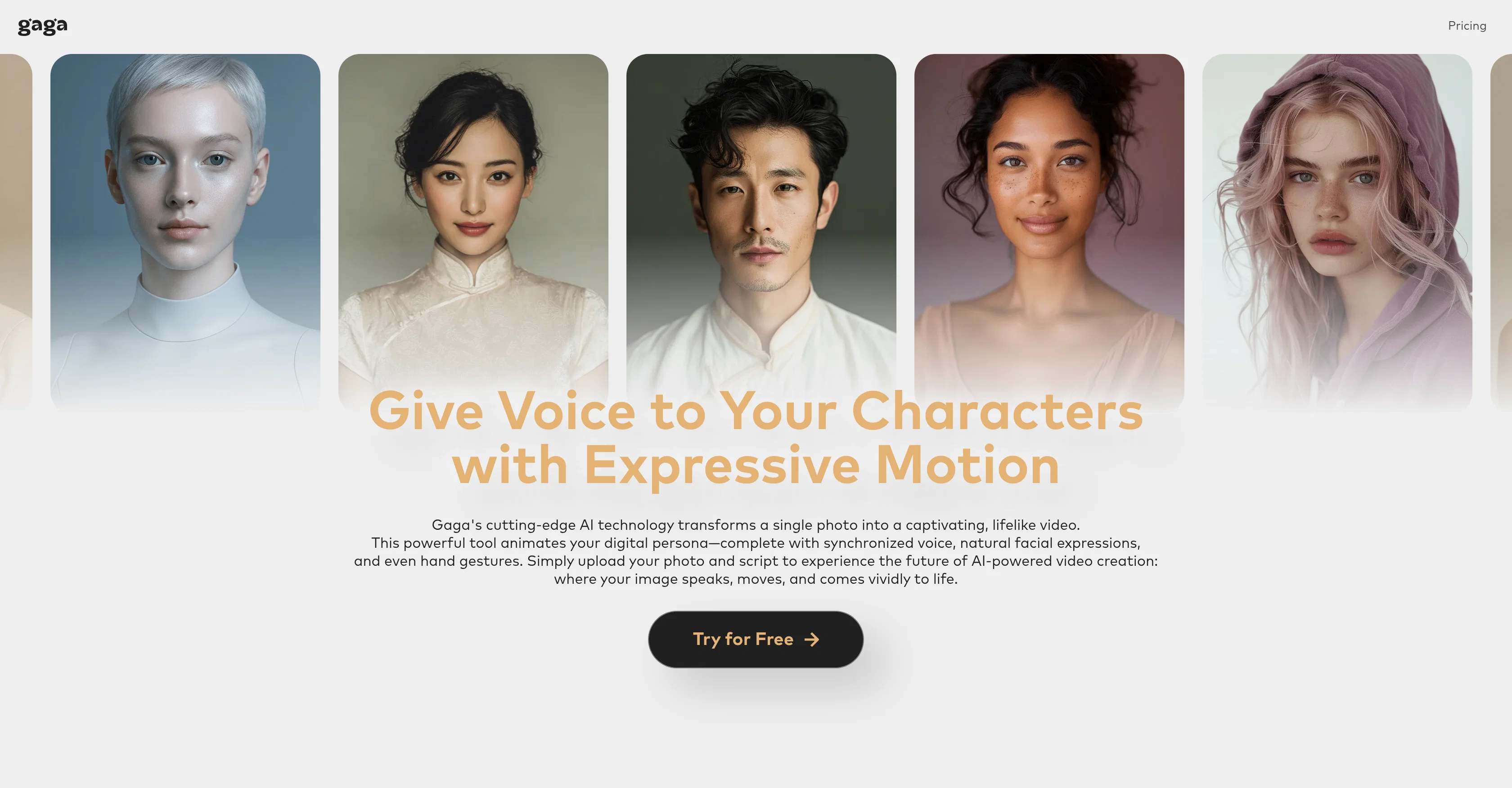
Gaga is a sophisticated AI-driven tool designed to generate realistic avatars and lifelike videos. It uses cutting-edge technology to convert a single photo into a dynamic, expressive video by instilling it with synchronized voice, natural facial expressions, and even hand gestures.
To operate Gaga, a user simply uploads their photo and script, and the system breathes life into this image. The resulting avatar not only speaks and moves, but exhibits a unique visceral vitality.
In addition to facilitating the creation of expressive talking videos of up to 60 seconds long, Gaga excels in providing custom voice features, enabling users to assert their unique presence with their own voice or a custom-trained vocal identity that emanates their script, tone, and personality.The AI also broadens the scope of avatar animation by allowing for dynamic poses, pose changes, scene variations, and featuring smooth transitions across a full expressive range.
This ensures that the avatar behaves with intention and adopts meaningful gestures. Step-by-step guide to use Gaga includes uploading a clear photo, adding a script or audio, and with one click, the character turns animated - speaking, acting, and performing with lifelike gestures.
Access & connections
Where you can use Gaga AI.
Platforms
Capabilities
What this tool accepts, produces, and is strongest at.
Input
- Image
- Text
- Audio
Output
- Video
Pros & cons
Pros
- Convert photo to avatar
- Synchronized voice
- Realistic facial expressions
- Hand gestures
- Creates animated videos
- 60 seconds video length
- Personalized voice
- Dynamic pose capabilities
Show 44 more
- Smooth transition between poses
- Scene variations
- One click animation
- Built in script creation
- Uploading photo and script
- User-friendly interface
- Expressive range
- Custom vocal identity
- Element of performance
- Generates lifelike gestures
- Ideal for storytelling
- Useful for demos
- Character dialogue facilitation
- Supports text to speech
- Facilitates content creation
- Broad avatar animation scope
- Vocal identity training
- Asserts unique presence
- Script syncing with motion
- Video generation capabilities
- Multilingual avatars
- Emotionally expressive
- Privacy policy
- Acceptable use policy
- Terms of service
- Realistic avatars
- Clear plotting of steps
- Functionality with just one photo
- Ideal for video production
- Application in performing arts
- Animation with intention
- Scope for script personalization
- Promotes digital identity
- Flexible avatar gestures
- Greater expressive impact
- Step-by-step guide
- Upload audio option
- Product demo creation
- Ideal for character dialogue
- Offers scene control
- Tool for avatar expression
- Enables unique visually presence
- Join us feature
- Effective storytelling tools
Cons
- Limited to 60-second videos
- Potentially expensive
- Requires high-quality photos
- No pose or scene guidance
- Vocal identity limitations
- Lacks audio editing tools
- Complex user interface
- Limited gesture variability
Show 2 more
- No multilingual support mentioned
- Privacy concerns with user data
Compare alternatives
Similar tools in the catalog — with a clear reason to open each one.

freebeat AI ✓
FreemiumTurn Music & Ideas into Viral Videos In One Click
Why look Typically cheaper
Full comparison
MagicLight ✓
FreemiumTransform text into captivating videos instantly.
Why look Typically cheaper
Full comparison



Seedance ✓
FreemiumMulti-shot video generation from text and image.
Why look Stronger for image work
Full comparisonReleases 1
Imported reviews 2
Premium results at an unbeatable price. Worth trying.
effect is great
FAQ 12
What is Gaga and how does it work?
How do I create an avatar using Gaga?
Can I use my own voice in Gaga?
What types of photos work best for creating avatars in Gaga?
How dynamic and expressive can my Gaga avatar be?
What is meant by a 'custom-trained vocal identity' in Gaga?
Does Gaga have a limit to the duration of its avatar videos?
Does Gaga also simulate hand gestures for my avatar?
Can I apply pose changes and scene variations for my avatar in Gaga?
How does Gaga synchronize voice with my avatar's motions?
What is meant by 'full expressive range' in Gaga?
Can I use Gaga for purposes like storytelling and product demos?
Related tools
Recommended

Footage ✓
Free TrialCreate stunning AI-generated videos from images and text.

remio: Your Personal ChatGPT ✓
FreemiumGet Tailored Answer with Your Personal ChatGPT

PixPal - Free AI Chat with Image Editor & Video Gener... ✓
FreeAI chat with images – Create, edit, innovate for free!

Promtist AI ✓
FreeGenerate optimized prompts for better AI results.
VisImagine - AI VIdeo Creation Platform ✓
Free TrialBring Your Stories To Life in Minutes

Style3D AI ✓
Free TrialTurn sketches into real-life fashion pieces.