

HTML to video 2026 Rank: #2023
Framecast ✓
Turn HTML animations into flawless video.
Verdict
A quick read before you dig into the full page.
- Best if
- Turn HTML animations into flawless video
- Skip if
- Limited to HTML animations
- Pick this when
- Transforms HTML animations
Considering Scrollsequence instead? Compare side by side
Overview

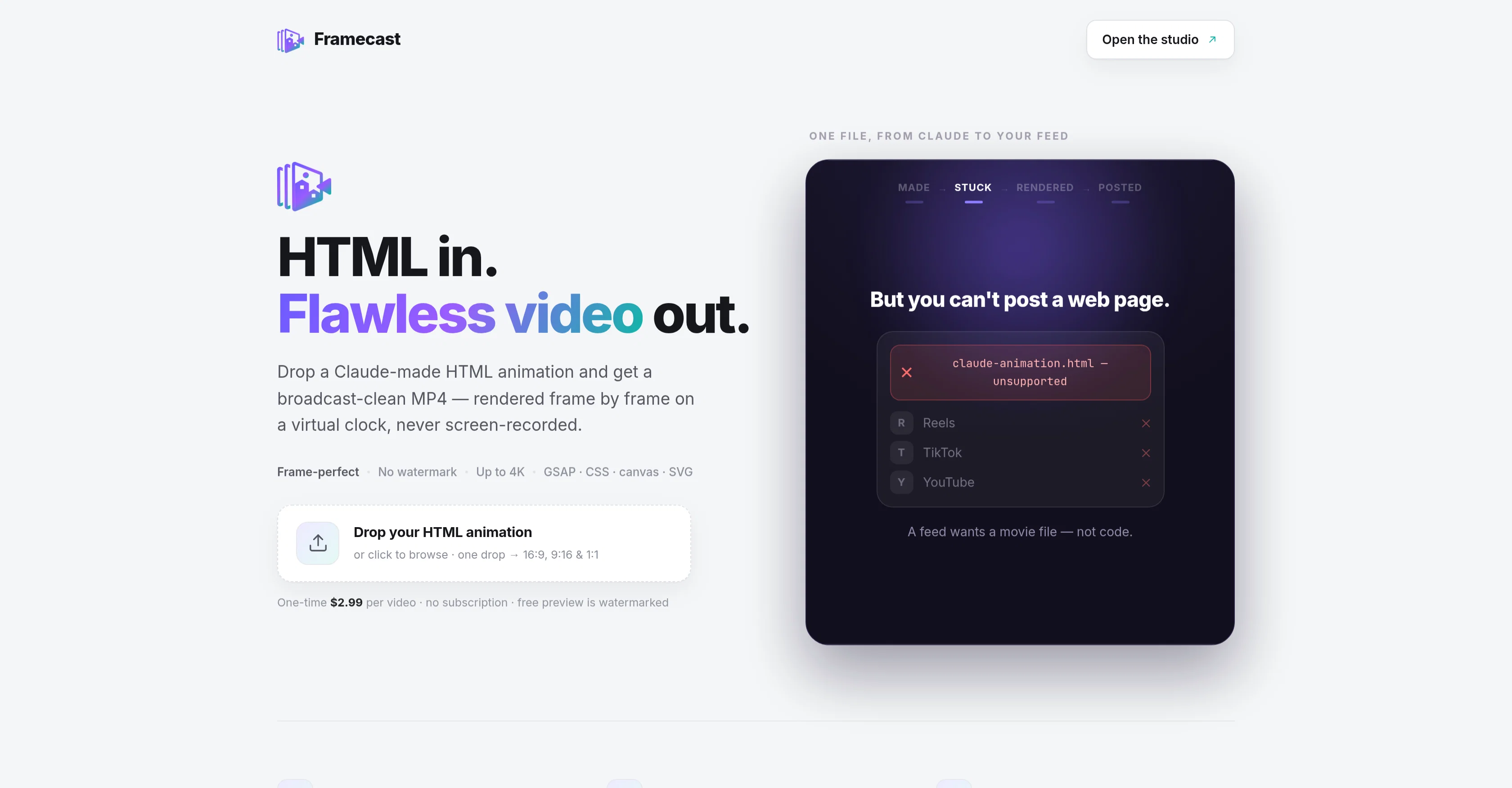
Framecast is a tool that transforms HTML animations into high-quality, watermark-free video in MP4 format. It is designed to render HTML animations created with Claude into broadcast-clean video, frame by frame on a virtual clock.
This ensures flawless video output, without any recording, consequently eliminating potential issues such as dropped frames or tearing. The available output resolution can go up to 4K, and it ensures that all elements, such as CSS, GSAP, canvas, and SVG, are precisely represented in the output video.
The tool is capable of producing videos in 16:9, 9:16, and 1:1 aspect ratios from a single HTML file, making it easy to post the resulting video on a multitude of platforms such as YouTube, TikTok, and Reels.
It does not require a subscription, but charges per video conversion with a free preview feature that includes a watermark. This tool is essentially designed to serve as a render engine rather than a real-time recorder, allowing for deterministic, frame-perfect capturing.
Access & connections
Where you can use Framecast.
Platforms
Capabilities
What this tool accepts, produces, and is strongest at.
Input
- Code
Output
- Video
Supported features
- Video Generation
- Video Edit
- SVG
Pros & cons
Pros
- Transforms HTML animations
- Produces high-quality video
- Watermark-free output
- MP4 format output
- Frame-by-frame capturing
- Eliminates dropped frames
- Avoids screen tearing
- Up to 4K resolution
Show 10 more
- Precise representation of elements
- Supports CSS, GSAP, canvas, SVG
- Multiple aspect ratios
- Compatible with video platforms
- Single HTML file conversion
- No subscription required
- Charges per conversion
- Free watermarked preview
- Engine renders, not records
- Deterministic, frame-perfect capturing
Cons
- No real-time recording
- Charges per video conversion
- Only for Claude-made HTML
- No subscription model
- No support for other formats
- Only three aspect ratios
- No audio support
- No custom resolution
Show 2 more
- Limited to HTML animations
- No simultaneous multi-conversion
Compare alternatives
Similar tools in the catalog — with a clear reason to open each one.

Scrollsequence ✓
FreemiumBuild immersive scroll-driven digital experiences.
Why look Offers a public API
Full comparison

Releases 1
FAQ 12
What is Framecast?
How does Framecast transform HTML animations into video?
Does Framecast add any watermark to the videos?
What video format does Framecast output?
Can Framecast handle CSS, GSAP, canvas, and SVG in HTML animations?
What maximum resolution can Framecast output?
What aspect ratios can Framecast produce?
Can Framecast convert a single HTML file into different aspect ratios?
Can I directly post videos converted by Framecast on platforms like YouTube, TikTok, and Reels?
Do I need a subscription for Framecast?
Is there a charge for using Framecast?
Does Framecast offer a free preview option?
Related tools
Recommended

Pounce ✓
Free TrialGet real followers and engagement in minutes.

Reply ✓
Free TrialGenerate leads, convert website traffic, or hire sales AI SDRs.

Bloome ✓
FreemiumThe group chat where AI agents get things done.

MagicSlides.app AI PPT Maker ✓
FreemiumCreate Stunning PPTs in Seconds with the AI PPT Maker

GetLogit ✓
FreemiumArtificial intelligence, available for everyone.

Thea ✓
FreemiumAI study tools to master material, not just memorize it.