

Email writing 2026 Rank: #1779
ForthWrite ✓
AI email writer that sounds like you.
Verdict
A quick read before you dig into the full page.
- Best if
- AI email writer that sounds like you
- Skip if
- Limited weekly drafts on free plan
- Pick this when
- Learns your writing style
Considering Ellie - Your AI Email Assistant instead? Compare side by side
Overview

How it works
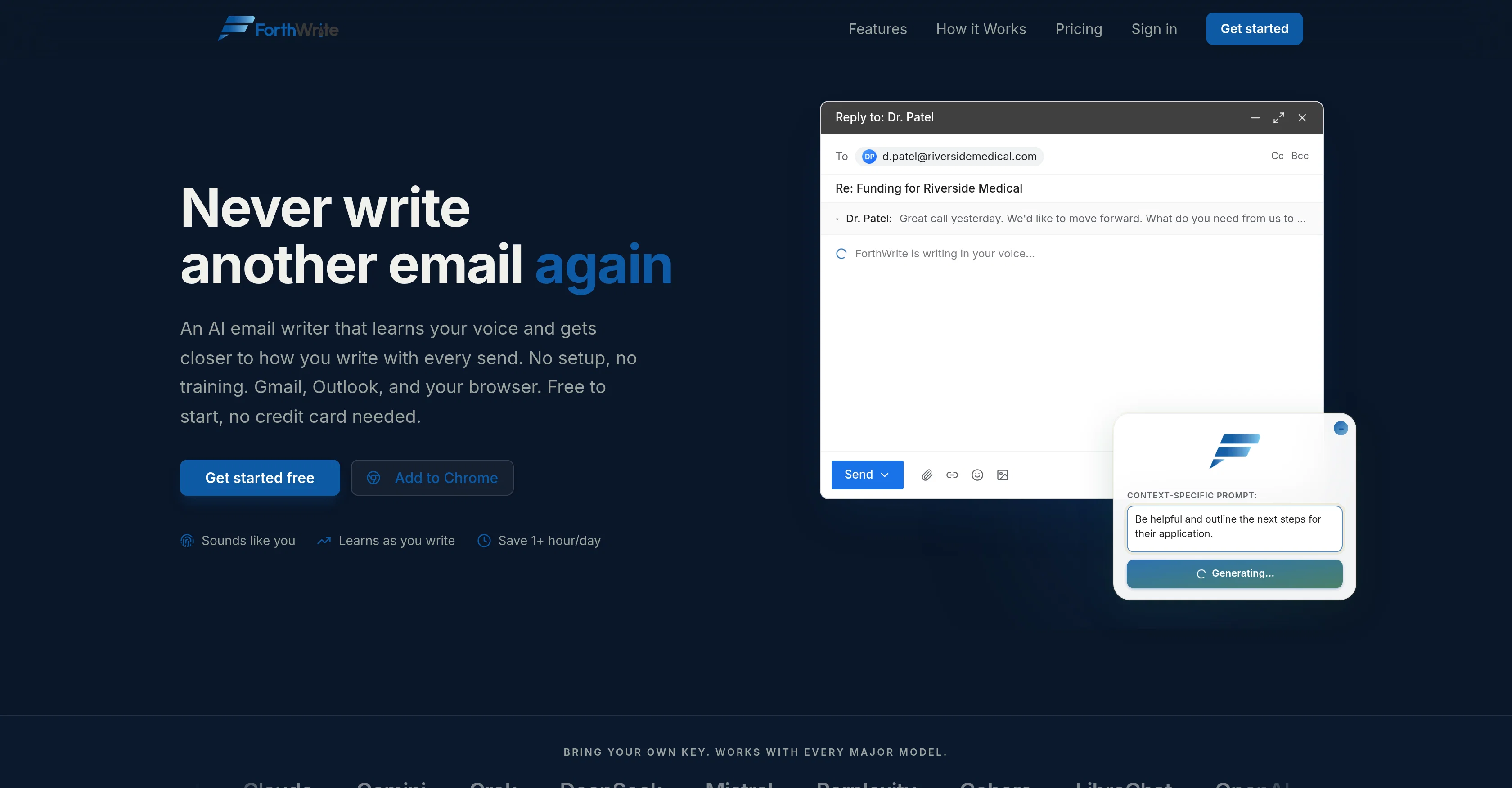
ForthWrite captures your tone, sentence rhythm, and sign-offs from your actual sent emails, then uses that profile to generate drafts that match how you write, not a generic AI voice. Every draft you edit or send improves the model over time.
Key features
- Auto-draft: replies waiting in Gmail before you open your inbox
- Voice matching from your real sent mail, not templates
- Recipient-aware drafts that adapt to who you are emailing
- Prompt Lab for version-controlling and A/B testing your persona prompt
- BYOK support: bring your own API key for Claude, OpenAI, Grok, Mistral, and more
- Works in Gmail and Outlook on the web, plus a standalone browser widget
- Training data export and full data portability
Start a 30-Day Free Pro Trial (no code needed, just follow the link):
https://www.forthwrite.ai/redeem/TAAFT30
Access & connections
Where you can use ForthWrite, and what it plugs into.
Platforms
Capabilities
What this tool accepts, produces, and is strongest at.
Input
- Text
Output
- Text
Highlights
- API
Supported features
- API
Pros & cons
Pros
- Learns your writing style
- Saves significant email time
- Supports multiple AI models
- No training setup required
- Voice accuracy improves over time as more sent emails are collected
- Batch-draft entire inbox with one click
- Auto-drafts incoming emails
- Context-aware thread understanding
Show 3 more
- Can bring your own API for a discount
- Detailed performance analytics
- Free plan available
Cons
- Limited to Gmail, Outlook
- Model is pre-selected based on tier unless you provide your own API key
- Data Wiping may lose personalization
- Limited weekly drafts on free plan
- Dependence on Chrome/Microsoft Marketplace for extension
Compare alternatives
Similar tools in the catalog — with a clear reason to open each one.

Ellie - Your AI Email Assistant ✓
FreemiumEllie, your AI for crafting personalized email replies.
Free + from $19/mo
Full comparison
Jetwriter AI ✓
FreemiumWrite better and faster on any site with your personal AI.
Free + from $12/mo
Full comparison
AImReply ✓
FreemiumImproved email productivity, streamlined communication.
Why look Typically cheaper
Full comparison
WriteMail.ai ✓
FreemiumWriteMail.ai: Generate Perfect Emails in Seconds with AI Email Writer
Free + from $11.95/mo
Full comparison
InboxPro ✓
FreemiumStreamline client acquisition with AI-powered email tools.
Why look Typically cheaper
Full comparison
Releases 1
Imported reviews 3
Sounding like you is the right goal, and the giveaway is usually structure rather than vocabulary - people write shorter openings and messier sentences than any model does by default. How many of your own emails does it need before the voice holds up, and does it learn from replies that actually worked or from everything in the sent folder?
Truth and honest is very important in a relationship
I've tried a lot of AI email tools and they all produce the same generic output. ForthWrite is different because it actually learns from the gap between what it drafts and what I end up sending. After a few weeks the drafts need almost no editing. Works right inside Gmail via the Chrome extension, so there's no new app to learn. The 60-day guarantee made it easy to commit. Highly recommend for anyone who sends a high volume of professional email.
FAQ 12
What is ForthWrite and how does it work?
What type of AI models does ForthWrite use?
What is the 'Voice Match' feature in ForthWrite?
Can ForthWrite be used with email platforms like Gmail and Outlook?
What is the 'Prompt Lab' feature in ForthWrite?
How does ForthWrite handle data privacy?
What is the 'Bring Your Own Key' principle that ForthWrite operates on?
How does one manage prompts in ForthWrite?
What does ForthWrite mean by 'a unique training set is created for each user'?
How can I export my data from ForthWrite?
Does ForthWrite require any setup or training?
How does ForthWrite emulate my writing style?
Related tools
Recommended

Kick ✓
FreemiumAccounting software that does the work for you

Fix My Resume ✓
FreeAnalysis of resumes for job optimization.

Macky ✓
FreemiumAI-executed, consultant-certified engagements for SMEs.

AI Aware ✓
Free TrialDetect AI-generated content across text, video, images and audio.

HappySeeds ✓
FreemiumTurn ideas into AI-powered apps instantly.

MiDash AI ✓
FreemiumInvest naturally with conversational AI.