

Verdict
A quick read before you dig into the full page.
- Best if
- The AI database GUI for Mac
- Skip if
- Only supports macOS
- Pick this when
- Native macOS database client
Considering Text2SQL.ai instead? Compare side by side
Overview

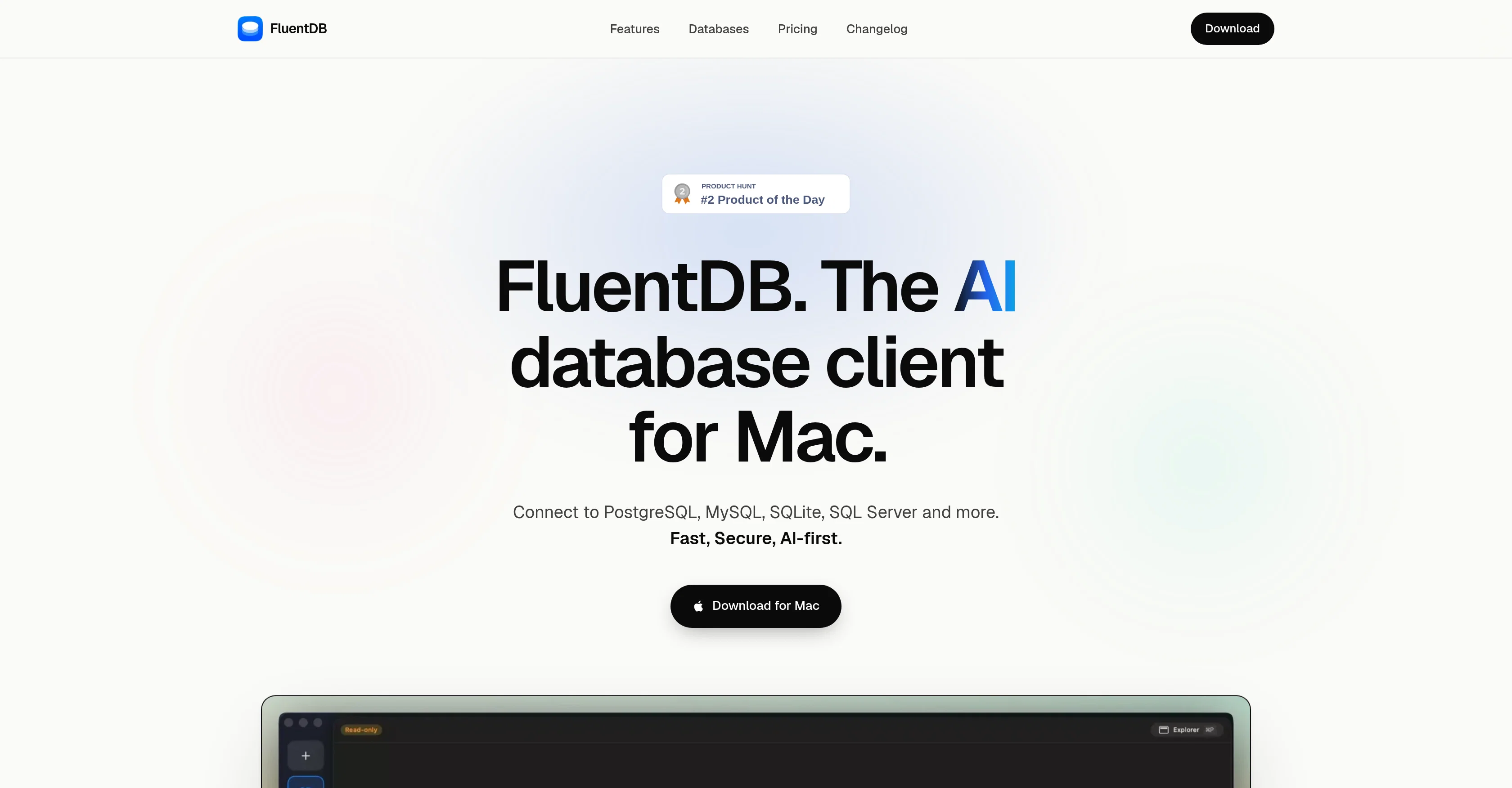
It supports PostgreSQL, MySQL, SQLite, Redis and more.
Built for speed, simplicity, and security, it works with Anthropic and OpenAI using your own API keys or Claude Code/Codex subscriptions, and with local models via Ollama.
Your data never leaves your machine without your approval: models see your schema, not your data, and every AI-generated SQL query requires approval by default.
- Mysql Ai Client
- Postgresql Ai Client
- Redis Ai Client
- Talk To Your Database
Access & connections
Where you can use FluentDB, and what it plugs into.
Platforms
Integrations
Capabilities
What this tool accepts, produces, and is strongest at.
Input
- API
- Code
- Tabular
- Text
Output
- Code
- Tabular
- API
- Text
Highlights
- SOTA
- Agents
- MCP
- No Signup
- Local
- Use code TAAFT
- 30% OFF
Supported features
- Agents
- MCP
- No Signup
- Runs Locally
- SQL
Models
Text
Image
Video
Coding
Pros & cons
Pros
- Native macOS database client
- Supports multiple databases
- Plain English to SQL functionality
- Insightful SQL query explanation
- Reliable data misuse prevention
- Access restricted to schema
- Secure with MacOS Keychain
- No cloud-stored personal credentials
Show 15 more
- MCP connection management feature
- Flexible model connection support
- Query layout on custom board
- Chart and table query visualization
- Local or trusted provider model support
- Data exploration and SQL editor
- Schema-aware autocomplete in SQL editor
- Smooth table or view browsing
- High-speed browsing for large tables
- Support for numerous databases in-progress
- One-time purchase, no subscription
- 14-day satisfaction guarantee
- Optional lifetime-updates license
- Built natively for Apple Silicon
- Doesn't peek at row data
Cons
- Only supports macOS
- No free trial offered
- No Linux or Windows support
- Only single-time purchase
- Cannot store credentials on cloud
Compare alternatives
Similar tools in the catalog — with a clear reason to open each one.

Text2SQL.ai ✓
Free TrialGenerate SQL queries from natural language with AI
Why look Typically cheaper
Full comparison
AI2SQL ✓
Free TrialBuild SQL queries effortlessly with AI assistance.
Why look Typically cheaper
Full comparison
SQLAI.ai ✓
Free TrialBuild SQL queries instantly with AI
Why look Typically cheaper
Full comparison
AI Query ✓
FreemiumGenerate error-free SQL queries from English prompts.
Why look Freemium alternative
Full comparison
BlazeSQL ✓
Free TrialAI-powered SQL query generator for effortless database queries.
Why look Higher community rating
Full comparisonReleases 1
FAQ 12
What is FluentDB?
What makes FluentDB unique as a macOS database client?
Which databases can FluentDB connect to?
What is the AI co-pilot feature in FluentDB?
Can I trust FluentDB with my data security?
How does the Query Generation in English language work in FluentDB?
What is the MCP feature in FluentDB and how does it work?
How can I connect my own AI agent to FluentDB?
What does FluentDB mean by connecting the model of my choice?
What is the custom board feature in FluentDB?
Can FluentDB read my row data or just the schema?
Where are my connections and credentials stored in FluentDB?
Related tools
Recommended

Notis ✓
Free TrialThe first WhatsApp assistant that runs on your ChatGPT and Claude subscriptions

ThumbnailCreator.com ✓
Free TrialCreate eye-catching YouTube thumbnails in seconds.

Supernormal App ✓
FreemiumThe AI assistant app that turns meetings into completed work

agenthost.space ✓
FreemiumYour AI agents keep working. You stay in control.

HappySeeds ✓
FreemiumTurn ideas into AI-powered apps instantly.

VidFlux - Image to Video AI ✓
PaidTransform any image into stunning videos.