

Patent drawings 2026 Rank: #2588
PatentFig AI ✓
Generate USPTO-compliant patent figures from photos or sketches with AI.
Verdict
A quick read before you dig into the full page.
- Best if
- Generate USPTO-compliant patent figures from photos or sketches with AI
- Skip if
- Input limited to text/images
- Pick this when
- USPTO-compliant figures
Considering PatentDraw instead? Compare side by side
Overview
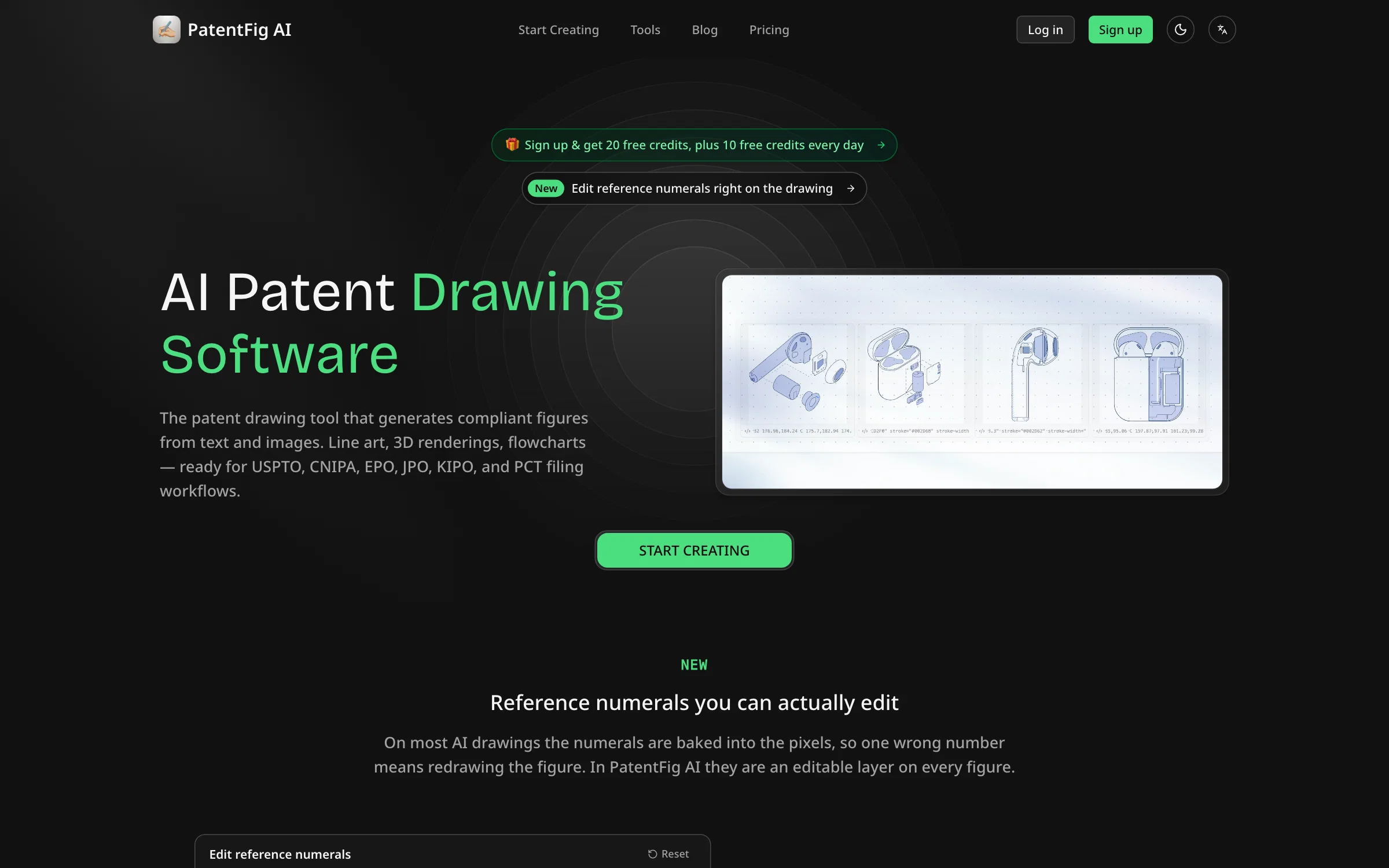
PatentFig AI is a tool aimed at generating USPTO-compliant patent figures from photos or sketches using artificial intelligence. Trusted by IP attorneys, this tool can generate compliant figures from text and images, including line art, 3D renderings, and flowcharts.
The platform is designed to support filing workflows for USPTO, CNIPA, EPO, JPO, KIPO, and PCT. With its AI-native patent drawing software, users can generate, refine, check, and even export filing-ready figures.
It offers a pre-filing figure compliance check feature to review DPI, margins, line clarity, and reference numerals and helps users to compare workflows of different patent offices.
The software has a user-friendly interface, allowing users to describe or upload sketch, choose view angles, and export ready-to-use files for filing.
The tool also allows users to generate clean, labeled line drawings from product photos or 3D models. Features designed for workflow include Chat-to-Modify, Multi-Modal Input, Version Control, Professional Export, Project Management, and Multi-Office Support.
The tool brings together the ability for patent professionals to edit figures using natural language commands, upload various types of reference materials, create new versions for edits, export in various formats, organize figures by patent application and switch between different formatting workflows.
Access & connections
Where you can use PatentFig AI.
Platforms
Capabilities
What this tool accepts, produces, and is strongest at.
Input
- 3D
- Image
- Text
Output
- Image
Supported features
- Image Generation
- Image Edit
- 3D Generation
- Visual Creation
Pros & cons
Pros
- USPTO-compliant figures
- Multi-office support
- Automated 3D renderings
- Multi-View flowcharts
- Block diagrams
- Generates line art
- Translates images to text
- Project Management tools
Show 39 more
- Professional Export
- Version Control
- Understands image and text inputs
- Natural language modification commands
- Pre-filing compliance checks
- Workflow adjustability
- Automated reference numerals, leader lines
- Interface tracks figure sets, versions
- Clean, labelled line drawings
- Multi-modal input
- Chat-to-Modify feature
- PDF, PNG, SVG, TIFF exports
- Automated drawing from photos, sketches
- Workflow comparison across patent offices
- Office-compliant formatting workflows
- User-friendly interface
- View angle selection
- Errors reduction in preparation
- Both individual and organization suitability
- Free Trial availability
- Trusted by IP attorneys
- Supports multiple patent office protocols
- Prevents avoidable back-and-forth
- Customizable figure sets
- Ability to turn photos into drafts
- Shortens path from sketch to structure
- Standardizes figure packages
- Faster drafting iterations
- Consistency across views
- Correct DPI and margins
- Line clarity checks
- Reference numeral checks
- Large figure-set review
- High-frequency drafting ready
- Multi-pipeline production
- Portfolio-level consistency
- Largest iteration headroom
- Organization-wide workflow
- Team-scale continuous generation
Cons
- Limited file export formats
- No collaborative features
- Tiered pricing restrictive
- Limited to standard workflows
- No integrations with CAD tools
- No advanced editing tools
- Only supports specified patent offices
- Input limited to text/images
Show 1 more
- Requires multiple versions for edits
Compare alternatives
Similar tools in the catalog — with a clear reason to open each one.


PatentSolve ✓
Free TrialTurn 4-hour patent responses into 15-minute reviews.
Free + from $75/mo
Full comparison
PaperFig ✓
FreemiumAI scientific figures with editable labels, built-in OCR, and 4K
Free + from $120/yr
Full comparison
FigPad ✓
Free TrialTurn your idea into a polished scientific figure
Why look Typically cheaper
Full comparison
PaperPlot ✓
PaidGenerate publication-ready scientific diagrams from text.
Why look Typically cheaper
Full comparison
ManualFig ✓
FreemiumTurn product photos into instruction manual illustrations.
Why look Typically cheaper
Full comparisonReleases 1
FAQ 12
How does PatentFig AI generate patent figures?
Can PatentFig AI convert photos into patent-compliant drawings?
Can PatentFig AI generate different views of a product?
What is the 3D Rendering and Multi-View Flowchart functionality?
How does PatentFig AI handle line art generation?
How does the software add reference numerals and leader lines?
Can I modify figures using natural language commands in PatentFig AI?
What file formats can PatentFig AI work with?
What export options does PatentFig AI offer?
Does PatentFig AI provide tools to manage projects?
How does PatentFig AI ensure compliance with patent office protocols?
Is PatentFig AI suitable for professional organizations?
Related tools
Recommended

MagicSlides.app AI PPT Maker ✓
FreemiumCreate Stunning PPTs in Seconds with the AI PPT Maker

Notis ✓
Free TrialThe first WhatsApp assistant that runs on your ChatGPT and Claude subscriptions

remio: Your Personal ChatGPT ✓
FreemiumGet Tailored Answer with Your Personal ChatGPT

MarketAlerts.ai ✓
FreemiumInvest smarter with AI on your side

WebZum ✓
Free TrialSite, Google ad, and a 15-second video ad. Five minutes.

CatDoes ✓
Free TrialAI agent that builds anything you describe.