

Dezyn ✓
Turn architectural diagrams into interactive experiences.
From $9.99 / month
Verdict
A quick read before you dig into the full page.
- Best if
- Turn architectural diagrams into interactive experiences
- Skip if
- Limited compatibility with varied design formats
- Pick this when
- Transforms diagrams to interactive experiences
Considering Flowova AI instead? Compare side by side
Overview
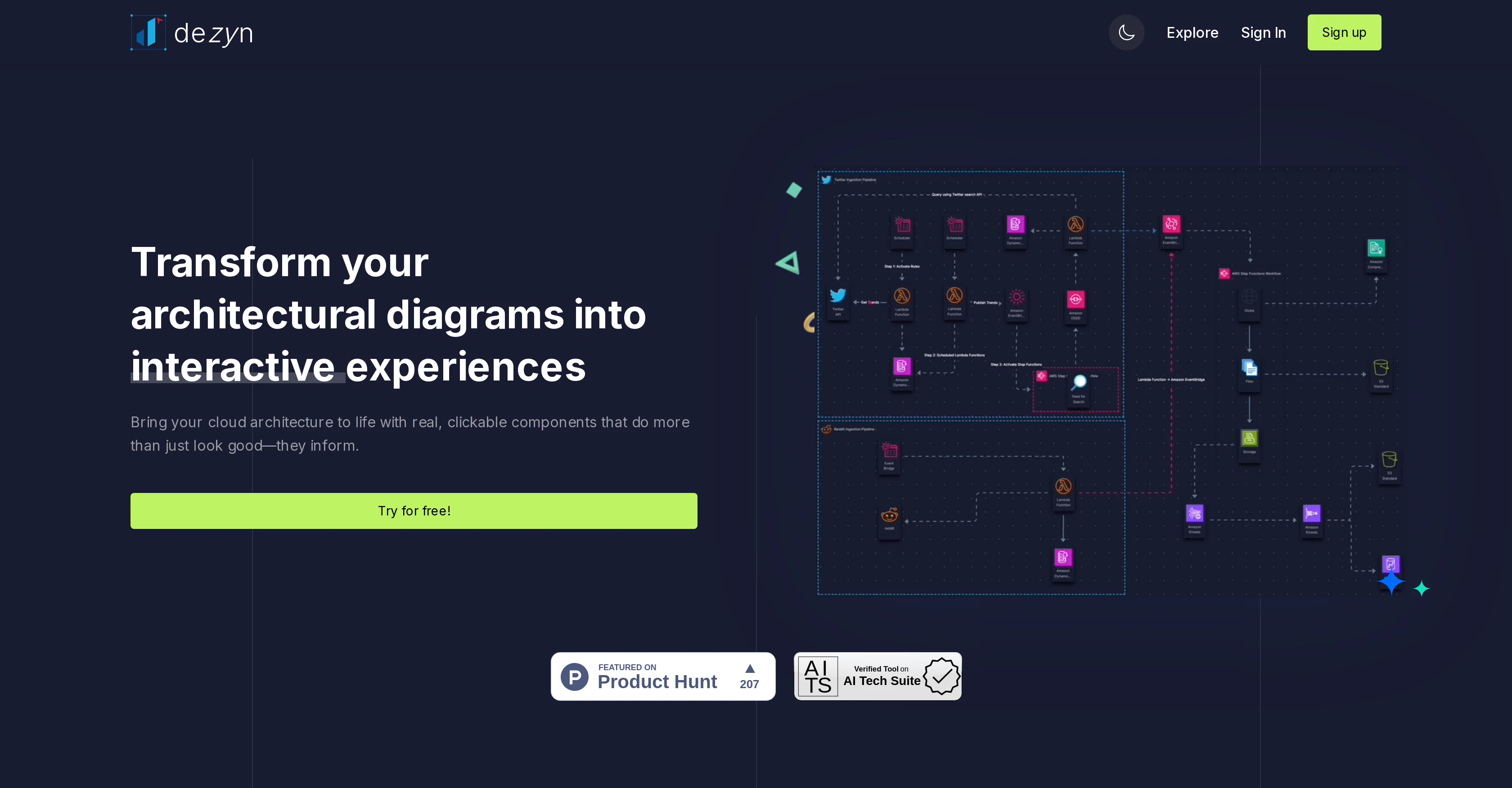
Dezyn is an innovative tool geared towards architects, engineers, and designers, primarily utilized to transform architectural diagrams into interactive experiences.
The core function of Dezyn is to facilitate an immersive experience of architectural visualization, granting users the capability to navigate and interact with design plans in a dynamic and user-friendly interface.
This interactive aspect helps in fostering a better understanding and appreciation of the designs and can potentially aid decision-making processes in design-related projects.
As a tool, Dezyn goes beyond being merely a design illustrator, bridging the gap between concept and reality by providing a more tangible and interactive interpretation of otherwise static architectural diagrams.
This integration of interactivity is especially valuable in collaborative initiatives, increasing engagement and improving communication within project teams.
Users of Dezyn can expect to have a more comprehensive grasp of design intricacies, owing to the tool's ability to transform architectural diagrams into holistic, interactive experiences.
Access & connections
Where you can use Dezyn.
Platforms
Capabilities
What this tool accepts, produces, and is strongest at.
Input
- Image
Output
- AR/VR
Pros & cons
Pros
- Transforms diagrams to interactive experiences
- Facilitates immersive architectural visualization
- User-friendly interaction with designs
- Aids decision-making in design
- Enhances understanding of designs
- Bridges gap between concept/reality
- Increases project team engagement
- Improves project team communication
Show 4 more
- Comprehensive grasp of design intricacies
- Dynamic visualization of designs
- Enhanced design appreciation
- Interactive design collaboration tool
Cons
- Limited to architectural diagrams
- Not suitable for non-designers
- Requires understanding of diagrams
- Difficult for large projects
- May not support all diagram types
- Potential complexity in usage
- Lack on integration with other tools
- No offline working mode
Show 2 more
- Lacks collaboration across different disciplines
- Limited compatibility with varied design formats
Compare alternatives
Similar tools in the catalog — with a clear reason to open each one.

Flowova AI ✓
FreemiumTurn text, images & docs into professional flowcharts in seconds
Why look Typically cheaper
Full comparison
DiagramMatic ✓
FreeConvierte descripciones en diagramas Mermaid con precisin lingstica.
Free
Full comparison
Flowsage ✓
FreemiumEffortless AI-powered flowcharting for your ideas.
Why look Higher community rating
Full comparison
Flowchart AI ✓
FreemiumTurn text or images into editable flowcharts instantly.
Why look Typically cheaper
Full comparison
ChatFlowchart ✓
FreemiumTurn text, images & PDFs into editable diagrams.
Free + from $9.99/mo
Full comparisonReleases 1
FAQ 12
What is the primary use of Dezyn?
How does Dezyn transform architectural diagrams into interactive experiences?
Who is Dezyn primarily aimed at?
In what ways does Dezyn facilitate an immersive experience of architectural visualization?
How does Dezyn improve understanding and appreciation of designs?
How can Dezyn aid decision-making processes in design-related projects?
How does Dezyn bridge the gap between concept and reality in architectural design?
How can Dezyn contribute to collaborative initiatives?
How does Dezyn increase engagement within project teams?
How does Dezyn offer a tangible and interactive interpretation of static architectural diagrams?
How does Dezyn improve communication within project teams?
What benefits can users of Dezyn expect?
Related tools
Recommended

Stunning ✓
PaidBuild AI-powered websites in seconds

Hyperis ✓
FreemiumOrganized task prioritization.

Transcript LOL ✓
FreemiumUnlimited transcripts, summaries, 99.8% accuracy, speaker recognition, superfast

Taplio ✓
FreemiumThe LinkedIn growth tool to turn content into pipeline

Venturekit ✓
PaidGenerate comprehensive AI business plans instantly

FounderPal ✓
Free TrialGenerate a perfect marketing strategy in 5 minutes