

Flo ✓
Catch and solve errors automatically in your code.
Verdict
A quick read before you dig into the full page.
- Best if
- Catch and solve errors automatically in your code
- Skip if
- Limited to command-line interface
- Pick this when
- Scans entire codebase
Considering HelpMoji instead? Compare side by side
Overview
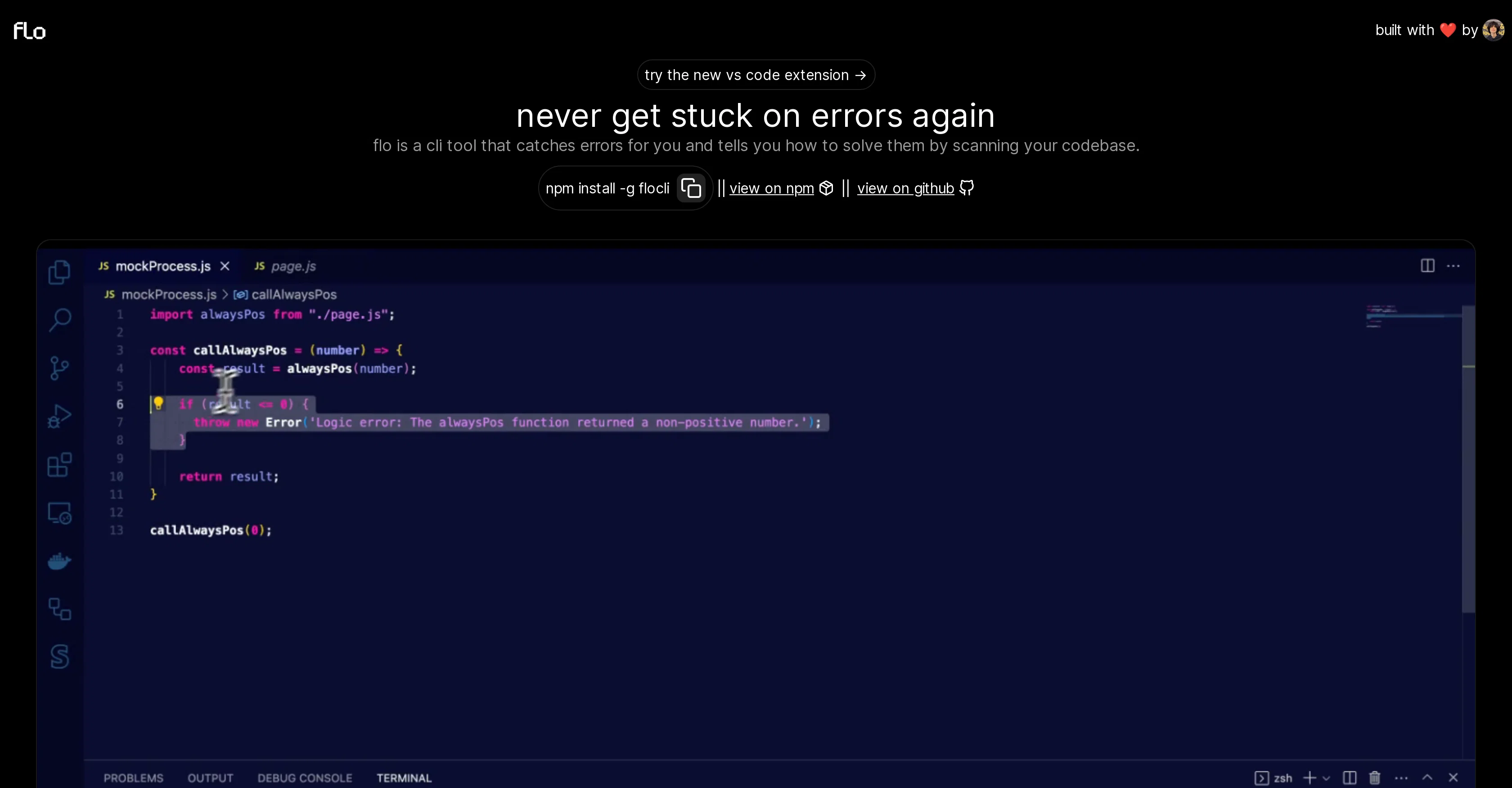
flo is a command-line interface (CLI) tool designed to aid developers by catching programming errors. Once identified, it provides insights on how to resolve these issues, effectively minimizing the time spent on troubleshooting.
It operates by scanning the user's codebase, thereby ensuring coding errors are flagged and solutions are generated almost instantaneously. In today's fast-paced tech environment, flo positions itself as a must-have tool for developers seeking to increase their productivity levels while ensuring their code's quality remains top-notch.
On a practicality note, flo is conveniently integrated into VS Code with a new extension, making the tool that much accessible to a broader range of developers.
For installation, the tool is available on npm as 'flocli', allowing for easy integration into development workflows. Additionally, the code can be viewed on github, encouraging community contributions to the tool's evolution.
Designed intuitively and objectively, flo positions itself not just as a tool but as a partner in navigating the at-times complex world of software development.
Access & connections
Where you can use Flo, and what it plugs into.
Platforms
Capabilities
What this tool accepts, produces, and is strongest at.
Input
- Code
Output
- Text
Pros & cons
Pros
- CLI tool
- Scans entire codebase
- Detects coding errors
- Provides error solutions
- Automates error detection
- Easily accessible
- Installed via npm
- Offers code suggestions
Show 16 more
- Saves developer time
- Open-source tool
- Community enhancements
- User-centric approach
- Enhances code reliability
- Increases developer productivity
- VS Code extension
- Available on Github
- Empowers efficient coding
- Minimizes troubleshooting time
- Conveniently integrated tool
- Increases code quality
- Code available for viewing
- Encourages community contribution
- Intuitively designed tool
- Flagging of coding errors
Cons
- Limited to command-line interface
- Dependent on npm for installation
- Specific to VS Code extension
- Open-source may lack consistency
- May miss rare coding errors
- Reliance on community contributions
- Potential bias in error-solving suggestions
- No demonstrated support for IDEs
Show 2 more
- No multi-language support mentioned
- Lacks in-depth functionality description
Compare alternatives
Similar tools in the catalog — with a clear reason to open each one.


DebugPT ✓
PaidYour personal AI debugger for perfect code.
Why look Better fit for coding
Full comparison

Metabob ✓
FreemiumAI-powered code review for improved security
Why look Better fit for coding
Full comparison

CodeAnt AI ✓
Free TrialAI to detect & auto-fix bad code
Why look Better fit for coding
Full comparisonReleases 1
FAQ 12
What is flo?
How does flo work to prevent coding errors?
How does flo enhance a user's coding experience?
What steps are needed to install flo?
What makes flo a significant tool for developers?
Does the open-source nature of flo allow for public contribution?
How does flo allow developers to build more reliable and efficient software?
In what ways does flo streamline the coding process?
How does flo integrate into my current development workflow?
Can flo be used alongside other tools like VS Code?
How does flo identify coding errors?
What happens after flo identifies an error in my code?
Related tools
Recommended

Stunning ✓
PaidBuild AI-powered websites in seconds

VenturusAI ✓
FreemiumBusiness idea analysis and reporting.

Programming Helper ✓
UnknownGenerate code from text descriptions instantly.

Codeium ✓
FreemiumAI-powered code completion for 20+ languages

TutorAI ✓
FreemiumInstant knowledge on any topic

What-A-Prompt ✓
FreeSupercharge your ChatGPT prompts for better results.