

Jam ✓
Debug faster with AI assistance
Free + from $12 / month
Verdict
A quick read before you dig into the full page.
- Best if
- Debug faster with AI assistance
- Skip if
- Limited cross-platform compatibility
- Pick this when
- Free Chrome extension
Considering HelpMoji instead? Compare side by side
Overview
Jam is an AI debugging assistant that helps developers streamline their bug-fixing process by providing AI-driven diagnosis and code fix suggestions. With over 25,000 users, Jam offers a free Chrome extension that integrates with the user's bug reporting workflow by analyzing bug reports and providing suggestions for code updates.
The AI model is adaptive and improves over time, providing better fix suggestions based on learning algorithms and user queries. The tool offers secure code review and ensures codebase privacy throughout the debugging process.
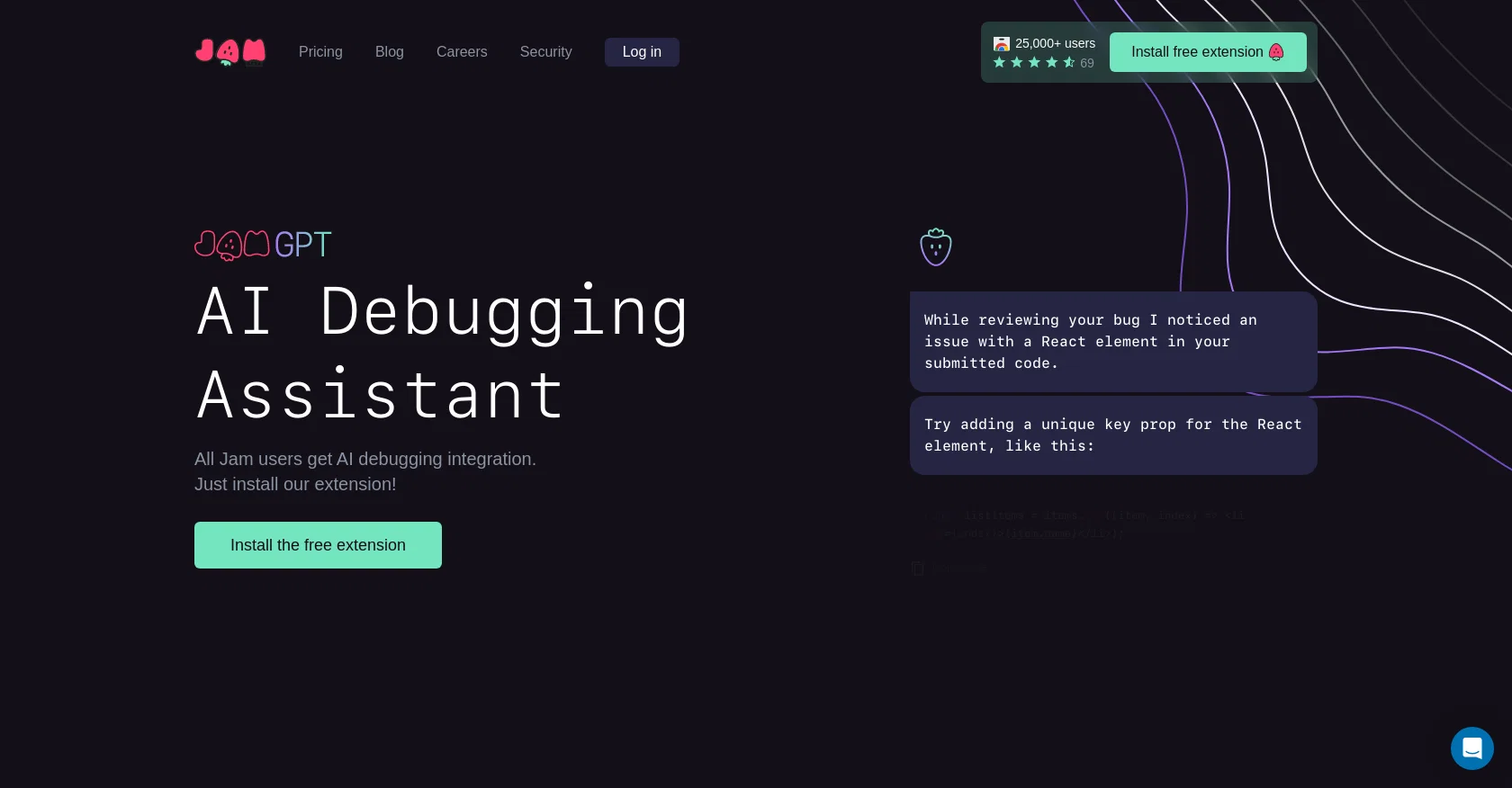
In addition to providing automated source code analysis, Jam offers personalized suggestions for fixing a specific bug. For example, it may suggest adding a unique key prop for a React element or modifying queries to request user-specific data with the provided ID.
Jam gathers various user data, including browser/OS info, console logs, user actions, network logs, and Github repos. With Jam, teams can get input from an AI and check in on the conversation, improving the cross-team collaboration.Overall, Jam helps developers debug faster by providing personalized solutions and AI-driven assistance.
Its adaptive algorithms improve over time, offering better suggestions for code updates that save developers time and enhance their overall debugging experience.
Access & connections
Where you can use Jam, and what it plugs into.
Platforms
Capabilities
What this tool accepts, produces, and is strongest at.
Input
- Code
- Tabular
Output
- Code
Pros & cons
Pros
- Free Chrome extension
- Adaptive learning algorithms
- Secure code review
- Codebase privacy
- Automated source code analysis
- Personalized bug fix suggestions
- User data utilization
- Cross-team collaboration facilitation
Show 10 more
- Integration with bug reporting workflow
- Enhanced debugging efficiency
- Over 25,000 users
- Understanding of various coding languages
- User action log analysis
- Network log inspection
- Github repo usability
- Suggests code enhancements
- Streamlined debugging process
- Real-time assistance
Cons
- Only for Chrome extension
- Dependent on user queries
- Need frequent use for improvement
- Limited to browser/OS info
- Github repos required
- No app version
- Works only with specified infrastructures
- Potential privacy concerns with data gathering
Show 2 more
- Requires user actions for analysis
- Limited cross-platform compatibility
Compare alternatives
Similar tools in the catalog — with a clear reason to open each one.

HelpMoji ✓
FreeWhen tech support can’t answer your questions, they come to us
Why look Fully free option
Full comparison
DebugPT ✓
PaidYour personal AI debugger for perfect code.
Why look Better fit for coding
Full comparison

Flo ✓
FreeCatch and solve errors automatically in your code.
Why look Fully free option
Full comparison
Metabob ✓
FreemiumAI-powered code review for improved security
Why look Better fit for coding
Full comparison
CodeAnt AI ✓
Free TrialAI to detect & auto-fix bad code
Why look Better fit for coding
Full comparisonReleases 1
FAQ 12
What is Jam?
How does Jam assist with debugging?
How does Jam integrate with my current bug reporting workflow?
What data does Jam gather for debugging?
Can Jam provide personalized suggestions for bug fixes?
Does the AI model of Jam improve over time?
How does Jam ensure codebase privacy and security?
Do I need a Chrome extension for Jam? How do I install it?
Can I use Jam with React?
What kind of bug reports can I submit to Jam?
How does Jam help in cross-team collaborations?
How does Jam communicate its debugging findings to the user?
Related tools
Recommended

Stunning ✓
PaidBuild AI-powered websites in seconds

Gitwit ✓
FreeCreate code from natural language prompts.

CodeThreat ✓
FreemiumCode analysis detects vulnerabilities.

Agentgpt ✓
FreemiumDeploy autonomous AI Agents effortlessly in your browser.

Codeium ✓
FreemiumAI-powered code completion for 20+ languages

DocuWriter.ai ✓
Free TrialAutomated AI-powered tools to generate Code & Api documentation from your source