

Video editing 2026 Rank: #1994
Flixier AI Video Editor ✓
Free browser video editor with AI. Edit, subtitle and export in minutes.
Verdict
A quick read before you dig into the full page.
- Best if
- Free browser video editor with AI. Edit, subtitle and export in minutes
- Skip if
- Potential learning curve
- Pick this when
- Eva handles the first cut from a transcript, not just raw generation
Considering CapCut Online Creative Suite instead? Compare side by side
Overview






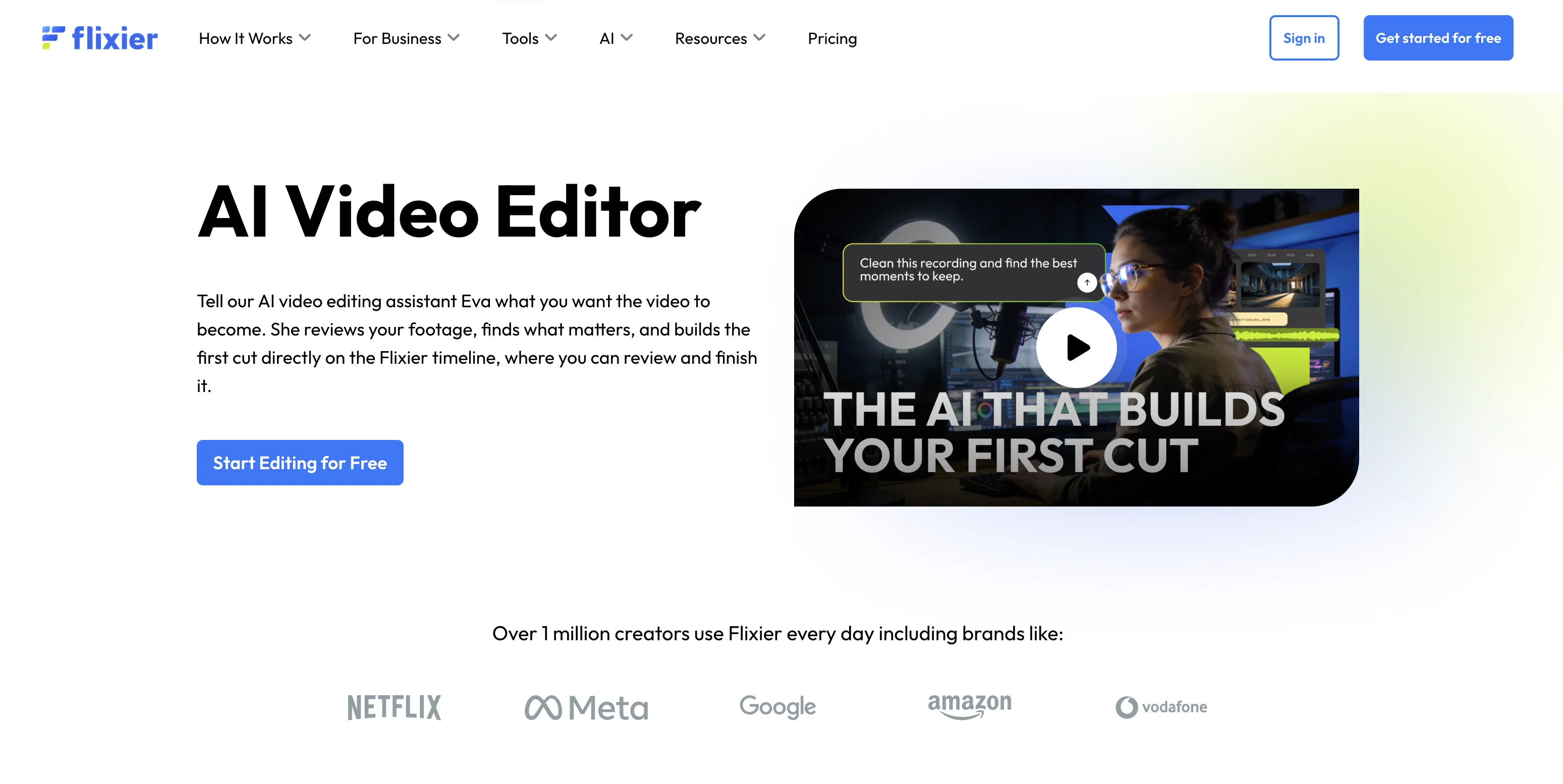
Eva, Flixier's AI editing assistant, handles the first cut and can take it all the way to a finished video. Tell her what it needs to be. She reads the transcript, makes the editorial calls, trims and sequences, adds captions and voiceovers, enhances audio and visuals, and prepares it for publishing. Jump in and refine at any point, or let her run the whole edit.
Because rendering runs in the cloud, performance doesn't depend on hardware. Teams can collaborate on shared projects, leave comments directly on the timeline, and publish without managing versions or file transfers.
Creators and teams use Flixier to make product demos, onboarding and training videos, lessons, and social content where speed matters and videos still need to feel finished and ready to share.
- Ai Sound Generator
- Ai Video Generator
- Ai Text Editor
- Ai Thumbnail Generator
- Ai Audio Enhancer
- Ai Video Enhancer
- Ai Video Transcription
- Ai Text-to-video
- Ai Text To Speech
Access & connections
Where you can use Flixier AI Video Editor, and what it plugs into.
Platforms
Integrations
Capabilities
What this tool accepts, produces, and is strongest at.
Input
- Text
- Image
- Audio
- Video
Output
- Text
- Image
- Audio
- Video
Highlights
- SOTA
Models
Image
Audio
Video
Pros & cons
Pros
- Eva handles the first cut from a transcript, not just raw generation
- Everything happens in one timeline, no exporting between tools
- Cloud rendering means no local hardware limits
- Built-in captions, voiceover, and audio/visual polish
- Real-time collaboration with timeline comments
- Transcript-based editing speeds up revisions
- Publish-ready output without a separate production pass
Cons
- Potential learning curve
- Possible watermarks on videos for free version
- Limited advanced editing options
Compare alternatives
Similar tools in the catalog — with a clear reason to open each one.

CapCut Online Creative Suite ✓
FreemiumUnleash creativity with CapCut's all-in-one online suite
Free + from $28.5/mo
Full comparison
ClipFinder ✓
FreemiumTurn hours of streams and VODs into viral clips automatically.
Why look Typically cheaper
Full comparison
Gling - AI Video Editing Software for YouTube ✓
FreemiumAI-powered video editing for YouTube creators.
Why look Typically cheaper
Full comparison
Captions ✓
PaidAI-powered creative studio for studio-grade videos.
Why look Typically cheaper
Full comparison

Releases 1
FAQ 12
What is Flixier AI Video Editor?
🛠️ 1
tool
wrote:
Flixier is a browser-based AI video editor for creators and teams who need to move from upload to publish without switching tools. Upload footage, record your screen or webcam, or generate visuals with AI, then shape everything inside one continuous timeline, with Eva, Flixier's AI editing assistant, handling as much or as little of the edit as you want.
What are the key features of Flixier AI Video Editor?
🛠️ 1
tool
wrote:
Flixier brings the full video workflow into one browser-based timeline: AI video generation, Eva (an AI editing assistant that works from your transcript), transcript-based editing, auto captions, AI voiceover generation, audio cleanup and enhancement, cloud rendering with no hardware limits, real-time team collaboration with timeline comments, and platform-ready instant export.
How does Flixier's AI automate video editing?
🛠️ 1
tool
wrote:
Eva reads the video's transcript and makes the editorial calls — trimming, sequencing, adding captions and voiceovers, enhancing audio and visuals — and can carry an edit from first cut through to something publish-ready. You can hand her the whole edit or take over and refine at any point.
What types of video effects can Flixier AI Video Editor create?
🛠️ 1
tool
wrote:
Flixier includes video upscaling, color grading, audio cleanup and enhancement, captions, and AI voiceover — all applied inside the same timeline rather than as separate post-production steps.
Does Flixier AI Video Editor have any features for multimedia content creation?
🛠️ 1
tool
wrote:
Yes, Flixier combines AI video generation, editing, captioning, voiceover, and audio/visual enhancement in one project, so a single upload or recording can become a fully produced piece of content that's ready to publish without leaving the timeline.
How does Flixier AI Video Editor assist with video production?
Can Flixier AI Video Editor automate content creation?
🛠️ 1
tool
wrote:
Yes. Flixier can generate video directly inside the timeline, and Eva can handle the editorial decisions, from first cut through captions, voiceover, and audio/visual polish, based on a transcript and your instructions.
What kind of video tools does Flixier AI Video Editor provide?
🛠️ 1
tool
wrote:
Flixier's AI Video Editor features hundreds of features including, but not limited to timeline editing, AI generation, transcript editing, captions, voiceover, audio/visual enhancement, cloud rendering, collaboration tools, and instant export.
How user-friendly is the interface of the Flixier AI Video Editor?
🛠️ 1
tool
wrote:
Flixier is built to be simple enough for non-technical users to pick up right away — you don't need prior editing experience to get a polished result, especially with Eva handling the harder editorial decisions for you.
What are the system requirements for using Flixier AI Video Editor?
🛠️ 1
tool
wrote:
Flixier renders in the cloud, so editing performance doesn't depend on your device's hardware. It runs in any modern browser
How efficient is the Flixier AI in automating video editing?
🛠️ 1
tool
wrote:
Because generation, editing, and publishing happen in one project, Flixier removes the back-and-forth of exporting and re-importing between separate tools, which is typically where the most time gets lost.
Is this a free tool or does it require a subscription?
🛠️ 1
tool
wrote:
Yes, Flixier has an entirely free tier which you can easily use. Of course, you can opt for premium tiers with even more features, starting at $19 per month.
Related tools
Recommended

JustVibe ✓
FreeThe search engine for doing, with instant apps built for you

MagicSlides.app AI PPT Maker ✓
FreemiumCreate Stunning PPTs in Seconds with the AI PPT Maker

GetLogit ✓
FreemiumArtificial intelligence, available for everyone.

ChatGPT ✓
FreemiumAsk anything, create anything, and move from idea to action.

Automateed ✓
Free TrialCreate eBooks effortlessly with Automateed, the AI-powered writing tool.

Kin - Personal AI Advisors ✓
FreePrivacy-first & designed your for mind, and life at work