

Design 2026 Rank: #625
Fleck AI ✓
Turn ideas into validated, build-ready products, from research to portfolio.
Verdict
A quick read before you dig into the full page.
- Best if
- Turn ideas into validated, build-ready products, from research to portfolio
- Skip if
- Limited style presets
- Pick this when
- Full-stack design agent
Considering Kolors AI instead? Compare side by side
Overview





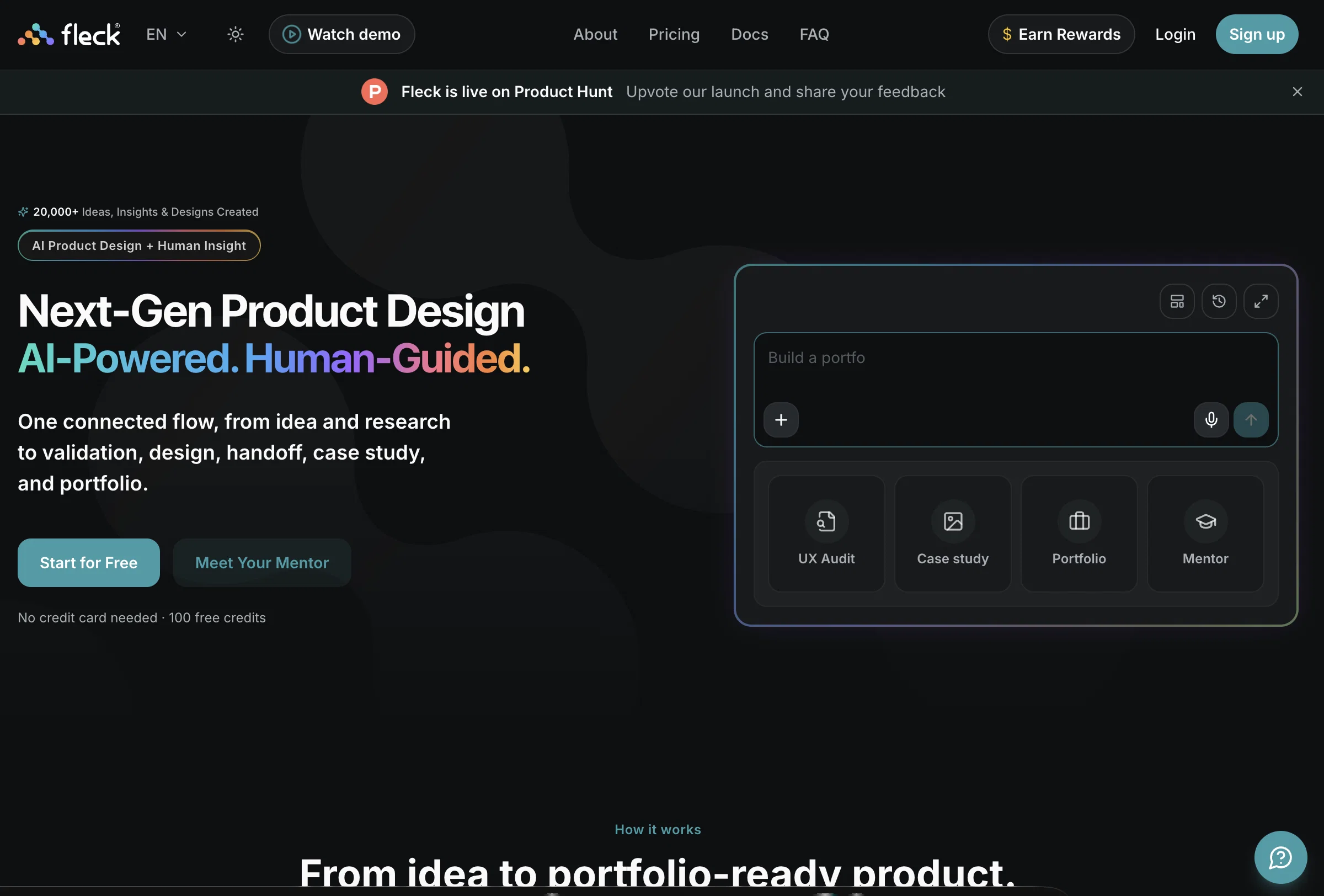
Start with a rough idea and Fleck helps you validate it before jumping into screens. Explore the opportunity, uncover risks, define the MVP, create personas, structure information architecture and map user flows, then turn that thinking into actual product designs.
Design complete multi-screen experiences, connect flows, work with design systems and refine individual screens or sections with AI while keeping control over the result. You can also bring in existing designs, screenshots, wireframes or websites and use Fleck’s UX Audit to uncover usability, accessibility, visual hierarchy and cognitive-load issues with clear, actionable recommendations.
Fleck goes beyond generating interfaces. Turn your work into polished case studies, build and publish your portfolio, showcase projects and make your work discoverable. Fleck Mentor is there when you need another perspective, with design critiques, portfolio feedback, career guidance, mock interviews and whiteboard practice.
And with the Fleck plugin for Figma, UX Audits, AI design assistance and Mentor are available directly inside your existing design workflow.
Built for product designers, UX/UI designers, product managers and founders, Fleck brings validation, design, critique, career support and publishing into one AI-powered workspace.
From first idea to work worth showing.
- Product Reasoning And Idea Validation
- Product Requirements And Mvp Planning
- User Flows And Information Architecture
- Multi-screen Interface Generation
- Ux And Accessibility Auditing
- Screenshot And Wireframe Conversion
- React And Tailwind Code Generation
- Ai Design Mentor
- Design Taste Personalization
- Case Study Generation
- Figma Export
Access & connections
Where you can use Fleck AI, and what it plugs into.
Platforms
Capabilities
What this tool accepts, produces, and is strongest at.
Input
- Code
- Image
- Text
- Audio
Output
- Code
- Text
- Image
Highlights
- SOTA
- Agents
- MCP
- No Signup
- Use code TAAFT
- 30% OFF
Supported features
- Agents
- MCP
- No Signup
Models
Text
Image
Audio
Video
Coding
Pros & cons
Pros
- Full-stack design agent
- Simulates senior designer
- Offers idea validation
- Evaluates market viability
- Assesses technical feasibility
- Monetization potential analysis
- Multi-screen flow layout
- Connection diagrams provided
Show 39 more
- Version history included
- UX Audit feature
- Design Review feature
- Visual hierarchy evaluation
- Usability compliance analysis
- Design Converter included
- Transforms visuals into code
- Improves design reasoning
- Elevates critique skills
- Allows code export
- Direct publishing to URL
- Figma exporting feature
- ZIP code download
- Targeted for Product Designers
- Targeted for UX Designers
- Targeted for Designer-Founders
- Targeted for Design Students
- Preserves creative control
- Delivers product concept judgement
- Provides key risks and opportunities
- Recommendations on technology stack
- Full canvas environment
- Style presets available
- Case Study Generator
- Automatically documents design process
- Skill assessments provided
- Tracks learning progress
- Auto-layout inspection
- One-click GitHub sync
- Clean, component-based code
- Thinking-first approach
- Problem framing offered
- Generates UX mapping
- Design rationale generation
- Works upstream of Figma
- Price options available
- Offers limited free plan
- Rapid validation enabled
- Design decision articulation guidance
Cons
- Limited code output options
- Limited style presets
- Locked to GitHub sync
Compare alternatives
Similar tools in the catalog — with a clear reason to open each one.


Canvora ✓
Free TrialThe Smartest Visual Assistant that can create visuals in 150+ languages.
Why look Offers a public API
Full comparison
Canva AI ✓
FreemiumAI tools for design, writing, and creativity.
Why look Better for writing
Full comparison

Releases 1
Imported reviews 12
I've been using it for a while, and honestly, it's been really useful for working with AI as a designer.
Really cool tool for turning rough ideas into polished designs. The workflow feels smooth, and the UX feedback is actually useful instead of generic.
Really well designed and useful. You can tell it was created by people who know all the pain-points in product design. Love it
Looks fantastic anything on Fleck. I tested some flows and worked great actually.
What I like about Fleck is actually not the UI generation part. I think I’m a bit past the “wow, AI made a screen” phase 😄 What feels more useful to me is that it keeps the product context around the work. Things like requirements, personas, flows, constraints, previous decisions… they don’t just disappear every time you move to the next step. I’ve been thinking about this a lot in my own AI experiments lately. Once the context gets reduced to just the latest prompt, the quality usually drops too. You lose all those little reasons behind why something was decided in the first place. So this part of Fleck makes a lot of sense to me. It feels closer to how I’d actually want to work with AI as a product designer. Not just “make this faster,” but more like… remember what we already figured out and keep building from there.I also like that it goes beyond generating screens. You can move through thinking, flows, design, critique, handoff… all in the same product context.I’m still very curious about how it behaves when the project gets messy though. Changing requirements, conflicting decisions, edge cases, all the normal chaos. That’s probably where this kind of product memory becomes really interesting :)
Really impressed with Fleck. It feels like a very well thought-out product, especially how it goes beyond just generating UI and actually helps with the thinking behind the design, validation, UX, structure, and then turning it into something usable.
The product looks polished, practical, and genuinely useful for designers and founders. Great work building this! 👏
Honestly, I think Fleck is a great tool for product designers. I really like how it goes beyond just generating screens and helps with the actual product thinking behind them. Definitely one to keep an eye on.
I really like it. Fleck is a useful tool for anyone who wants to visualize and refine an idea before development. This shows a professional perspective behind the program, which makes it even more interesting for me.
Fleck AI feels more useful than a typical AI UI generator because it combines product thinking, UX, design, and handoff in one place. I especially like the idea validation, UX audit, multi-screen generation, and Figma export features. It feels practical for designers and small teams who want to move from idea to a more complete product workflow faster.
If you are a developer and want to back your applications with a standard and user-friendly look, this is a tool you definitely need.
Fleck is a Swiss Army knife for any product designer who wants to build a product end to end.
I used this tool for setting up a small user flow for an idea I had. The result was quite helpful and aligned with my desire. Highly recommended.
FAQ 12
What is Fleck AI?
How does Fleck AI help in validating product ideas?
What features are included in Fleck AI's design mode environment?
What is the UX Audit and Design Review feature of Fleck AI?
How does the Design Converter work in Fleck AI?
What is the AI Design Mentor of Fleck AI and how does it help?
How does code export and deployment work with Fleck AI?
Who are the potential users of Fleck AI?
How can Fleck AI help product designers?
What is Fleck AI's role in creating prototypes?
How is usability compliance checked in Fleck AI?
Can Fleck AI be used for multi-screen flow layout?
Related tools
Recommended

GetLogit ✓
FreemiumArtificial intelligence, available for everyone.

ChatGPT ✓
FreemiumAsk anything, create anything, and move from idea to action.

Notis ✓
Free TrialThe first WhatsApp assistant that runs on your ChatGPT and Claude subscriptions

freebeat AI ✓
FreemiumTurn Music & Ideas into Viral Videos In One Click

Jason AI ✓
PaidAI-powered assistant for B2B sales outreach

DeepSeek ✓
FreeUnravel the mystery of AGI with curiosity