

Videos 2026 Rank: #847
FlashEdit ✓
Create AI images and videos with leading models.
Verdict
A quick read before you dig into the full page.
- Best if
- Create AI images and videos with leading models
- Skip if
- Advanced features have learning curve
- Pick this when
- All-in-one production studio
Considering freebeat AI instead? Compare side by side
Overview
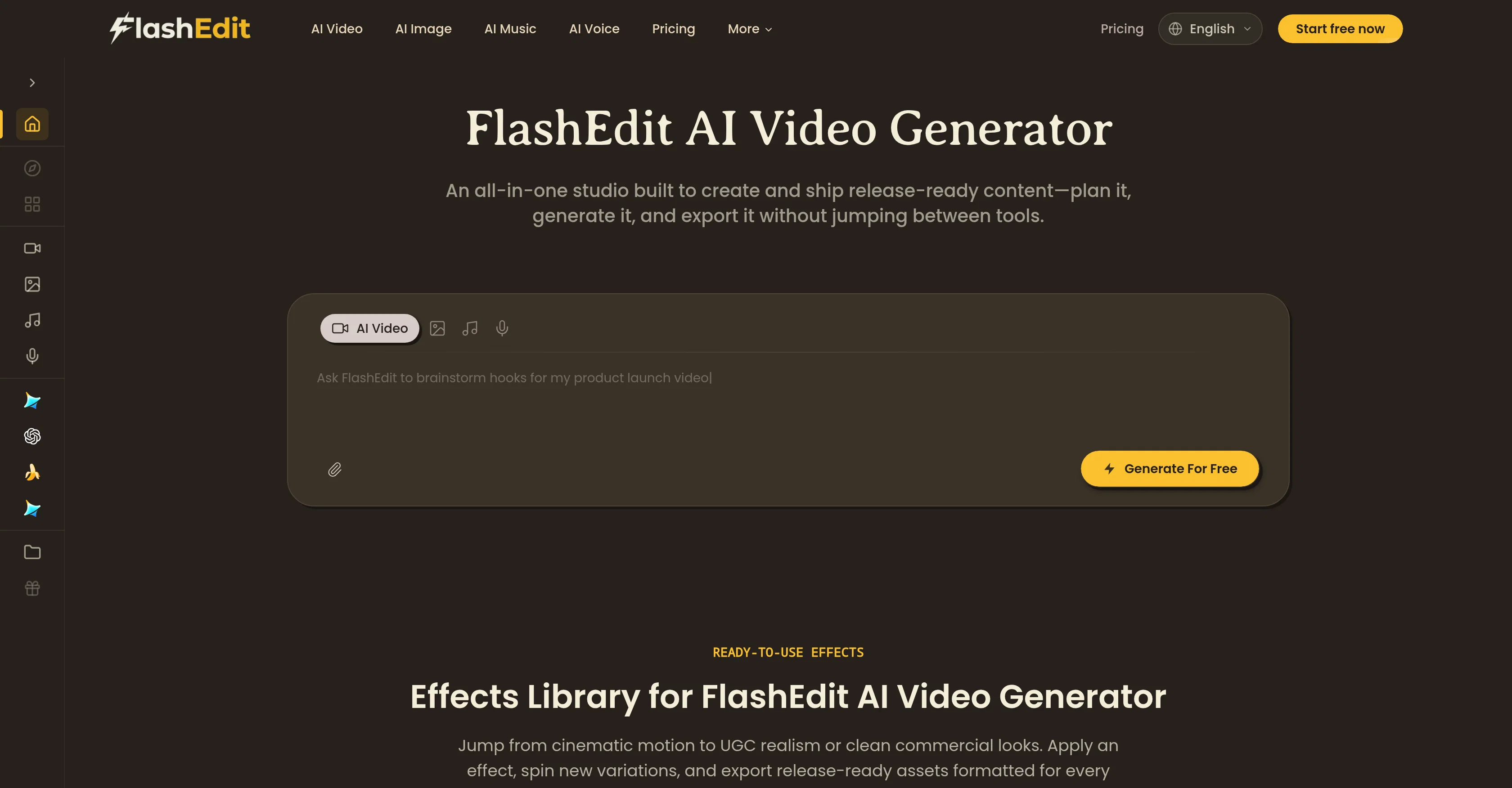
FlashEdit is an AI image and video generation platform for creators, marketers, and ecommerce teams. It helps users create high-quality images, product photos, marketing visuals, social content, and image-to-video clips with leading models such as GPT Image 2, Nano Banana, Seedance, Veo, and Sora.
It also supports AI audio and music generation for creators who need background music or audio assets in the same workflow. Users can start from a prompt or an uploaded image, compare different AI models in one browser workflow, and create polished visual content without managing separate model APIs.
New users can start with free credits.
Access & connections
Where you can use FlashEdit.
Platforms
Capabilities
What this tool accepts, produces, and is strongest at.
Input
- Image
- Text
Output
- Audio
- Video
- Image
Supported features
- Image Generation
- Video Generation
- Music Generation
- Sound Creation
- Visual Creation
- Social Media
Pros & cons
Pros
- All-in-one production studio
- Integrated asset management
- Ready-to-use effect libraries
- Diverse content creation
- Export for various platforms
- Clean and consistent results
- Practical enhancement toolkit
- Video upscaling
Show 40 more
- Unblurring feature
- Background removal
- Organized project storage
- Export for TikTok, Reels, Shorts
- Voice overs and music generation
- Prompts for creative aid
- Preview variations and iterate
- Post-generation enhancement tools
- Shot-extension feature
- Format conversion support
- Asset reuse and swapping
- High-resolution output
- Integrated visuals and audio
- Cohesive content creation
- Reusable asset library
- UGC realism effects
- Cinematic motion effects
- Commercial visual effects
- Models for stylized looks
- Tools for fast drafts
- Higher fidelity renders
- Tools to add captions
- Pre-publishing tools
- Software asset organization
- Content clarity focus
- Consistent visual results
- Content production system
- Platform-specific export
- Platform compression ready
- Ad creation support
- Theme-based iteration
- Post-generation asset management
- Version control support
- Project edition flexibility
- Adapted for different roles
- Educational content creation
- Ad video generation
- Content for social media
- Product showcase videos
- Game trailers creation
Cons
- Lacks real-time collaboration
- No offline functionality
- Advanced features have learning curve
- No free version available
- Doesn't support non-digital media
- Limited conversion format options
- Upscaling feature may distort quality
- No video stabilization tool
Show 1 more
- Platform-specific features limit versatility
Compare alternatives
Similar tools in the catalog — with a clear reason to open each one.

freebeat AI ✓
FreemiumTurn Music & Ideas into Viral Videos In One Click
Why look Typically cheaper
Full comparison
MagicLight ✓
FreemiumTransform text into captivating videos instantly.
Why look Typically cheaper
Full comparison



Seedance ✓
FreemiumMulti-shot video generation from text and image.
Why look Stronger for image work
Full comparisonReleases 1
FAQ 12
What are the key features of FlashEdit AI Video Generator?
Can FlashEdit AI Video Generator enhance existing videos and images?
Is FlashEdit AI Video Generator good for creating high-resolution content?
Does FlashEdit AI Video Generator have an effect library to choose from?
What type of content can you produce with FlashEdit AI Video Generator?
Can FlashEdit AI Video Generator export videos for different platforms?
Does FlashEdit AI Video Generator include different generation models from leading AI engines?
What tools does FlashEdit AI Video Generator provide for video enhancements?
How does FlashEdit AI Video Generator help in project storage?
Is FlashEdit AI Video Generator compatible with modern platforms like TikTok, Reels and Shorts?
Can I use FlashEdit AI Video Generator to create original music?
How does FlashEdit AI Video Generator ensure visual coherence and Clean Result?
Related tools
Recommended

Movie Maker Gemini ✓
FreeGenerate watermark-free AI videos with your Gemini key

Movie Maker Create ✓
FreeGenerate watermark-free AI videos with your xAI key

Himedia AI Video Generator ✓
Free TrialCreate any AI Videos, Images and Music - No creative limits

ChatGPT ✓
FreemiumAsk anything, create anything, and move from idea to action.

Automateed ✓
Free TrialCreate eBooks effortlessly with Automateed, the AI-powered writing tool.

Kin - Personal AI Advisors ✓
FreePrivacy-first & designed your for mind, and life at work