

File management 2026 Rank: #1029
Filex AI ✓
Scan, organise & search your files with AI
Verdict
A quick read before you dig into the full page.
- Best if
- Scan, organise & search your files with AI
- Skip if
- No offline mode
- Pick this when
- Auto-renames files
Considering Dokkio instead? Compare side by side
Overview
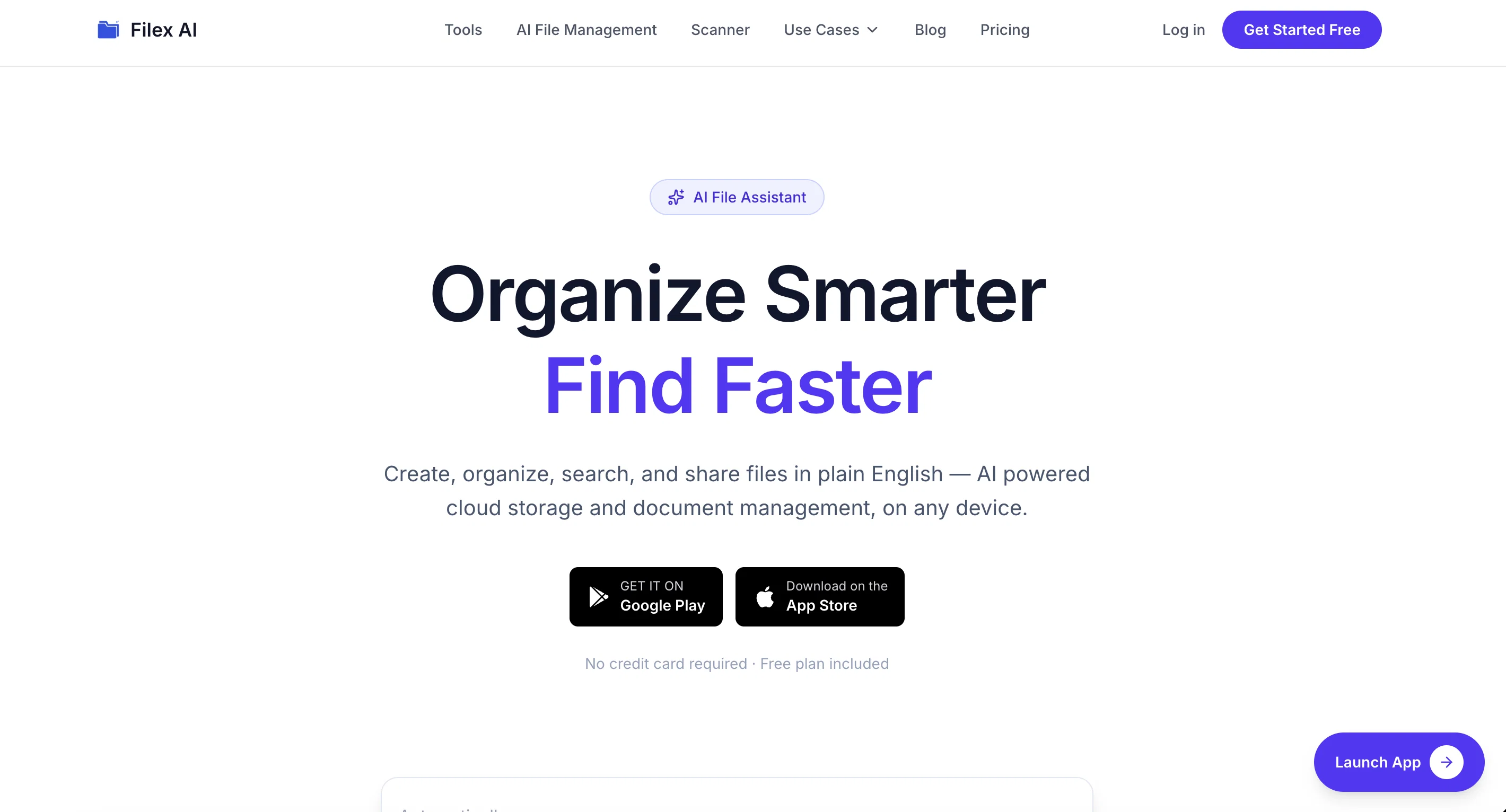
Using advanced AI, Filex AI can extract important information such as names, dates, invoice amounts, deadlines, project details, clauses, addresses, and company names from documents. This allows users to search for files naturally using simple phrases like “contract from last quarter,” “March invoices,” “passport scan,” or “receipt from Amazon” without needing to remember exact filenames or folder locations.
The platform works seamlessly across iPhone, Android, and Web, with support for cloud storage services including Google Drive and iCloud. Filex AI also includes a built-in AI document scanner that instantly scans and enhances physical papers, turning them into searchable digital files.
Beyond basic organization, Filex AI helps users keep storage clean and efficient with duplicate file detection and smart cleanup tools. Users can create custom AI automation rules to automatically organize files by client, project, document type, month, or category. Smart reminders can also notify users about important dates found inside documents, such as payment due dates, renewals, agreements, or deadlines.
One of Filex AI’s most powerful features is its ability to understand relationships between files. The platform can detect people, businesses, projects, and organizations mentioned across documents and automatically connect related files together, allowing users to instantly access all associated documents in one place.
Filex AI is built for freelancers, professionals, businesses, students, and teams who want faster file access, smarter document management, reduced manual work, and a more intelligent way to organize digital information using AI.
- Ai-powered Document Managenent
- Natural Language File Search
- Automatic File Renaming And Tagging
- Ai Document Scanner
- Important Date And Deadline Extraction
- Google Drive And Icloud Integration
- Ai Entity Detection For People, Companies, And Organizations
- Automatic Linking Of Related Documents Through Detected Entities
Access & connections
Where you can use Filex AI, and what it plugs into.
Integrations
Capabilities
What this tool accepts, produces, and is strongest at.
Input
- Tabular
- Image
- Text
Output
- Tabular
- Text
- Image
Supported features
- Instant file search
- Search
- Docs
- Image Understanding
- Automation
- Integrations
- Mobile Companion
Pros & cons
Pros
- Auto-renames files
- Cross-platform compatibility
- OCR for images
- Natural language search
- Smart auto-folders
- Customized organization rules
- Industry-specific organization
- Smart invoice filing
Show 24 more
- Automated contract categorizing
- Alerts for deadlines
- Extracts data from files
- Rapid file processing
- Bank-level encryption
- GDPR, SOC 2, HIPAA compliance
- Metadata encryption
- Secure cloud storage
- Renames files for usability
- Optimized productivity tool
- Document-specific management
- Intelligent folder structuring
- Smart entity extraction
- Mobile app tailored integration
- Built for Android's file system
- Extracts text from images
- User-controlled access
- Proactive risk mitigation
- Cloud syncing across devices
- Handwritten notes analysis
- Share-to-organize feature
- User only data access
- Automated data entry
- Payment dues flagging
Cons
- No offline mode
- Possibly overwhelming alerts
- Potential for incorrect autocategorization
- Doesn't extract non-Latin scripts
- Cloud-only file processing
Compare alternatives
Similar tools in the catalog — with a clear reason to open each one.

Dokkio ✓
FreemiumCloud file organization and retrieval made efficient.
Free + from $10/mo
Full comparison


Filently ✓
Free TrialAI filing layer for your existing Google Drive
Free + from $6/mo
Full comparison
FileFolder ✓
FreeAI-powered file management for effortless organization.
Why look Fully free option
Full comparison
Releases 1
Imported reviews 2
There are very less good ai file managers. Good to see people building in this space.
Filex AI looks a good fit
Filex AI seems useful for people dealing with too many documents and scattered files daily. I like tools that make finding and organizing information feel faster instead of turning file management into another chore.
FAQ 12
What industries is Filex best suited for?
How does Filex adapt to my workflow?
How does Filex handle business documents like contracts and invoices?
Can Filex handle different types of files, such as images and screenshots?
What kind of data can Filex extract from my files?
How secure is Filex and what encryption standards does it use?
Does Filex offer any alerts for important dates?
How does Filex's natural language search work?
How does Filex organize files into specific folders?
Is there a limit on the number of files Filex can process at once?
How does Filex handle metadata?
Can Filex recognize, categorize, and organize files based on OCR?
Related tools
Recommended

Flowova AI ✓
FreemiumTurn text, images & docs into professional flowcharts in seconds

RenameClick ✓
FreemiumRename, organize, and search files by content with local AI

AI Infographic Generator - CartoMind ✓
FreemiumTurn notes into perfect infographics from 500+ designs.

ChatGPT ✓
FreemiumAsk anything, create anything, and move from idea to action.

Claude ✓
FreemiumBuilding reliable, interpretable AI systems

Watermelon ✓
FreemiumHandle up to 96% of your support automatically