

Transcription 2026 Rank: #2885
FastlyConvert ✓
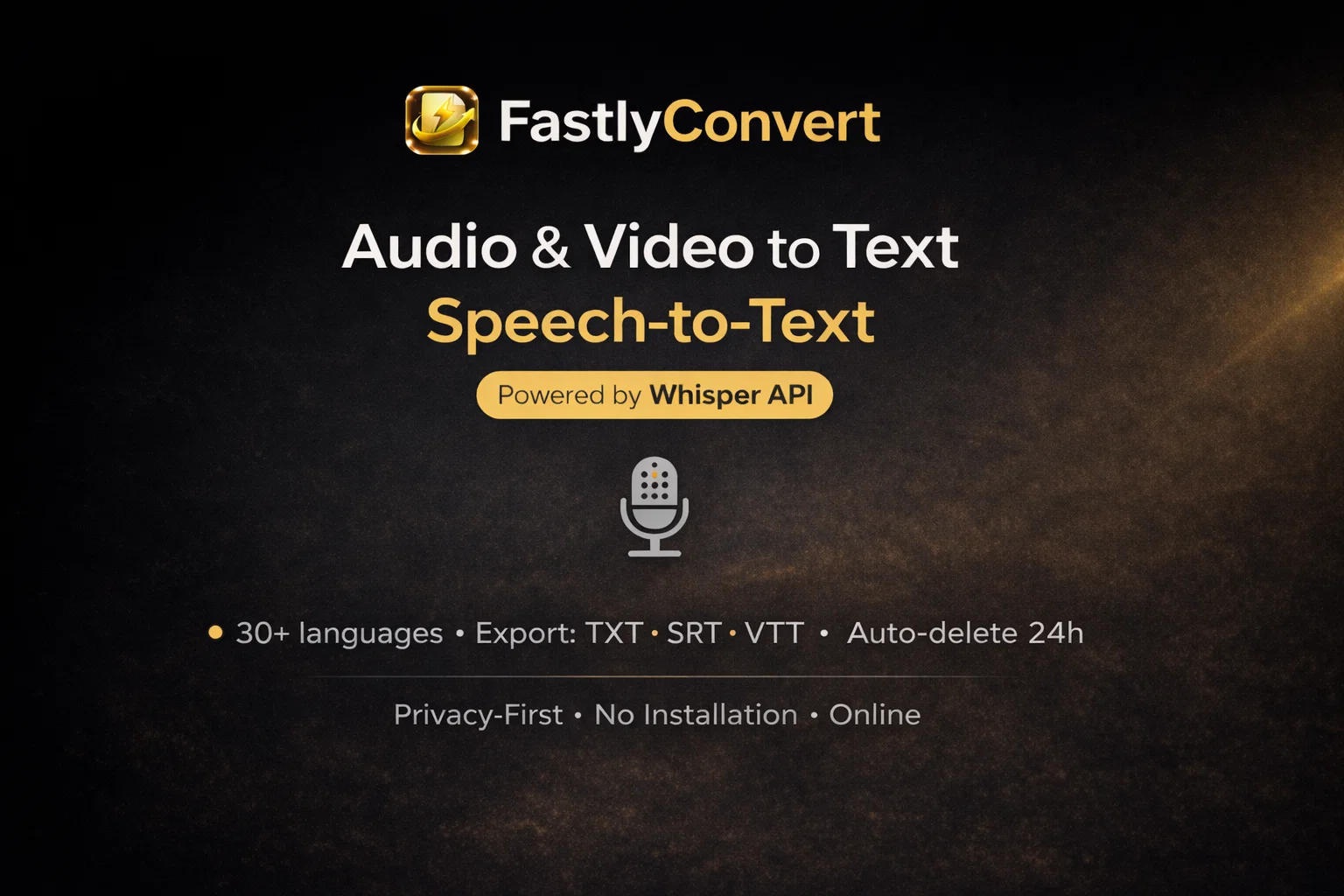
Transcribe audio & video with Whisper. Export TXT/SRT/VTT. Auto-delete 24h.
Verdict
A quick read before you dig into the full page.
- Best if
- Transcribe audio & video with Whisper. Export TXT/SRT/VTT. Auto-delete 24h
- Skip if
- Accuracy depends on audio quality (noise & mic distance)
- Pick this when
- Whisper-powered transcription (audio & video → text)
Considering Voicetype AI instead? Compare side by side
Overview

What it does
• Audio/Video → Text transcription (Whisper API)
• Simple workflow: upload → transcribe → download
• Supports 30+ languages (depends on language selection)
• Exports TXT, SRT, and VTT (great for notes and subtitles)
Privacy & file handling
• Server-side processing (files are temporarily uploaded to generate transcripts)
• Automatic deletion within 24 hours of upload
Direct links
• Audio → Text: https://www.fastlyconvert.com/audio-to-text
• Video → Text (subtitles): https://www.fastlyconvert.com/video-to-text
Accuracy tips
• Best results with clear speech, stable volume, and minimal background noise.
- Audio & Video → Text Transcription (whisper Api)
- Export: Txt / Srt / Vtt
- 30+ Languages
- Auto-delete Files Within 24 Hours
- No Installation — Works In The Browser
- Supports Mp3, Wav, M4a, Ogg, Flac, Aac, Mp4, Mov, Avi, Mkv, Webm
- Speech Translation → Translated Transcript
Access & connections
Where you can use FastlyConvert.
Platforms
Capabilities
What this tool accepts, produces, and is strongest at.
Input
- Video
- Audio
Output
- Text
Highlights
- No Signup
Supported features
- No Signup
- Transcription
Pros & cons
Pros
- Whisper-powered transcription (audio & video → text)
- Export TXT / SRT / VTT
- Speech translation to text
- Auto-delete files within 24 hours
- 30+ languages
- Works in the browser (no installation)
- Supports MP3, WAV, M4A, OGG, FLAC, AAC
- Supports MP4, MOV, AVI, MKV, WEBM
Show 1 more
- Great for meetings, podcasts, and interviews
Cons
- Accuracy depends on audio quality (noise & mic distance).
- Overlapping speakers can reduce accuracy.
- Heavy background music may affect results.
- Large/long files may take longer to process.
- Files are automatically deleted within 24 hours (not instant).
Compare alternatives
Similar tools in the catalog — with a clear reason to open each one.

Voicetype AI ✓
Free TrialWrite 9x Faster with AI Speech to Text on all Apps
Why look Better for writing
Full comparison
Transcript LOL ✓
FreemiumUnlimited transcripts, summaries, 99.8% accuracy, speaker recognition, superfast
Why look Typically cheaper
Full comparison
TurboScribe ✓
Freemium🎯 3 free transcripts every day. 🔥 Unlimited transcription starting at $10/mo.
Why look Typically cheaper
Full comparison
RambleFix ✓
Paid⚡ Write by thinking aloud - emails, notes, articles, in your style.
Why look Typically cheaper
Full comparison
Paraspeech ✓
Free TrialPrivate dictation, cloud optional
Why look Typically cheaper
Full comparisonReleases 1
FAQ 12
What file formats does FastlyConvert support for conversion?
Can FastlyConvert be used for transcribing speech?
Does FastlyConvert offer audio extraction from video files?
Can FastlyConvert convert files into subtitle formats like SRT/VTT?
Is it free to use FastlyConvert?
How are user files handled for privacy and security in FastlyConvert?
Does FastlyConvert support switch between various audio formats?
How long does FastlyConvert retain user data?
What advanced features does FastlyConvert offer and do they require an upgrade?
Can video files be transcribed using FastlyConvert?
Can I convert lectures, music performances, or talks as audio-only files with FastlyConvert?
How does FastlyConvert ensure compatibility across devices or apps?
Related tools
Recommended

Mindsmith ✓
FreemiumPlatform for building and sharing eLearning content

Hydra ✓
UnknownGenerate Unique, Copyright-Clear Music Instantly

YouTube Transcript Optimizer ✓
PaidTransform YouTube videos into polished documents and quizzes.

NPI Number Lookup ✓
FreeAI-powered NPI lookup: Find and validate healthcare providers instantly.