

Equals ✓
AI-powered spreadsheet assistant for queries, formulas, and charts.
from $39/mo
Verdict
A quick read before you dig into the full page.
- Best if
- AI-powered spreadsheet assistant for queries, formulas, and charts
- Skip if
- Complex UI for beginners
- Pick this when
- Generates and writes formulas
Considering SheetAI App - AI For Sheets instead? Compare side by side
Overview
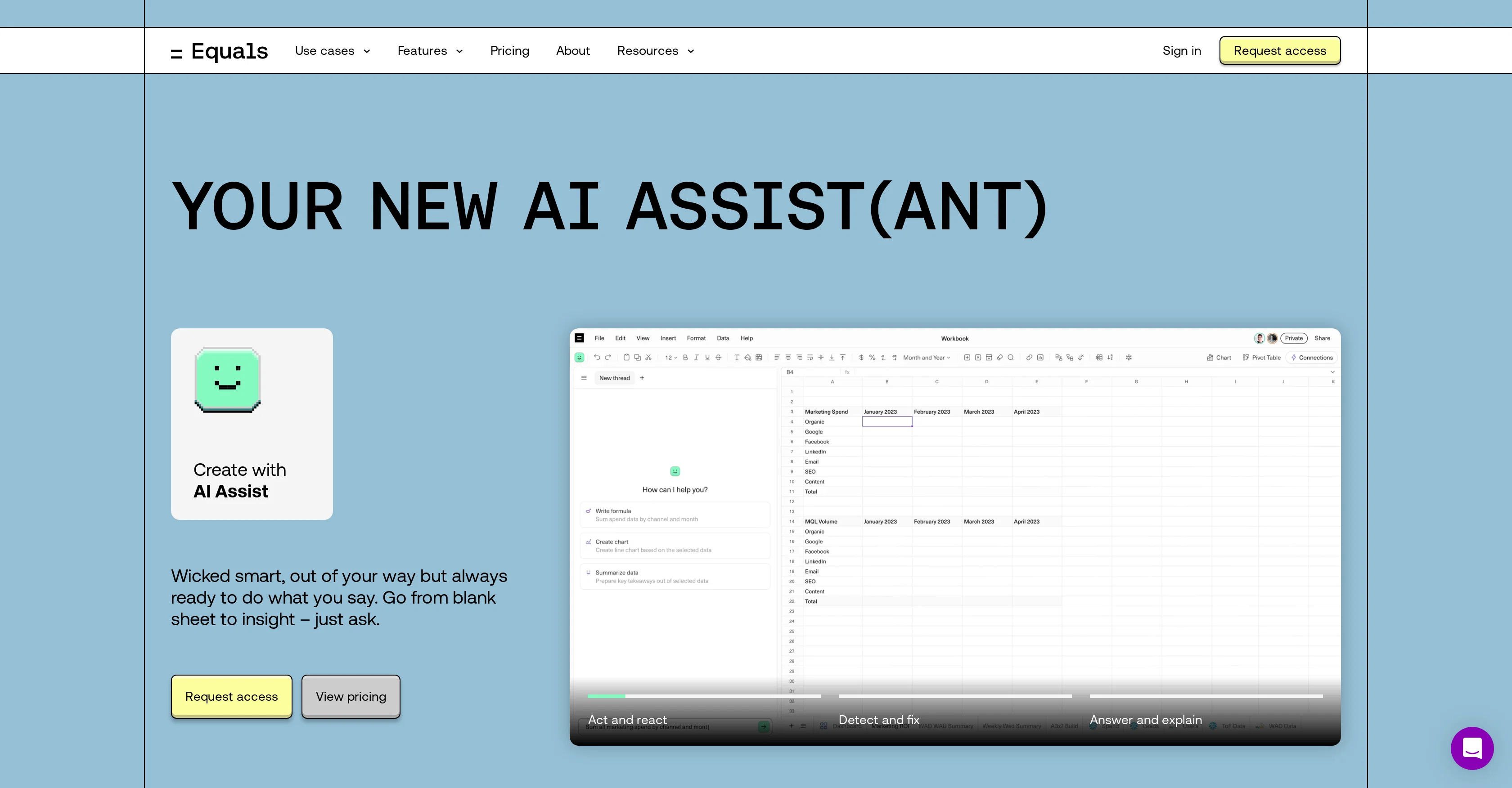
AI Assist is a next-generation tool powered by GPT-4 Turbo. Integrated with spreadsheets, it assists users to write, edit, explain, and fix SQL queries, formulas, and even create charts.
Among its primary use cases, it includes ARR reporting, sales funnel reporting, and SQL database reporting. AI Assist acts in real-time, detecting issues, fixing them, providing explanations, and generating SQL queries.
It can also help users with debugging and understanding complex SQL commands. Additionally, AI Assist offers assistance with formula-building and rectification.
It allows users to swiftly move from analysis to insights, enabling them to create charts, surface insights, build dashboards and summarise takeaways.
AI Assist also ensures user privacy being SOC 2 Type II compliant and doesnt require training on users' data. This tool aids in improving workflow by rapidly generating insights from data and assisting with complex queries.
Furthermore, AI Assist is designed to be discrete and available at a single keystroke without interrupting user work.
Access & connections
Where you can use Equals.
Platforms
Capabilities
What this tool accepts, produces, and is strongest at.
Input
- Tabular
- Text
Output
- Tabular
- Text
Supported features
- Spreadsheets
- SQL
Pros & cons
Pros
- Generates and writes formulas
- Writes and executes SQL queries
- Advanced data summarization
- Real-time collaboration features
- Supports over 100 formulas
- Professional-grade charting capabilities
- Automates spreadsheets via data connectors
- Can create calculated columns
Show 30 more
- Formula auto-extension during model refresh
- Advanced keyboard shortcuts
- In-tool SQL editor
- Visual query builder
- Version history for reproducibility
- Scheduling queries for automation
- Custom built and saved queries
- Imports scripts from APIs/tools
- In-spreadsheet dashboards building
- Assistance in debugging SQL
- Formula rectification
- Improves workflow efficiency
- Real-time issue detection and fixing
- Explanations for SQL commands
- Enables swift analysis-to-insights transition
- Suggests insights generation
- Protects user privacy (SOC 2 Type II compliant)
- Available at a keystroke
- In-tool chart creation
- Automated reports (ARR, sales funnel, SQL database)
- Built-in connections to databases
- Real-time editing and explanation
- SQL queries generation
- User privacy security (No training on users' data)
- SQL command explanation and rectification
- Data analysis and workflow enhancement
- Summarising data takeaways
- Visualising data effectively
- Discrete assistance
- Versioning and collaboration features
Cons
- Limited data sources
- Lacks advanced analytics
- No offline functionality
- No mobile version
- May require SQL familiarity
- No direct import from APIs
- Limited formulas support
- No multi-language support
Show 2 more
- No detailed user guide
- Complex UI for beginners
Compare alternatives
Similar tools in the catalog — with a clear reason to open each one.

SheetAI App - AI For Sheets ✓
FreemiumAI with brain power inside Google Sheets
Why look Freemium alternative
Full comparison
Sourcetable — AI spreadsheet & data analyst ✓
FreemiumAI spreadsheet & data analyst. 10x your productivity.
Why look Freemium alternative
Full comparison
TabTabTab ✓
FreemiumTurn Google Sheets into your personal research assistant.
Why look Freemium alternative
Full comparison
Grist ✓
FreemiumBuild complex spreadsheet workflows with AI in minutes.
Why look Freemium alternative
Full comparison
ChatGPT in Google Sheets ✓
Free TrialChatGPT in Google Sheets: Automate insights from your data.
Why look Typically cheaper
Full comparison
Numerous ✓
Free TrialAI-powered plugin to automate spreadsheet tasks
Why look Typically cheaper
Full comparisonReleases 1
FAQ 12
What is Equals AI Assist?
How does Equals AI Assist improve spreadsheet tasks?
What are the main features of Equals AI Assist?
Can I generate SQL queries directly in the spreadsheet with Equals AI Assist?
What formulas are supported by Equals AI Assist?
Can Equals AI Assist help me build and visualize data through professional-grade charts?
What advanced keyboard shortcuts does Equals AI Assist support?
How can Equals AI Assist automate my spreadsheets?
Does Equals AI Assist support real-time collaboration?
Can I use Equals AI Assist for SQL command explanation and debugging?
How does Equals AI Assist integrate with GPT-4 Turbo?
What reporting capabilities does Equals AI Assist offer?
Related tools
Recommended

DataSquirrel ✓
FreemiumData cleaning & visualization for insights gained.

Tomat.ai ✓
Free TrialBulk web search and no-code analysis with AI

LearningStudioAI ✓
Free TrialAI-powered authoring tool for effortless online course creation.

MagicSlides.app AI PPT Maker ✓
FreemiumCreate Stunning PPTs in Seconds with the AI PPT Maker

GPTExcel ✓
FreemiumGenerate spreadsheet formulas with AI

Scisummary ✓
Free TrialCutting-edge scientific articles summarization.