

Emailgic ✓
AI-powered email design assistant for stunning templates.
Free + from $19/mo
Verdict
A quick read before you dig into the full page.
- Best if
- AI-powered email design assistant for stunning templates
- Skip if
- Subscription model not specified
- Pick this when
- Optimizes email design process
Considering Ellie - Your AI Email Assistant instead? Compare side by side
Overview
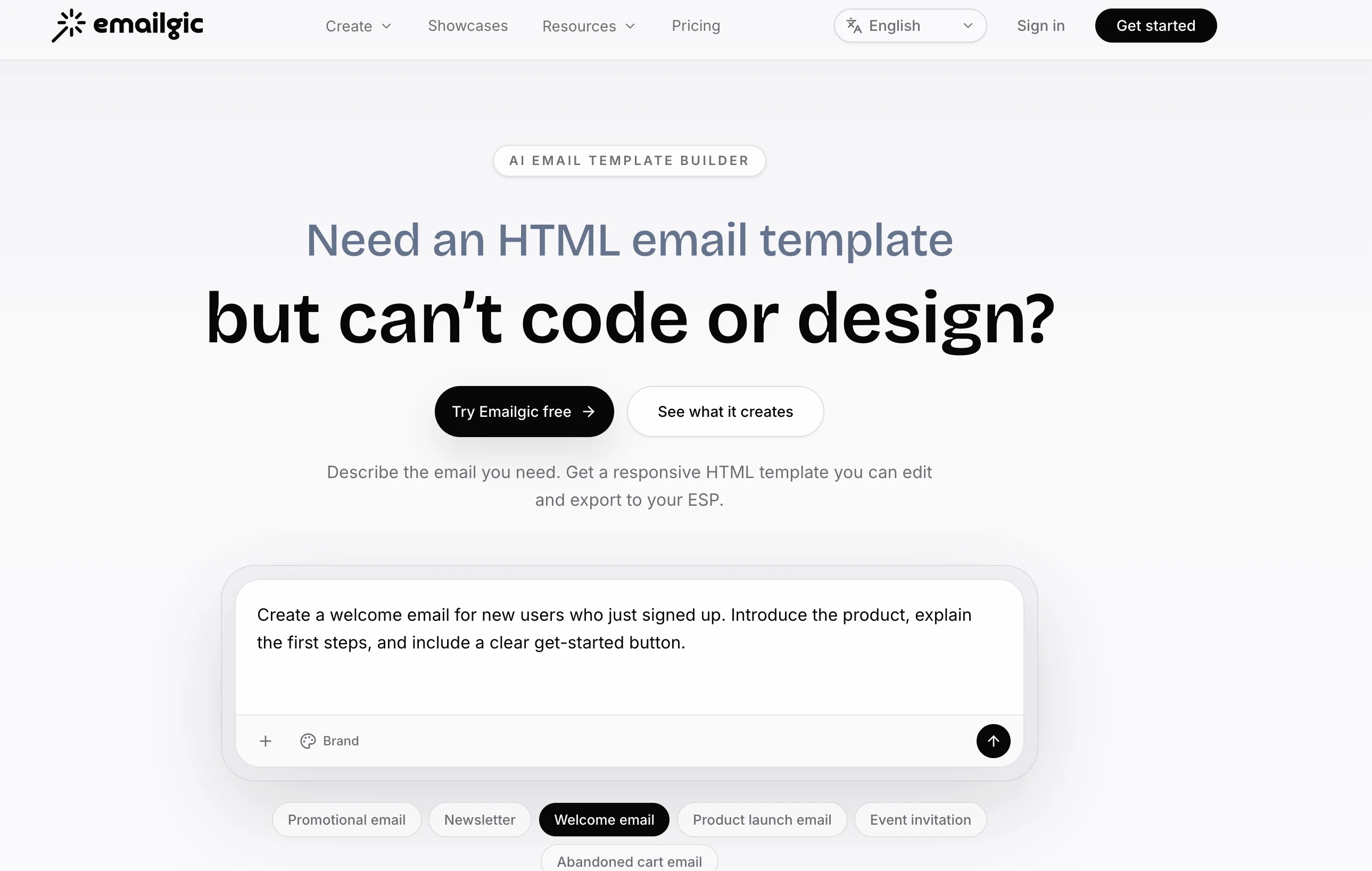
Emailgic is an AI-powered email design assistant, created to optimize the process of crafting email templates. The tool aims to prevent the constraints of traditional design and coding, allowing users to focus largely on their content, with the AI system automatically generating the appropriate visual design to match.The tool is not dependent on pre-existing templates, instead it tailors each design based on content and incorporated brand elements such as logos, color schemes, and fonts.
This tailoring creates a more targeted and effective email marketing strategy, offering enhanced personalization for different customer segments. The email templates generated by Emailgic are designed to be responsive, ensuring they display correctly on any screen.
Also, the HTML code generated by the tool is compatible with all major email clients. Users have the ability to modify the designs generated by the AI, with the tool providing an intuitive interface for easy customisation of layouts, fonts, and colours.
Emailgic's AI also offers image selection and generation based on the email's content. Data security is paramount to the tool with all content and assets encrypted and used solely for generating designs.
Emailgic primarily supports startups, SMBs, marketing teams, e-commerce businesses, content creators, freelancers, consultants and anyone needing professional emails without a need for extensive design resources.
Access & connections
Where you can use Emailgic.
Platforms
Capabilities
What this tool accepts, produces, and is strongest at.
Input
- Tabular
- Text
Output
- Code
Pros & cons
Pros
- Optimizes email design process
- Prevents traditional design constraints
- Eliminates coding needs
- Focus on content
- Automatically generates visual design
- Not dependent on pre-existing templates
- Tailors design based on content
- Incorporates brand elements
Show 29 more
- Enhances email marketing personalization
- Responsive email design
- Compatible with all email clients
- Allows design modifications
- Intuitive interface for customization
- Offers image selection, generation
- Prioritizes data security
- Supports diverse user base
- Enhances email marketing effectiveness
- Prevents generic email content
- Seamlessly integrates brand elements
- Zero-skill design needed
- Automatically generates unique designs
- Assures brand alignment
- Encourages content focus
- Produces ready HTML code
- Facilitates design modifications
- Revolutionizes email campaigns
- Multi-branding feature
- Brand style switch capability
- Generates client-compatible code
- Generates unique email designs
- Supports brand elements setup
- Saves design time, effort
- Flawless design across devices
- Image selection based on content
- Encrypted content, assets
- Improves design efficiency
- Increases overall email effectiveness
Cons
- No offline mode
- Potential inaccurate image selection
- Limited user database
- No multi-language support
- No direct email distribution
- Limited brand elements integration
- No collaboration features
- Subscription model not specified
Show 2 more
- No explicit data export
- Less control over design
Compare alternatives
Similar tools in the catalog — with a clear reason to open each one.

Ellie - Your AI Email Assistant ✓
FreemiumEllie, your AI for crafting personalized email replies.
Why look Higher community rating
Full comparison
Jetwriter AI ✓
FreemiumWrite better and faster on any site with your personal AI.
Why look Typically cheaper
Full comparison
AImReply ✓
FreemiumImproved email productivity, streamlined communication.
Why look Typically cheaper
Full comparison
WriteMail.ai ✓
FreemiumWriteMail.ai: Generate Perfect Emails in Seconds with AI Email Writer
Why look Typically cheaper
Full comparison
InboxPro ✓
FreemiumStreamline client acquisition with AI-powered email tools.
Why look Typically cheaper
Full comparison
Releases 1
Imported reviews 1
would've loved to test out more features as a free user but it looks really promising. keeping an eye 👀 (or two) on this one until i decide.
FAQ 12
What is Emailgic?
How does Emailgic use AI to design emails?
Do I need design skills to use Emailgic?
Can the HTML code generated by Emailgic be used with any email client?
Is Emailgic dependent on pre-existing templates?
How does Emailgic personalize each email design?
How can I modify the email designs generated by Emailgic?
What is the image selection feature of Emailgic?
How does Emailgic ensure data security?
Who can benefit from using Emailgic?
How does Emailgic increase the effectiveness of email marketing strategy?
Does Emailgic allow brand integration in the email designs?
Related tools
Recommended

Loopple - AI Website Builder ✓
Free TrialAI-powered websites in seconds, no skills needed.

Competitor Analyzer ✓
FreemiumSee what competitors do, before it matters

GitPage AI Website Builder ✓
PaidBuild a website in minutes, not days.

Mindsmith ✓
FreemiumPlatform for building and sharing eLearning content

DeepSeek ✓
FreeUnravel the mystery of AGI with curiosity

Manus ✓
FreemiumTurn your thoughts into actions with AI