

Dub AI ✓
Localize videos in minutes with AI dubbing
Free + from $5/mo
Verdict
A quick read before you dig into the full page.
- Best if
- You are content creators and need: Translating marketing videos into different languages
- Skip if
- May over-simplify complex languages
- Pick this when
- Supports 25+ languages
Considering Genve AI instead? Compare side by side
Overview
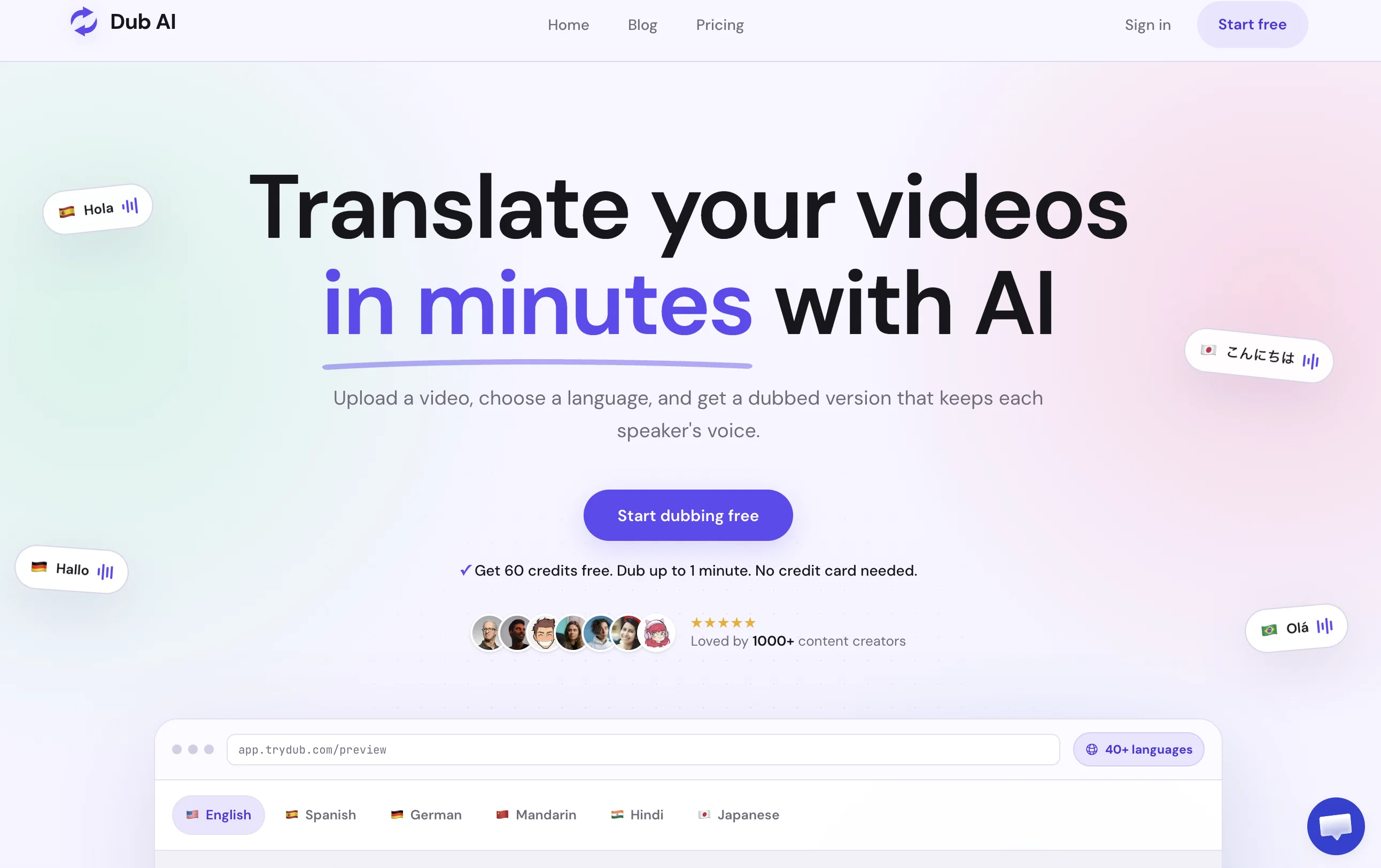
Dub AI is a tool designed to aid in the localization of videos using artificial intelligence. The primary services offered include translation, voice cloning and automatic speaker detection.
By translating content into more than 25 languages, this tool assists users in reaching a global audience. It also enables the cloning of voices, helping to maintain a consistent brand identity across diverse markets.
The multi-speaker feature can support up to ten speakers simultaneously and comes with an automatic detection function. The tool also provides access to translated transcripts and audio clips, adding value for post-processing use.
Dub AI is user-friendly, allowing for quick uploading of audio and video files or even YouTube URLs for prompt dubbing. The process involves three simple steps: uploading the file, enabling AI for instant translation and dubbing in the desired language, and downloading the final dubbed audio or video file along with transcripts and audio clips.
Best for
Short scenarios where Dub AI tends to shine.
-
Translating marketing videos into different languages
Best for Content creators
-
Dubbing philosophy lectures for a Chinese-speaking audience
Best for Marketing teams
-
Localizing video content for international markets
Best for Educational institutions
Example outputs 1
Sample generations and before/after results for Dub AI.
Access & connections
Where you can use Dub AI.
Platforms
Capabilities
What this tool accepts, produces, and is strongest at.
Input
- Text
- Video
Output
- Audio
- Video
- Text
Supported features
- Dubbing
Pros & cons
Pros
- Supports 25+ languages
- Voice cloning
- Automatic speaker detection
- Multi-speaker support
- Provides translated transcripts
- Provides audio clips
- Easy file uploading
- Accepts YouTube URLs
Show 17 more
- Simple three-step process
- Instant translation
- Final dubbed file download
- Brand identity maintenance
- Tool for video localization
- Aids in global outreach
- Valuable for post-processing
- User-friendly interface
- No credit card requirement
- Free trial available
- Localizes video content
- Loved by 1000+ creators
- Multilingual content support
- High-quality audio, video dubbing
- Automated dubbing process
- Accessible transcripts, audio clips
- Helps expand audience globally
Cons
- Limited to 25 languages
- Supports only 10 speakers
- No clear offline functionality
- No explicit API mentioned
- No MacOS or Linux client
- Voice clone might decrease quality
- No live-streaming support
- No multi-platform uploading mentioned
Show 2 more
- May over-simplify complex languages
- No mentioned voice editing tools
Compare alternatives
Similar tools in the catalog — with a clear reason to open each one.

Genve AI ✓
Free TrialScale content across 140+ languages with AI dubbing.
Why look Better for writing
Full comparison
Dubverse.ai ✓
Free TrialAI-powered video dubbing in 30 languages
Free + from $9.58/mo
Full comparison
Perso AI Dubbing ✓
FreemiumDub Any Video into 33+ Languages with AI Lip Sync
Why look Offers a public API
Full comparison
YouTube Dubbing ✓
FreemiumClick to play YouTube videos in your language
Free + from $10/mo
Full comparison
ElevenLabs Dubbing ✓
FreemiumDub videos into 28 languages instantly
Free + from $5/mo
Full comparison
UniDub ✓
FreemiumMulti-language video dubbing & production platform
Why look Typically cheaper
Full comparisonPeople also view
Tools that often show up alongside Dub AI in collections and comparisons.
YouTube Dubbing ✓
FreemiumClick to play YouTube videos in your language
UniDub ✓
FreemiumMulti-language video dubbing & production platform
Perso AI Dubbing ✓
FreemiumDub Any Video into 33+ Languages with AI Lip Sync
Genve AI ✓
Free TrialScale content across 140+ languages with AI dubbing.
ElevenLabs Dubbing ✓
FreemiumDub videos into 28 languages instantly
Dubverse.ai ✓
Free TrialAI-powered video dubbing in 30 languages

Vosko AI ✓
Free TrialAI Video Localization & Dubbing Engine with Emotion & Voice Preservation.

UnMarkAI - Remove subtitles first. Translate video, d... ✓
Free TrialAI video translation with dubbing and lip-sync.
Releases 1
Imported reviews 11
Terrible, just terrible. You have to pay money to buy credits, and you start at zero. What a waste of effort!
Easy to use, good one
This is a game-changer! It's intuitive, fast, and packed with useful features. Definitely a must-have tool..
One of best tools rn.
Idk why this is so underrated. It should need a thumbs up
Thumbs to the team who build this
This feels pure human. Most of ai tools i tried before had this things missing.
This is a fantastic tools for dubbing.
One of the best tools in market rn.I used it for my personal
I love their UI, easy to use and no extra complex thing that kills the productivity brings me on a decision fatigue situation like other tools. Nothing to complain!
One of best tools right now on the market. I tried to use this to translate my clients video to three different Language. It works really well.
FAQ 12
What is Dub AI?
How does Dub AI translate videos?
Can Dub AI clone voices?
How does Dub AI's automatic speaker detection work?
How many languages can Dub AI translate a video to?
Can Dub AI translate and dub a YouTube video directly?
What is the process of dubbing a video using Dub AI?
How do I upload a file to Dub AI?
How many speakers can Dub AI support at once?
Does Dub AI detect speakers automatically?
Can I access translated transcripts after dubbing a video with Dub AI?
Does Dub AI provide dubbed audio clips for post-processing?
Related tools
Recommended

VideoDubber ✓
FreemiumTranslate and dub videos, audios and subtitles with voice cloning and lipsync

BlipCut ✓
FreemiumAutomatically translate videos to 35+ languages

Mindsmith ✓
FreemiumPlatform for building and sharing eLearning content

IllumiChat ✓
FreemiumFrom Ticket Backlog to Instant Answers Powered by AI

Findsight ✓
FreeCompare non-fiction ideas from multiple sources.

Focal ✓
FreemiumCreate your own TV shows and movies.