

BlipCut ✓
Automatically translate videos to 35+ languages
Free + from $39.99/mo
Verdict
A quick read before you dig into the full page.
- Best if
- Automatically translate videos to 35+ languages
- Skip if
- May struggle with complex language nuances
- Pick this when
- Translates 35+ languages
Considering Genve AI instead? Compare side by side
Overview
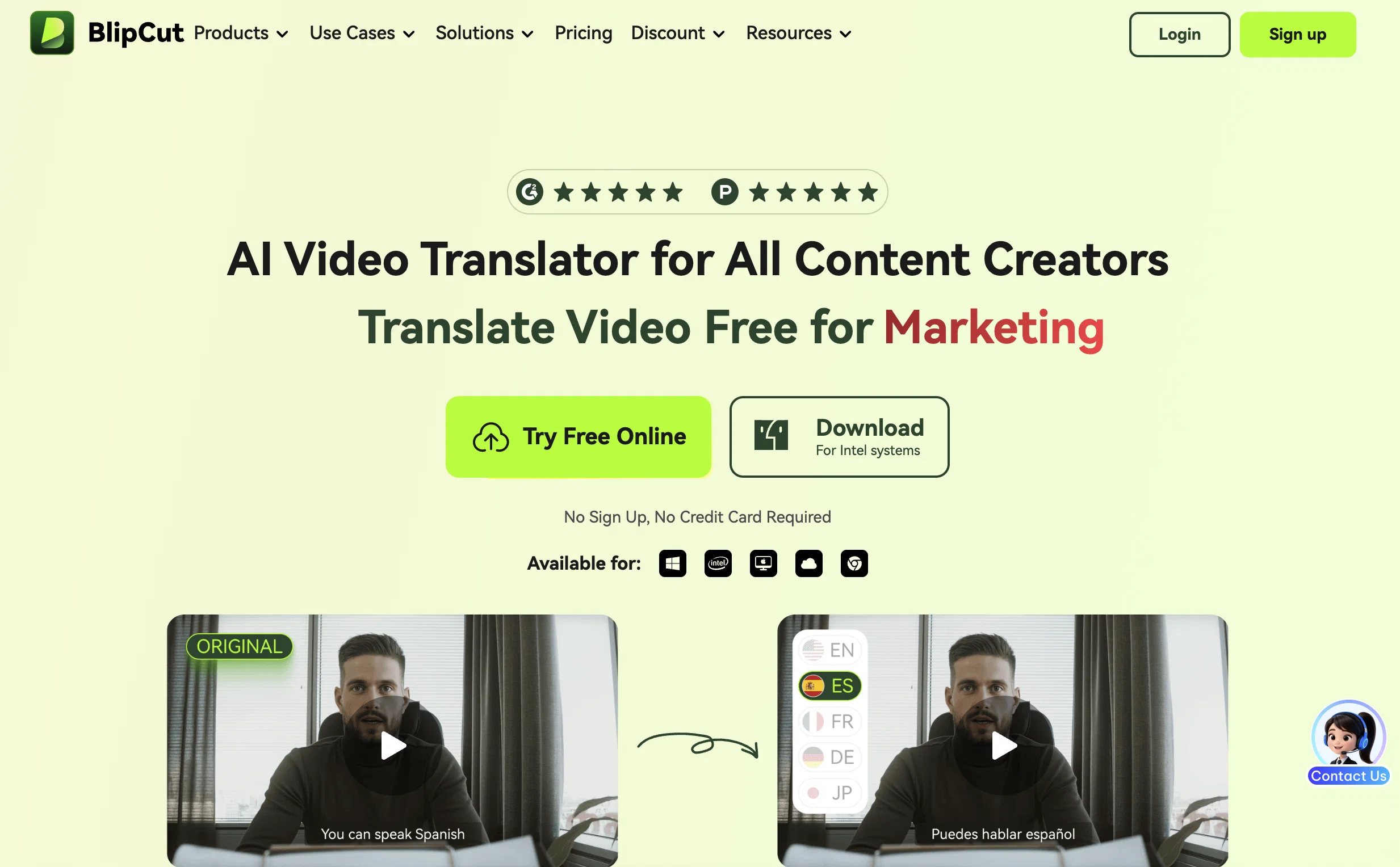
BlipCut AI Video Translator is an online tool that allows users to translate their video content into English and over 35 other languages. It offers a suite of features including voice cloning, automatic speech recognition, and chatbot-powered translation.
Cloned voices maintain a natural, human-like sound across languages, making it an effective tool for multiple situations, from translating YouTube videos to language translation in international marketing, education, news, gaming, and films.
Its translation experience offers accuracy and does not require queuing. The tool also comes with a dubbing feature, offering a range of high-quality AI voices.
Its automatic caption generation functionality allows for simple and quick subtitle creation, editing, and translation, providing a more streamlined experience for multimedia content.
The voice changer option not only alters the voices in videos but does so in a hyper-realistic manner and can speak in any desired language. BlipCut is additionally developing a lip syncing feature that will adapt voice and lip movements to the chosen language for a more natural translation result.
The tool also features the AI Speak Subtitles for YouTube Chrome extension, which translates and voices YouTube subtitles in various languages, improving the accessibility and reach of your YouTube content.
Access & connections
Where you can use BlipCut, and what it plugs into.
Platforms
Integrations
Capabilities
What this tool accepts, produces, and is strongest at.
Input
- Video
Output
- Video
Supported features
- Dubbing
Pros & cons
Pros
- Translates 35+ languages
- Voice cloning
- Automatic speech recognition
- Chatbot-powered translation
- Human-like cloned voices
- No queuing for translations
- Dubbing feature
- Automatic caption generation
Show 27 more
- Subtitle creation, editing, translation
- Voice changer tool
- Hyper-realistic voice altering
- In-development lip syncing feature
- Translates YouTube subtitles
- Provides voiced YouTube subtitles
- Supports international marketing
- Useful in education
- Game and film translations
- Tool is online
- Breaks language barriers
- Auto subtitle generation
- Efficient multimedia content processing
- Voice and lip movement adaptation
- Translation for PowerPoint, e-learning videos
- News video translation capability
- Game video translation capability
- Movie translation capability
- Extension supports 100+ voices
- Automatic volume and speed adjustments
- Safe download feature
- Integration with Eleven Labs for Voice cloning
- Supports Hindi to English translation
- Spanish to English translation for audio
- Korean to English accurate translations
- Customizable plans for extensive use
- ChatGPT translation feature
Cons
- Lacks offline functionality
- Requires persistent internet connectivity
- No simultaneous multi-file processing
- Limited to 35 languages
- Lip syncing feature still in development
- Depends on third party integrations
- May struggle with complex language nuances
- Limited user-customization options
Show 2 more
- No native mobile app mentioned
- Potential translation accuracy variances
Compare alternatives
Similar tools in the catalog — with a clear reason to open each one.

Genve AI ✓
Free TrialScale content across 140+ languages with AI dubbing.
Why look Typically cheaper
Full comparison
Dubverse.ai ✓
Free TrialAI-powered video dubbing in 30 languages
Why look Typically cheaper
Full comparison
Perso AI Dubbing ✓
FreemiumDub Any Video into 33+ Languages with AI Lip Sync
Why look Typically cheaper
Full comparison
YouTube Dubbing ✓
FreemiumClick to play YouTube videos in your language
Why look Typically cheaper
Full comparison
Dub AI ✓
FreemiumLocalize videos in minutes with AI dubbing
Why look Typically cheaper
Full comparison
ElevenLabs Dubbing ✓
FreemiumDub videos into 28 languages instantly
Why look Typically cheaper
Full comparisonReleases 1
Imported reviews 1
It's good for me to make my videos into different languages.
FAQ 12
What languages can BlipCut translate to and from?
How does BlipCut AI Video Translator's voice cloning feature work?
What does it mean when you say BlipCut provides a chatbot-powered translation?
Does BlipCut translate in real-time or do I need to queue for translation?
Can you tell me more about the dubbing feature in BlipCut?
What's the quality of the AI voices provided by BlipCut for dubbing?
What does automatic caption generation mean in the context of BlipCut AI Video Translator?
How does BlipCut’s voice changer option work?
What languages can the BlipCut AI Video Translator voice changer speak?
What does 'hyper-realistic' mean when you refer to the voice changer feature in BlipCut?
What can I expect from BlipCut's upcoming lip syncing feature?
What are the benefits of using the AI Speak Subtitles for YouTube Chrome extension provided by BlipCut?
Related tools
Recommended

Transcript LOL ✓
FreemiumUnlimited transcripts, summaries, 99.8% accuracy, speaker recognition, superfast

IllumiChat ✓
FreemiumFrom Ticket Backlog to Instant Answers Powered by AI

FineVoice AI Voice Changer ✓
FreemiumTransform Your Voice into Any Voice You Like.

Findsight ✓
FreeCompare non-fiction ideas from multiple sources.

Semantic Scholar ✓
FreeAI-powered research tool for scientific literature

Free Text-To-Speech ✓
FreeText transformed into customizable spoken output.