

Documentation.AI ✓
AI documentation that stays fresh and reduces support tickets.
Free + from $29/mo
Verdict
A quick read before you dig into the full page.
- Best if
- You are product teams and need: Creating and publishing product documentation and knowledge bases
- Skip if
- Limited integration options
- Pick this when
- Automatic documentation update
Considering Gatsbi AI instead? Compare side by side
Overview
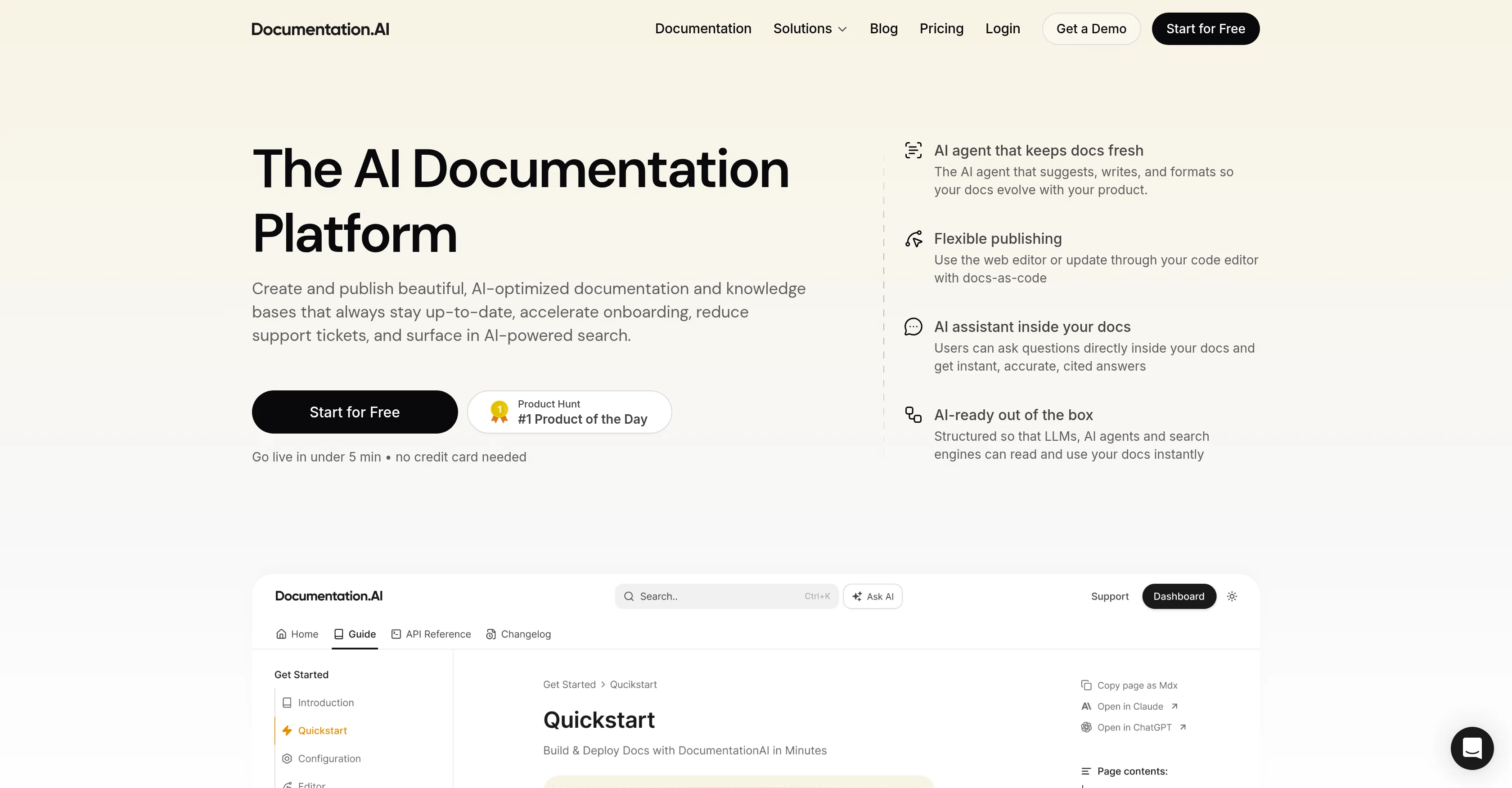
Documentation.AI is a platform offering AI-assisted tools to create, maintain, and publish documentation and knowledge bases. Designed for maintaining up-to-date, user-friendly, and search-friendly content, it aims to facilitate faster onboarding, reduce support requests, and enhance user engagement via AI-powered search functionalities.
Its AI agent suggests revisions, writes and formats content, thus enabling continuous evolution of documentation in line with the product's changes. It also offers an AI assistant feature allowing users to ask questions directly within the documentation and receive accurate and referenced answers.
A noteworthy feature of Documentation.AI is its emphasis on structured content, ensuring that its documentation is understandable not only for humans but also for AI agents, allowing for precise understanding and retrieval of information.
Moreover, it uses a Model Context Protocol server to stream real-time specification changes to any model supporting the protocol. The tool also boasts a web editor for AI-assisted updates and can accommodate docs-as-code updates through your preferred code editor.
It provides customizable templates and components, and insists on accessibility, responsiveness, and fast loading times for documentation pages. Additionally, the tool features interactive elements like an API playground for testing endpoints and tweaking parameters.
Best for
Short scenarios where Documentation.AI tends to shine.
-
Creating and publishing product documentation and knowledge bases
Best for Product teams
-
Accelerating user onboarding processes
Best for Developers
-
Reducing support tickets and improving customer self-service
Best for Technical writers
-
Ensuring documentation remains current with product changes
Best for Support teams
-
Providing real-time, accurate information to AI agents and LLMs
Best for Content creators
-
Driving adoption and conversion through high-quality documentation
Best for Marketing professionals
Example outputs 1
Sample generations and before/after results for Documentation.AI.
Access & connections
Where you can use Documentation.AI, and what it plugs into.
Platforms
Integrations
Capabilities
What this tool accepts, produces, and is strongest at.
Input
- API
- Tabular
- Text
Output
- Code
- API
- Text
Highlights
- Agents
- MCP
- API
Supported features
- Docs
- Agents
- Assistant
- MCP
- Citations
- API
- Integrations
- Automation
- SEO
- Search
Show 4 more
- Team Collaboration
- Rewrite
- Text Generation
- Instant file search
Pros & cons
Pros
- Automatic documentation update
- Minimal manual intervention
- Facilitates publishing process
- Docs-as-code feature
- Real-time provision of information
- Avoids outdated snapshots
- Auto-generation feature for llms.txt
- Improves SEO discoverability
Show 27 more
- Instant accurate documentation responses
- Performance-focused
- Accommodates machine learning models
- Tracks product changes
- Detects outdated documentation
- Notion-style editor
- Easy-to-use features
- Suitable for non-technical users
- Reduces support tickets
- Speedy onboarding
- User engagement focused
- Model Context Protocol Server
- Customizable templates
- Fast loading times
- API Testing Playground
- Real-time specification changes
- Interactive elements
- User feedback collection
- Accessible design
- Responsive pages
- Git commits tracking
- Feature releases tracking
- Audit logs tracking
- Supports docs in Git
- Markdown/MDX support
- Integrations with GitHub, Slack, Jira
- Page views, search terms, drop-offs analytics
Cons
- No mobile application
- Limited customization options
- Notion-style editor restrictive
- No offline mode
- Dependent on MCP server
- Missing documentation versioning
- No cited reference display
- Planned features not yet ready
Show 2 more
- Doesn't support all code editors
- Limited integration options
Compare alternatives
Similar tools in the catalog — with a clear reason to open each one.

Gatsbi AI ✓
Free TrialAI-powered research innovator and paper generator
Why look Typically cheaper
Full comparison
Kopyst ✓
FreemiumTransform complex workflows into engaging videos and documents.
Why look Typically cheaper
Full comparison
MindyGem ✓
PaidAI-powered docs for faster, smarter software development.
from $29/mo
Full comparison
TestScribe AI ✓
FreemiumGenerate comprehensive documentation in minutes with AI.
Why look Typically cheaper
Full comparisonPeople also view
Tools that often show up alongside Documentation.AI in collections and comparisons.
TestScribe AI ✓
FreemiumGenerate comprehensive documentation in minutes with AI.
MindyGem ✓
PaidAI-powered docs for faster, smarter software development.
Kopyst ✓
FreemiumTransform complex workflows into engaging videos and documents.
Gatsbi AI ✓
Free TrialAI-powered research innovator and paper generator

DocsHound ✓
PaidKnowledge base software, reimagined with AI.

MySpec ✓
UnknownTurn vague ideas into robust technical specifications.

ManualFig ✓
FreemiumTurn product photos into instruction manual illustrations.

IdeaPico ✓
PaidTurn messy app ideas into agent-ready specs.
Releases 1
FAQ 12
How does Documentation.AI keep documentation up-to-date?
What is the function of the Agentic AI assistant in Documentation.AI?
What features does the Notion-style editor in Documentation.AI provide?
How does Documentation.AI detect when documentation becomes outdated?
How does Documentation.AI accommodate machine learning models and search engines?
What does 'docs-as-code' mean in the context of Documentation.AI?
How does Documentation.AI aid in the publishing process?
What is the purpose of the auto-generation feature for llms.txt in Documentation.AI?
How does Documentation.AI ensure the real-time provision of information for AI agents?
How is Documentation.AI structured for SEO optimization?
Can non-technical users also use Documentation.AI?
What tracking does Documentation.AI do beyond creation and updating of documentation?
Related tools
Recommended

TheLibrarian.io ✓
Free TrialYour WhatsApp AI assistant for instant productivity.

CodeRabbit ✓
Free TrialEnhanced code review for improved workflow and quality.

remio: Your Personal ChatGPT ✓
FreemiumGet Tailored Answer with Your Personal ChatGPT

Younet ✓
Free TrialAI Agent Orchestration and Automation. Build your agentic business.

StarterPilot ✓
Free TrialValidate ideas, name your business, create logos, and build websites in minutes

FlowPost ✓
Free TrialAI autopilot for social media posting