

Text to speech 2026 Rank: #98
DocsToAudio ✓
AI Document to Audio Converter & Voice Cloning
Verdict
A quick read before you dig into the full page.
- Best if
- AI Document to Audio Converter & Voice Cloning
- Skip if
- Free conversions require the browser to stay open
- Pick this when
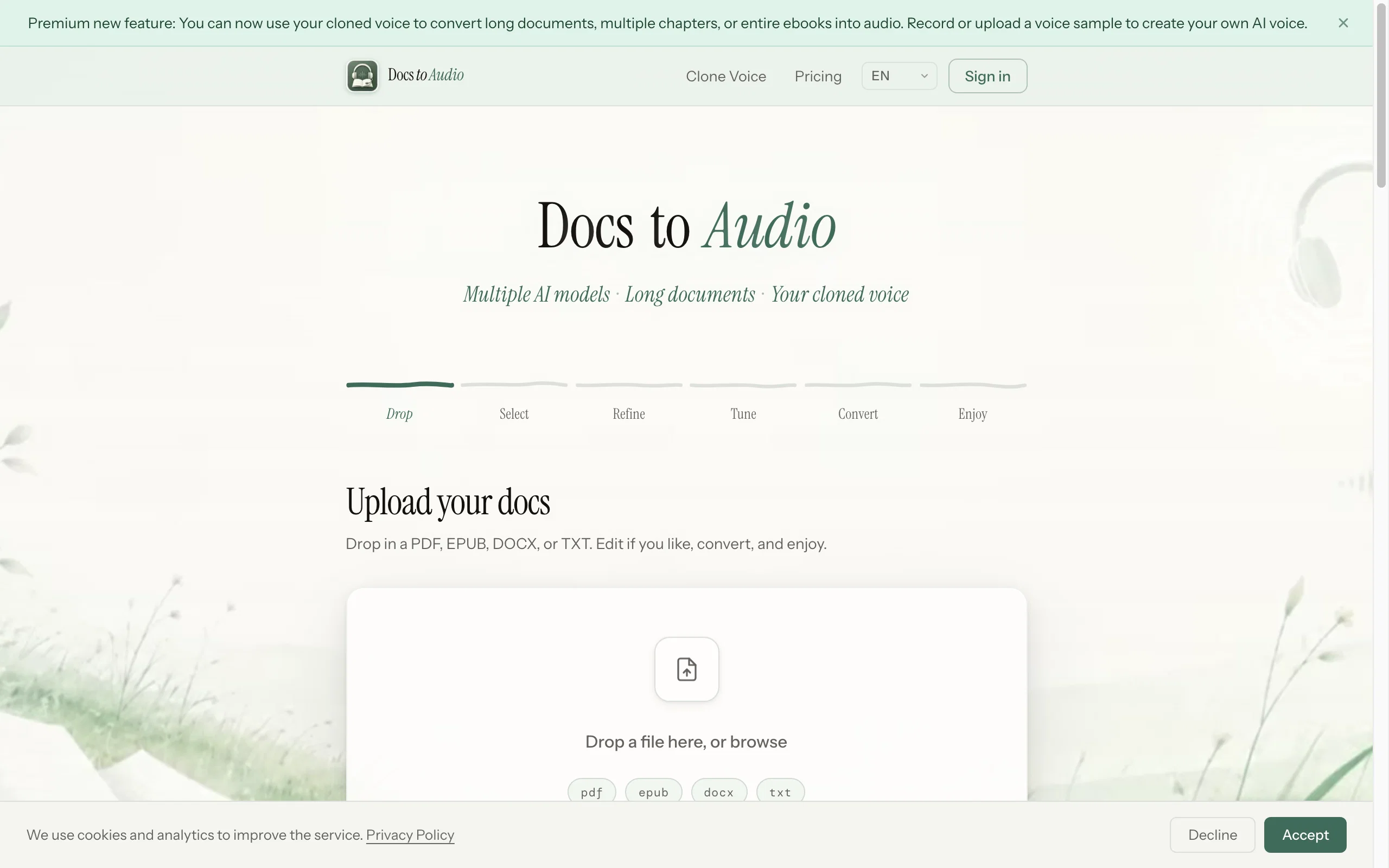
- Convert long documents and entire ebooks
Considering ElevenLabs instead? Compare side by side
Overview

Free tier: 300+ voices, 30+ languages, no account required, no file size limits.
Your document is parsed in-browser — the file is never uploaded to a server.
Premium tier (pay-as-you-go, no subscription):
• 800+ ElevenLabs AI voices in 50+ languages
• Gemini AI voices for natural narration
• Background conversion — close the browser, get an email when done
• 7-day re-download window
• Voice Cloning — record 10–30 seconds or upload an authorized voice sample to create your own AI narrator
- Convert Long Documents And Entire Ebooks
- Standard, Elevenlabs And Gemini Ai Models
- Record Or Upload An Authorized Voice To Clone
- Background Conversion — Close The Browser
- Re-download Completed Audio For 7 Days
- Free Standard Tier With No Sign-up
- Supports Pdf, Epub, Docx And Txt
- Chapter Selection — Convert Only What You Need
- Text Editing Before Conversion
- Voice Preview And Estimated Credit Cost
- Download As Mp3 Or M4b
- Document Parsed In Browser — Original File Never Uploaded
- Retry Failed Chapters Without Restarting
- Pay As You Go — No Subscription
Best for
Short scenarios where DocsToAudio tends to shine.
-
AI Document to Audio Converter & Voice Cloning
Example outputs 1
Sample generations and before/after results for DocsToAudio.
Access & connections
Where you can use DocsToAudio.
Platforms
Capabilities
What this tool accepts, produces, and is strongest at.
Input
- Text
Output
- Audio
Supported features
- TTS
- Docs
Pros & cons
Pros
- Convert long documents and entire ebooks
- Free Standard tier with no sign-up
- 800+ ElevenLabs voices and Gemini models
- Record or upload an authorized voice to clone
- Background conversion — close the browser
- Re-download audio for 7 days
- No hard file-size or word limit
- Select only the chapters you need
Show 5 more
- Edit text and preview voices before converting
- Download as MP3 or M4B with chapters
- Supports PDF, EPUB, DOCX and TXT
- Original document file is never uploaded
- Pay as you go with no subscription
Cons
- Free conversions require the browser to stay open
- Voice cloning requires a clean voice sample
- No native mobile app
Compare alternatives
Similar tools in the catalog — with a clear reason to open each one.

ElevenLabs ✓
FreemiumCreate lifelike AI voices for compelling storytelling.
Why look Typically cheaper
Full comparison
VoiSpark ✓
FreemiumCreate human-like voices for content with AI
Why look Typically cheaper
Full comparison
Free Text-To-Speech ✓
FreeText transformed into customizable spoken output.
Why look Fully free option
Full comparisonPeople also view
Tools that often show up alongside DocsToAudio in collections and comparisons.
VoiSpark ✓
FreemiumCreate human-like voices for content with AI

Speechma ✓
UnknownTransform text to speech with 400+ premium AI voices

Read-this.ai ✓
PaidTransform any articles into podcast-quality audio instantly with just a click.
Free Text-To-Speech ✓
FreeText transformed into customizable spoken output.
ElevenLabs ✓
FreemiumCreate lifelike AI voices for compelling storytelling.

Audioread.com ✓
PaidListen to any text in your podcast app or browser.
Summ-it ✓
FreemiumTurn everything you meant to read into an audio playlist.

DeepBliss.me ✓
FreemiumPersonalized mental wellness platform for future-self practice, in your own voice.
Releases 1
Imported reviews 2
easy to use and very helpful!
Nice work. Easy to use.
FAQ 12
What file types can DocsToAudio convert to audio?
Does DocsToAudio offer support for multiple languages?
What kind of voice options does DocsToAudio provide?
Can DocsToAudio process large files?
Do I need to create an account to use DocsToAudio?
Where does the conversion process occur with DocsToAudio?
Can I use DocsToAudio for commercial purposes?
How does DocsToAudio handle file uploads and privacy?
Do I need to upload files to a server to use DocsToAudio?
What measures does DocsToAudio take to ensure legal compliance?
What is the process for converting files with DocsToAudio?
Can DocsToAudio convert documents to MP3 and M4B formats?
Related tools
Recommended

AppDeploy ✓
FreeDeploy real apps directly from ChatGPT or Claude
Movie Maker Create ✓
FreeGenerate watermark-free AI videos with your xAI key

MeshGPT ✓
FreeTurn text into 3D masterpieces.

AI Image to Image.io ✓
FreemiumTransform images with simple text commands.
10x ✓
FreePrivate focus coaching that reveals your deep work patterns.
WriteABookAI ✓
PaidThe AI-Native Book Writing Platform