
Docsium ✓
Add GPT-3 to Google Workspace for AI-powered productivity
Free + from $10/mo
Verdict
A quick read before you dig into the full page.
- Best if
- Add GPT-3 to Google Workspace for AI-powered productivity
- Skip if
- Limited to Google Workspace
- Pick this when
- Easy installation
Considering TheLibrarian.io instead? Compare side by side
Overview
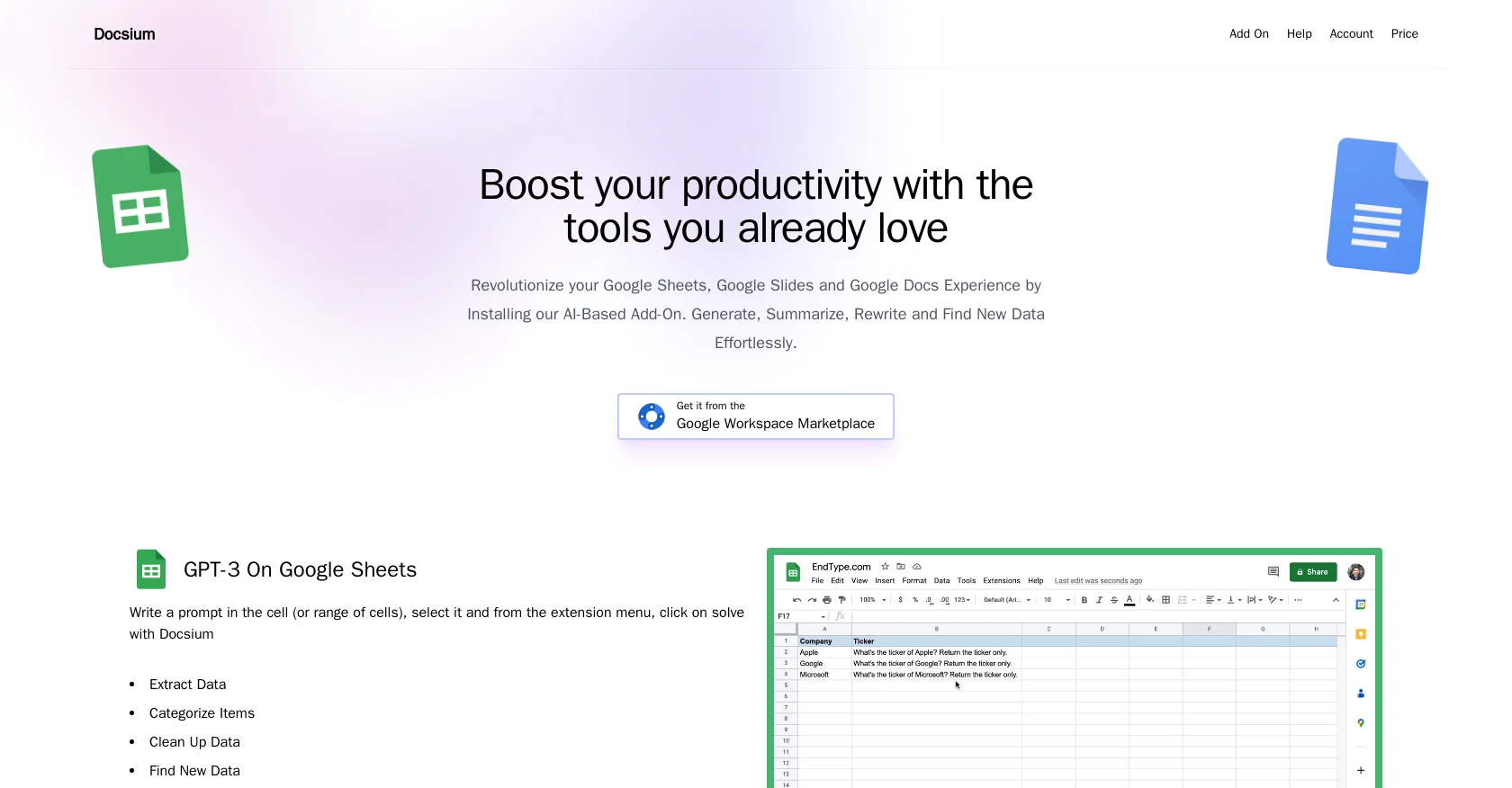
Docsium is an AI-based add-on for Google Sheets, Google Docs, and Google Slides that aims to enhance productivity by integrating the power of GPT-3. With just a few clicks, Docsium can be easily installed and utilized to improve the user experience across these three Google Workspace applications.
In Google Sheets, Docsium enables users to generate, summarize, rewrite, and effortlessly find new data. This allows for efficient data extraction, categorization, cleaning, and completion of addresses and public information.
In Google Docs, Docsium proves useful for various tasks such as writing blog posts, creating bullet points, generating meeting notes from bullet points, and summarizing existing content.
By selecting a prompt and utilizing the extension menu, Docsium assists users in achieving these tasks. Similarly, in Google Slides, Docsium allows users to write prompts directly in the slide, enabling the AI to assist in generating unique text copy.
This includes auto-generating slide titles, bullet point generation, content summarization, and text formatting.Overall, Docsium offers an accessible and intuitive way to leverage the capabilities of GPT-3 within the familiar interface of Google Sheets, Google Docs, and Google Slides.
By streamlining data management, content creation, and formatting, Docsium aims to boost productivity for users in their preferred Google Workspace applications.
Access & connections
Where you can use Docsium, and what it plugs into.
Platforms
Integrations
Capabilities
What this tool accepts, produces, and is strongest at.
Input
- Text
- Tabular
Output
- Text
Pros & cons
Pros
- Easy installation
- Streamlines data management
- Enhances content creation
- Boosts productivity
- Integrated with Google Sheets
- Integrated with Google Docs
- Integrated with Google Slides
- Data extraction in spreadsheets
Show 15 more
- Data categorization in spreadsheets
- Data cleaning in spreadsheets
- Address and public info completion
- Produces unique text copy
- Automated slide title generation
- Bullet point creation
- Content summarization
- Text formatting
- Generates blog posts
- Generates meeting notes
- Aids in bullet point writing
- Leverages GPT-3 capabilities
- Intuitive user interface
- Direct prompt writing in slides
- Google Workspace add-on
Cons
- Limited to Google Workspace
- Can't disable unwanted features
- May introduce formatting issues
- Potential privacy vulnerabilities
- Not standalone, requires plugin
- Possible dependence on internet connection
- Potential GPT-3 limitations/errors
- Lack of version history
Show 1 more
- Automatic updates without notice
Compare alternatives
Similar tools in the catalog — with a clear reason to open each one.

TheLibrarian.io ✓
Free TrialYour WhatsApp AI assistant for instant productivity.
Why look Higher community rating
Full comparison
Supernormal App ✓
FreemiumThe AI assistant app that turns meetings into completed work
Free + from $25.90/mo
Full comparison

MiroAI ✓
FreemiumUnlock creative power with AI-driven collaboration.
Why look Typically cheaper
Full comparison
Collate ✓
FreeUnlimited free and private summaries and chat with PDF
Why look Fully free option
Full comparison
Releases 1
FAQ 12
What is Docsium?
How does Docsium enhance productivity on Google Workspace?
What features does the Docsium add-on provide for Google Sheets?
What specific tasks can Docsium help me perform in Google Docs?
How does Docsium improve user experience in Google Slides?
How do I install Docsium?
Does Docsium offer any free credits?
How does Docsium utilize GPT-3 technology?
What is the process of generating data using Docsium in Google Sheets?
Can I use Docsium for content summarization in Google Docs?
Can Docsium help me format text in Google Slides?
Can I create meeting notes from bullet points using Docsium?
Related tools
Recommended

Kaiber Superstudio ✓
Free TrialAI Video Generation

KeywordSearch ✓
FreemiumDiscover and target YouTube audiences.

Flowpoint ✓
FreemiumWebsite Analytics Reports with AI Agents

Chatmind app ✓
PaidAI-powered mind mapping for effortless brainstorming

D-ID Creative Reality Studio ✓
UnknownCreate AI-powered videos from still images.

Artificial Art ✓
FreeCreate AI art with Stable Diffusion