

Diffusely ✓
AI art plugin for Photoshop creators
Trial; then from $14.99/mo
Verdict
A quick read before you dig into the full page.
- Best if
- AI art plugin for Photoshop creators
- Skip if
- Might limit creative freedoms
- Pick this when
- Works within Adobe Photoshop
Considering Viyou AI Image Generator instead? Compare side by side
Overview
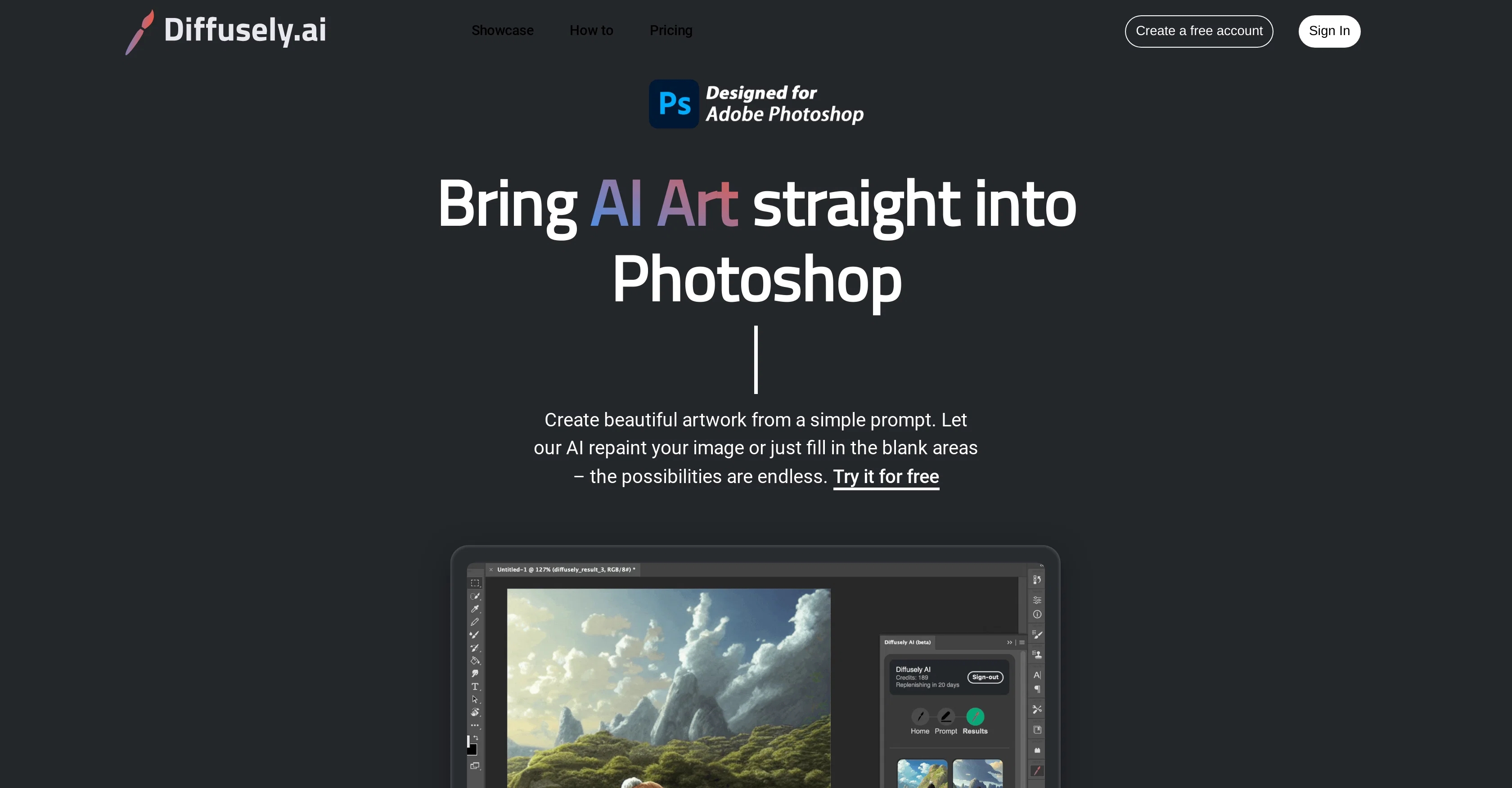
Diffusely is an AI-enabled Photoshop plugin designed specifically for the needs of digital artists, photographers, and designers. This tool works within Adobe Photoshop, a widely used software package in these creative communities, amplifying the existing features of Photoshop with the capabilities of AI.
Diffusely is instrumental in enhancing the quality of creative work by adding a layer of intelligence. It facilitates artists in their creation process by providing them with a more streamlined and efficient work pathway.
The advanced algorithms of this AI tool can understand and adapt to the unique styles of individual artists to enhance their work. Although designed with professionals in mind, its intuitive interface makes it equally accessible for beginners.
Artists using Diffusely can expect to amplify their creative expression and create more intricate and original artwork, while photographers and designers can benefit from more nuanced edits and designs.
As a result, Diffusely serves as a valuable tool for anyone looking to leverage AI in their creative workflows.
Access & connections
Where you can use Diffusely.
Platforms
Capabilities
What this tool accepts, produces, and is strongest at.
Input
- Image
Output
- Image
Pros & cons
Pros
- Works within Adobe Photoshop
- Amplifies existing Photoshop features
- Enhances quality of creative work
- Streamlined and efficient workflow
- Adapts to unique artist styles
- Intuitive interface
- Accessible for beginners
- Amplifies creative expression
Show 6 more
- Allows intricate and original artwork
- Facilitates nuanced edits
- Designed for professionals and beginners
- Enhances individual creative processes
- Deepens creative workflow possibilities
- Made with love in California
Cons
- Requires Adobe Photoshop
- Specifically for artists/designers
- May oversimplify creative process
- Possible style adaptability issues
- Not standalone
- Interface might not suit everyone
- Might limit creative freedoms
- Potentially inflexible workflow
Show 2 more
- Not specified system requirements
- No mention of API
Compare alternatives
Similar tools in the catalog — with a clear reason to open each one.

Viyou AI Image Generator ✓
FreemiumTransform text and images into stunning videos and visuals.
Free + from $39.99/yr
Full comparison
Img2Img AI ✓
FreemiumTransform any image with AI in seconds.
Why look Typically cheaper
Full comparison

Photoeditor ✓
PaidEnhanced image editing with object and text removal.
Why look Typically cheaper
Full comparison
Cleanup pictures ✓
FreemiumRemove unwanted elements from photos instantly.
Why look Typically cheaper
Full comparisonReleases 1
FAQ 12
What is Diffusely's main purpose?
How does Diffusely integrate with Adobe Photoshop?
What makes Diffusely unique to digital artists, photographers, and designers?
How does Diffusely use AI to enhance creative work?
How does Diffusely streamline the creation process?
Can Diffusely adapt to the unique style of individual artists?
Is Diffusely only for professionals, or can beginners use it too?
What can artists expect when using Diffusely?
Can Diffusely help create more intricate and original artwork?
How can photographers and designers specifically benefit from using Diffusely?
What type of algorithms does Diffusely use?
Can Diffusely be used as part of a creative workflow?
Related tools
Recommended

100% Free AI Headshot Generator | Supawork AI (no sig... ✓
FreemiumCreate free AI professional headshots instantly

PrometAI ✓
FreemiumTurn ideas into viable reality with AI business plan generator.

DigitalGenius ✓
UnknownAutomated ecommerce customer support.

OnlyPrompts ✓
Free TrialAutomate 37,000+ tasks with 150,000+ prompts

SongGenerator.io ✓
FreemiumTransform text into AI-generated music instantly.

Video Studio AI ✓
FreemiumGenerate AI videos from text or images instantly