
Diffus ✓
Elevate creativity with precision AI image generation.
from $1/mo
Verdict
A quick read before you dig into the full page.
- Best if
- Elevate creativity with precision AI image generation
- Skip if
- Complex interface
- Pick this when
- Precision control for images
Considering Photo AI instead? Compare side by side
Overview
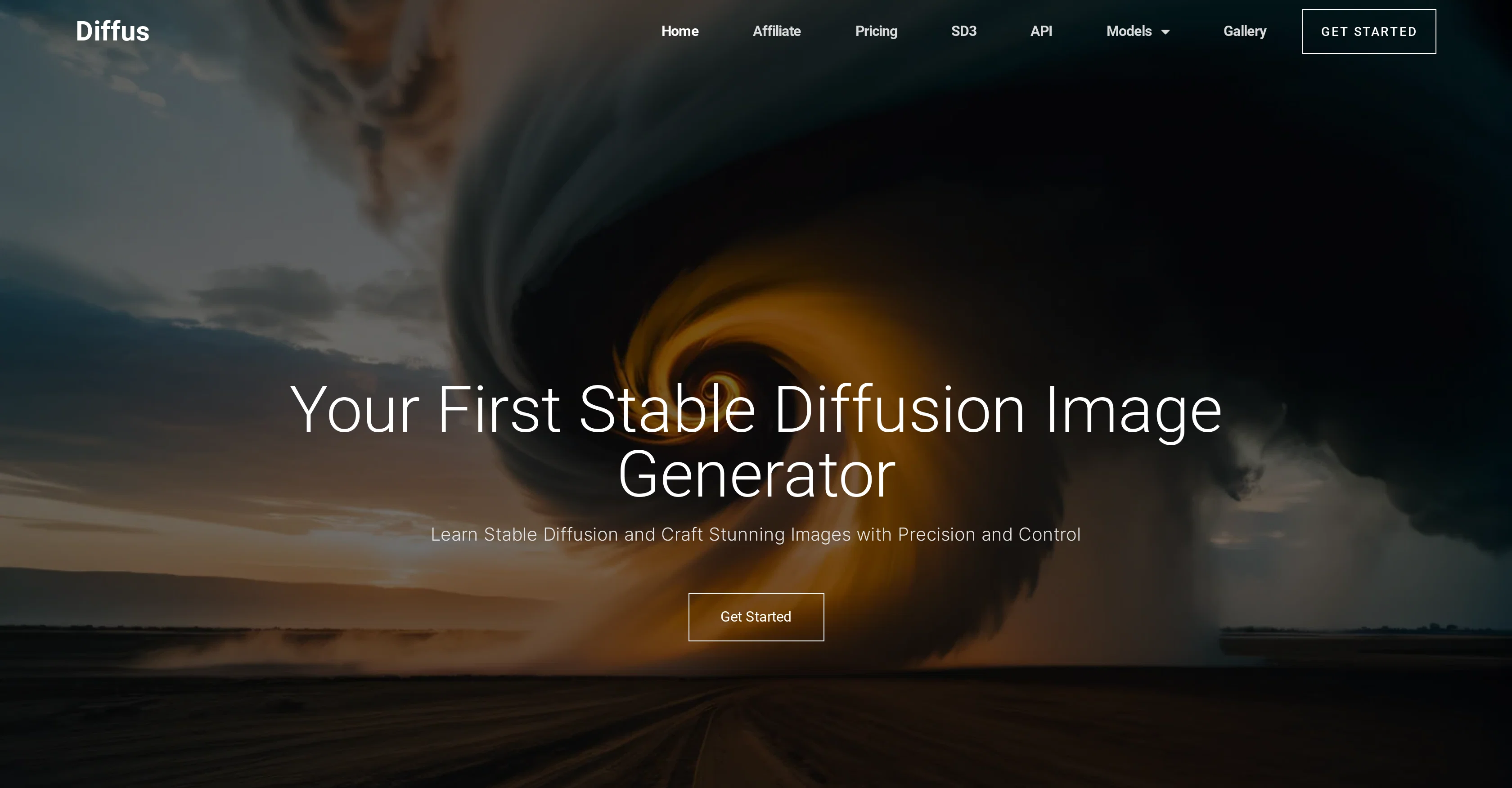
Diffus is a Stable Diffusion image generator designed for both professional creators and enthusiasts. It offers precision and control for unique image creation, enabling users to effortlessly tailor and refine their artworks.
Users can segment the canvas into distinct areas and apply different prompts to each section, offering precise control over the composition. Diffus also provides easy editing features for manipulating lighting, shadows, and color schemes.
Users can leverage a library of over 10,000 Checkpoints and Loras as well as popular community extensions to refine the style, character, and objects in their images.
In addition, a feature called ControlNet allows users to design lighting using masks and easily change the image's color with straightforward prompts.
This tool is designed to elevate creativity and streamline the artistic process by providing tools to craft stunning images with precision and ease.
Access & connections
Where you can use Diffus.
Platforms
Capabilities
What this tool accepts, produces, and is strongest at.
Input
- API
- Text
Output
- API
- Image
Pros & cons
Pros
- Precision control for images
- Canvas segmentation capability
- Unique prompt application
- Lighting manipulation functionality
- Shadow manipulation functionality
- Color scheme editing features
- Access to over 10,000 Checkpoints and Loras
- Integration with community extensions
Show 37 more
- ControlNet for light and color design
- Stable Diffusion specific tool
- Supports professional and enthusiast usage
- Effortless editing features
- Creative process streamlining
- Easy image tailoring and refining
- Image style refinement options
- Character and object refining options
- Large model library for styles
- Popular community models support
- Myriad style options
- Flexible for all image compositions
- Clickable prompt application
- Direct manipulation of color schemes
- ControlNet lighting design
- Color reconfiguration capability
- High precision image generation
- Elevated creativity support
- Active online community
- Large gallery for inspiration
- Variety of model categories
- Regular model updates
- Active model creator community
- Vast style variety
- User-friendly web interface
- Artist-oriented features
- Endless creation possibilities
- Frequent posts with new content
- Professional-level creation features
- High-quality image generation
- Future-proof image creation tool
- Active affiliate program
- Regular updated content
- Access to latest models and checks
- Clear categorisation of models
- Precision in all image elements
- Complementary control of lighting & color
Cons
- No collaboration feature
- Complex interface
- No offline version
- Limited library variety
- No mobile app
- No real-time design editing
- Limited integration capabilities
- High learning curve
Show 2 more
- No 3D image creation
- No free version
Compare alternatives
Similar tools in the catalog — with a clear reason to open each one.


Stockimg AI ✓
PaidGenerated images and text for design ease.
Why look Stronger for image work
Full comparison
BestPhotoAI ✓
FreemiumCreate amazing AI photos instantly
Why look Freemium alternative
Full comparison

CreativePixel ✓
FreemiumOut-create Your Competition in Minutes
Why look Freemium alternative
Full comparisonReleases 1
FAQ 12
What is Diffus?
How does Diffus help in creating unique images?
Can I segment the canvas into different areas in Diffus?
What kind of control does Diffus provide over image composition?
Does Diffus have features related to lighting, shadows, and color schemes editing?
What can I find in the library of Diffus?
Can I use the ControlNet feature in Diffus to design lighting using masks?
Can Diffus help me change the color of my image?
What role does Diffus play in the artistic process?
Can I refine the style, character, and objects in my images using Diffus?
Who can use Diffus?
Can I use Diffus to generate stable diffusion images?
Related tools
Recommended

SEO Writing AI ✓
Freemium1-click SEO-optimized articles generation

OnlyPrompts ✓
Free TrialAutomate 37,000+ tasks with 150,000+ prompts

LearningStudioAI ✓
Free TrialAI-powered authoring tool for effortless online course creation.

VenturusAI ✓
FreemiumBusiness idea analysis and reporting.

Transcript LOL ✓
FreemiumUnlimited transcripts, summaries, 99.8% accuracy, speaker recognition, superfast

TurboScribe ✓
Freemium🎯 3 free transcripts every day. 🔥 Unlimited transcription starting at $10/mo.