

Dewatermark ✓
AI-powered watermark removal in seconds.
Free + from $5/mo
Verdict
A quick read before you dig into the full page.
- Best if
- You are students and need: Removing watermarks from study and research publication images
- Skip if
- Limited editing tools
- Pick this when
- User-friendly interface
Considering Fineshare Sora Watermark Remover instead? Compare side by side
Overview
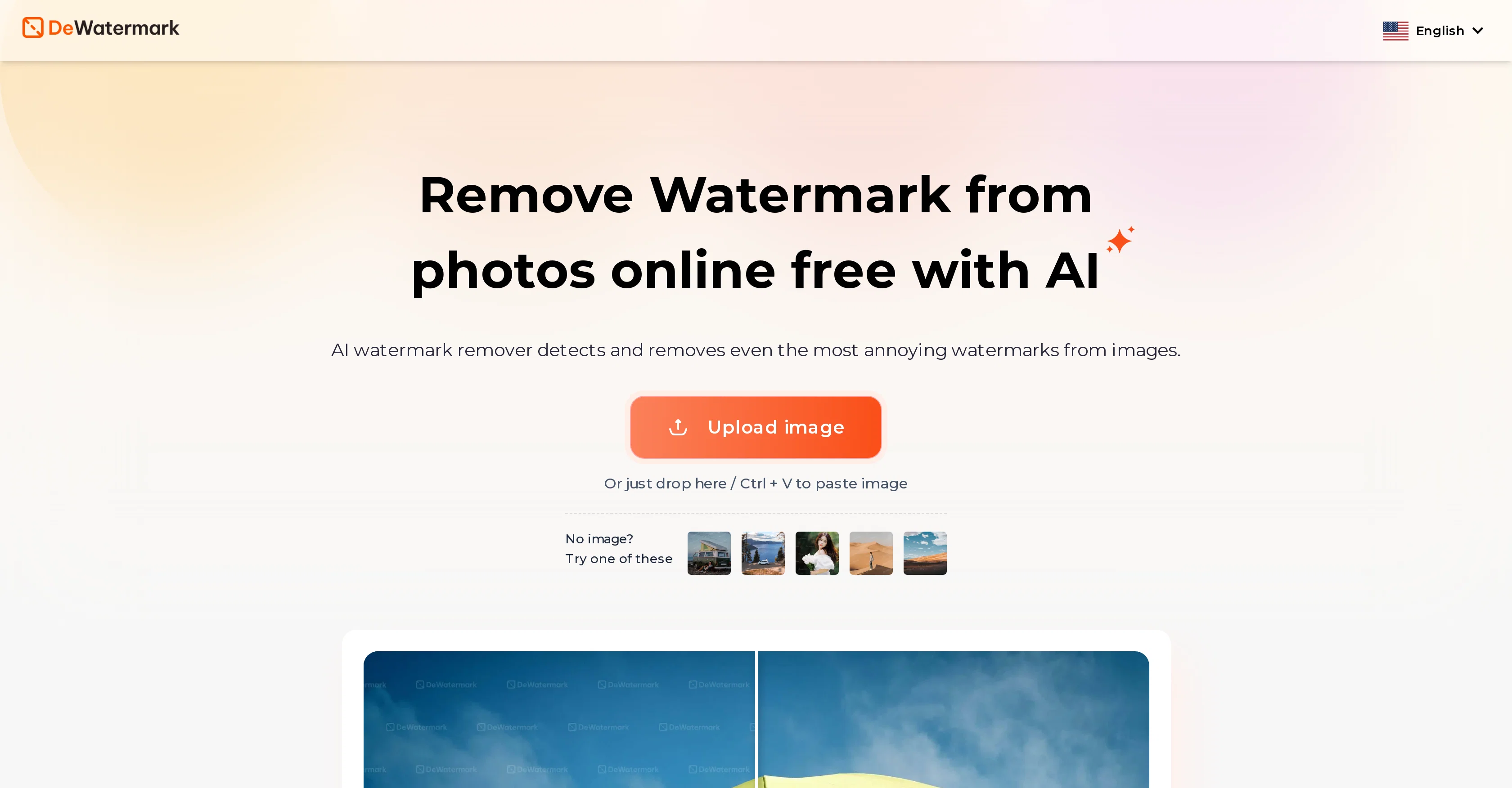
Dewatermark.AI is a free, user-friendly tool that works on different platforms, including mobile, desktop, and tablet devices. It utilizes AI technology to detect and remove watermarks from images automatically and quickly.
Its proficiency extends to the most complex watermarks, even those with multiple layers, detail-dense, or color-blended with the image. Dewatermark.AI is designed to retain the image's original quality, committing considerable effort to ensure there is no quality loss or detail fading.
In addition to its automatic functionality, Dewatermark.AI also offers a manual brush feature, enabling users to remove remaining watermark traces thoroughly.
Once the watermark has been removed, users have the choice between the original and enhanced versions of their images to download. This tool is highly appreciated by its users for its accuracy, speed, and ability to save time on manual editing.
Best for
Short scenarios where Dewatermark tends to shine.
-
Removing watermarks from study and research publication images
Best for Students
-
Removing proof marks from photos
Best for Researchers
-
Enhancing images for various purposes
Best for Photographers
Example outputs 1
Sample generations and before/after results for Dewatermark.
Access & connections
Where you can use Dewatermark.
Capabilities
What this tool accepts, produces, and is strongest at.
Input
- Image
Output
- Image
Pros & cons
Pros
- Free tool
- User-friendly interface
- Mobile compatible
- Desktop compatible
- Tablet compatible
- Quick processing
- Complex watermark removal
- Retains original image quality
Show 24 more
- No loss in details
- Manual brush feature
- Choice of original or enhanced version
- Saves time
- Automatic functionality
- Multiple language support
- Quality image preservation
- Detail-dense watermark removal
- Color-blended watermark removal
- Multi-platform use
- Manual editing option
- Photo enhancement feature
- Removal of layered watermarks
- Simple download process
- Sophisticated watermarks capability
- Powerful recognition feature
- Retains image quality
- Flexible editing option
- Creates multiple final looks
- Fast and easy operation
- All devices compatibility
- Available on iOS & Android stores
- High user ratings
- Supports multiple images watermark removal
Cons
- No batch processing
- No API
- Limited file formats
- Limited editing tools
- Requires manual brush for perfection
- No offline version
- No built-in photo enhancement tools
- Doesn't support vector images
Show 1 more
- No preview before download
Compare alternatives
Similar tools in the catalog — with a clear reason to open each one.

Fineshare Sora Watermark Remover ✓
Free TrialRemove watermarks from Sora videos with AI.
Free + from $4.99
Full comparison
RemoveSoraWatermark in 3s ✓
FreemiumRemove Sora watermarks in 3 secs.
Why look Higher community rating
Full comparison
Hitpaw watermark remover ✓
FreemiumRemove watermarks from photos instantly and for free.
Free + from $9.99/mo
Full comparison
Unwatermark AI ✓
FreemiumRemove watermarks from photos and videos instantly.
Why look Typically cheaper
Full comparison
CleanVideoAI Watermark Removal ✓
UnknownRemove watermarks from videos instantly with AI.
No pricing
Full comparison
RemoveSoraWatermark in 3s ✓
FreemiumRemove Sora watermarks in 3 secs.
Why look Higher community rating
Full comparisonPeople also view
Tools that often show up alongside Dewatermark in collections and comparisons.
Unwatermark AI ✓
FreemiumRemove watermarks from photos and videos instantly.
RemoveSoraWatermark in 3s ✓
FreemiumRemove Sora watermarks in 3 secs.
RemoveSoraWatermark in 3s ✓
FreemiumRemove Sora watermarks in 3 secs.
Hitpaw watermark remover ✓
FreemiumRemove watermarks from photos instantly and for free.
CleanVideoAI Watermark Removal ✓
UnknownRemove watermarks from videos instantly with AI.
Fineshare Sora Watermark Remover ✓
Free TrialRemove watermarks from Sora videos with AI.

Subtitle Remover ✓
PaidErase hardcoded subtitles from any video, pixel-perfectly.

Halloween AI Filters by Media.io
Free TrialApply spooky Halloween filters and scary makeup effects online for free.
Releases 1
Imported reviews 3
Worked perfectly on the first try.
Very good 👍
Removed watermarks fairly reliable without having to select anything manually
FAQ 12
What platforms does Dewatermark.AI work on?
How does Dewatermark.AI detect watermarks on an image?
Is Dewatermark.AI able to remove complex watermarks?
Can Dewatermark.AI remove multiple layered watermarks?
Does Dewatermark.AI maintain the original quality of the image?
Can Dewatermark.AI prevent loss of detail during watermark removal?
What is the manual brush feature in Dewatermark.AI?
Can I choose between original and enhanced versions of images after watermark removal in Dewatermark.AI?
Is Dewatermark.AI appreciated for its speed?
How does Dewatermark.AI save time on manual editing?
How can I use Dewatermark.AI to remove watermarks from my photos?
How does Dewatermark.AI automatically remove watermarks?
Related tools
Recommended

FliFlik ✓
Free TrialRemove watermarks and backgrounds with AI in minutes.

Midjourney ✓
PaidExpand human imagination through AI-powered visuals.

Storybooks ✓
FreemiumCreate personalized, illustrated children's books in seconds.

Clipfly AI Video Generator ✓
FreemiumCreate AI-generated videos from text prompts effortlessly.

GPTExcel ✓
FreemiumGenerate spreadsheet formulas with AI

Taplio ✓
FreemiumThe LinkedIn growth tool to turn content into pipeline