

CleanVideoAI Watermark Removal ✓
Remove watermarks from videos instantly with AI.
Verdict
A quick read before you dig into the full page.
- Best if
- Remove watermarks from videos instantly with AI
- Skip if
- Not suitable for complex watermarks
- Pick this when
- Removes watermarks, logos, text
Considering Fineshare Sora Watermark Remover instead? Compare side by side
Overview
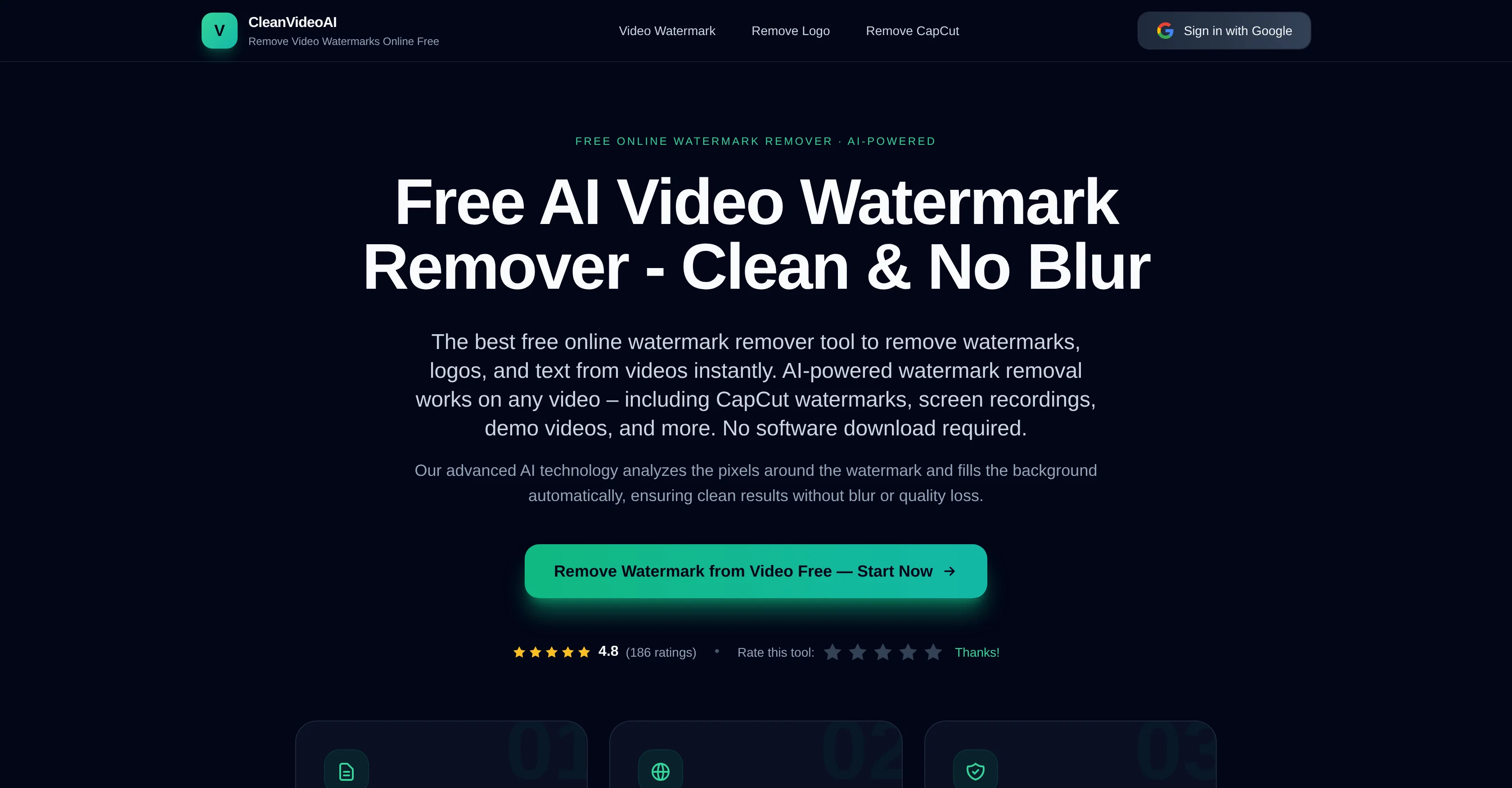
V CleanVideoAI Watermark Remover is an AI-powered tool designed to remove watermarks, logos, and text from videos online in seconds, without any need for software download or sign up.
The tool works effectively on any videos, including CapCut watermarks, screen recordings, and demo videos among others. Utilizing advanced AI technology, this tool analyzes the pixels around the watermark and fills the background automatically, leading to clean results without any loss in quality or blur.
The tool offers a simple drag-and-drop interface, and no technical skills are needed to use it. It offers privacy and security, with no storage or sharing of content.
The AI behind the tool can automatically identify edges, blend colors, and restore background textures, enabling removal of generic watermarks, text overlays, and repeated labels from your videos.
The tool also supports export in full HD, preserving the original video quality while removing watermarks. This tool is ideal for creators needing watermark-free videos for platforms like YouTube, TikTok, Reels, Instagram, and for professional use.
Access & connections
Where you can use CleanVideoAI Watermark Removal, and what it plugs into.
Platforms
Integrations
Capabilities
What this tool accepts, produces, and is strongest at.
Input
- Video
Output
- Video
Highlights
- No Signup
Supported features
- Video Edit
- No Signup
Pros & cons
Pros
- Removes watermarks, logos, text
- Works in browser
- No downloads required
- Automatically fills background
- Delivers clean, blur-free results
- Quick usage with drag-and-drop
- Doesn't store or share content
- Removes watermarks by brushing
Show 29 more
- Device and platform agnostic
- Automatic edge detection
- Blending and restoring colors
- Retains original video quality
- Supports all video formats
- High-resolution export
- YouTube, TikTok, Instagram compatible
- Works on screen recordings
- Detects and removes generic watermarks
- Recognizes and removes CapCut watermarks
- Removes text overlays
- Removes repeated labels
- No signup or login
- Privacy and security implemented
- Full HD Export Capability
- Doesn't require technical skills
- Ideal for professional editing
- Automatic texture restoration
- Simple and easy to use
- Compatible with common video platforms
- Ideal for creators and editors
- Preserves original video quality
- Seamless watermark removal process
- Watermark pattern detection
- Frame by frame removal
- Retains original video format
- No need of credit card
- Exports in high quality
- 3-step easy process
Cons
- Not suitable for complex watermarks
- Potential quality loss post-processing
- Limited to common video formats
- No batch processing support
- Re-encoding may cause delays
- Does not support offline use
- Doesn't support all watermark types
Compare alternatives
Similar tools in the catalog — with a clear reason to open each one.

Fineshare Sora Watermark Remover ✓
Free TrialRemove watermarks from Sora videos with AI.
Free + from $4.99
Full comparison
RemoveSoraWatermark in 3s ✓
FreemiumRemove Sora watermarks in 3 secs.
Why look Higher community rating
Full comparison
Hitpaw watermark remover ✓
FreemiumRemove watermarks from photos instantly and for free.
Free + from $9.99/mo
Full comparison

Unwatermark AI ✓
FreemiumRemove watermarks from photos and videos instantly.
Free + from $3.90/mo
Full comparison
RemoveSoraWatermark in 3s ✓
FreemiumRemove Sora watermarks in 3 secs.
Why look Higher community rating
Full comparison