DebuggAI ✓
Zero config AI browser testing for every PR.
Free + from $20/mo
Verdict
A quick read before you dig into the full page.
- Best if
- You are professional developers and need: Catching regressions in critical user flows (e.g., auth, forms, checkout) before deployment
- Skip if
- Limited to browser testing
- Pick this when
- Automated browser testing
Considering BrowsingBee instead? Compare side by side
Overview
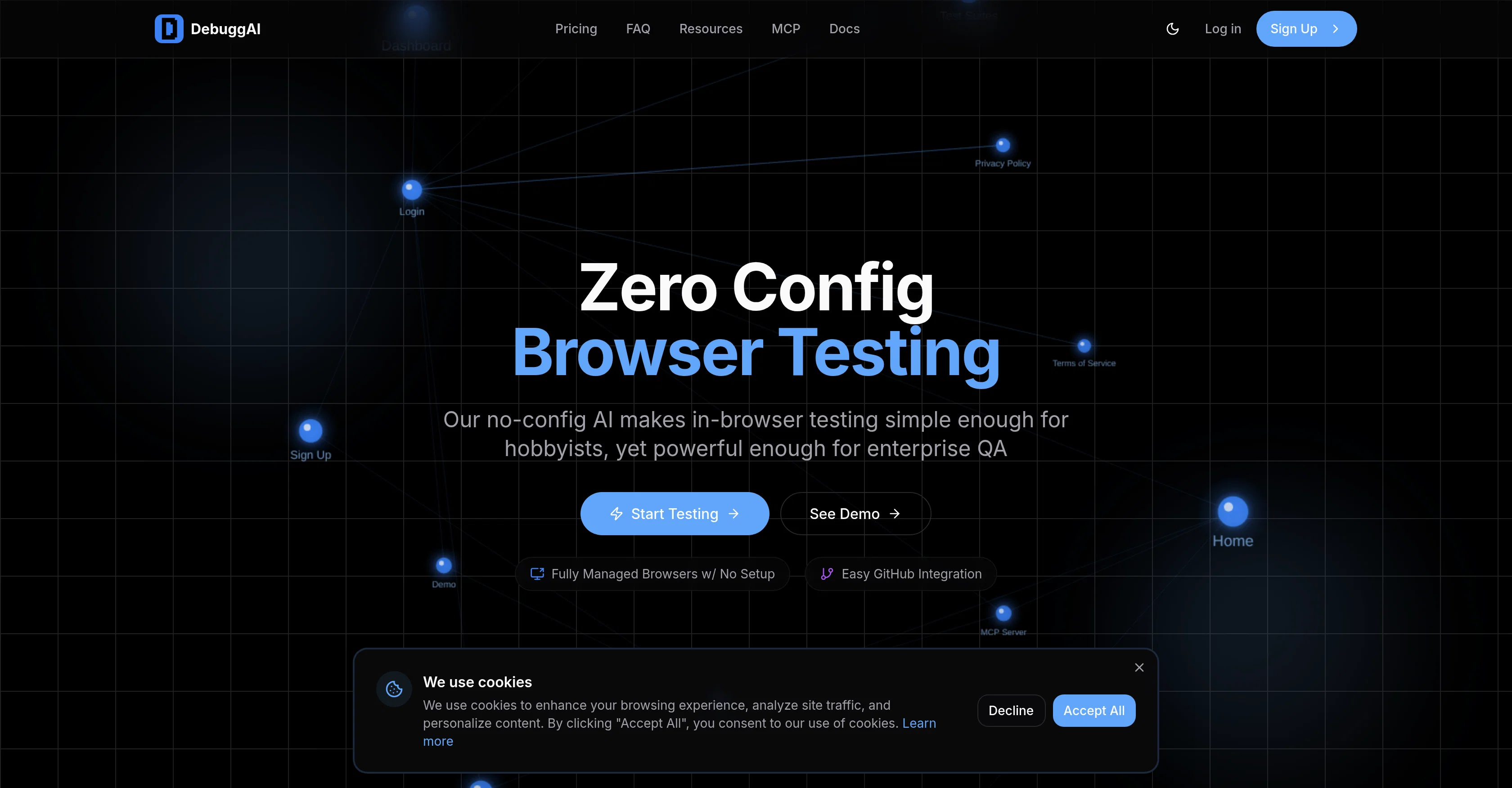
DebuggAI is an AI-powered tool that automates browser testing for software applications. The tool is integrated with GitHub, automating tests on pull requests, thereby ensuring that the code is effective before merge.
DebuggAI requires no configuration, offering a simple setup process that only takes a few minutes. It handles various process, including repository access, dependency installation, build processes, secure tunneling, and browser testing.
With DebuggAI, there is no need for servers, containers, complex configurations, and it provides a GitHub-native experience, installing once and auto-triggering testing as necessary.
Additionally, DebuggAI offers secure remote management, with features like encrypted tunnels, isolated environments, and temporary access to ensure that your code remains safe.
Another key feature of DebuggAI is its AI-powered understanding, which builds a comprehensive knowledge graph of your application, understanding every page, interaction, and user flow to run the right tests at the right time.
The tool also provides real results for every commit, commenting directly on your pull requests with test results, videos, and actionable insights, all in a way that does not require you to check external dashboards.
The AI also analyzes your code diffs on every commit to create and run targeted end-to-end tests.
Best for
Short scenarios where DebuggAI tends to shine.
-
Catching regressions in critical user flows (e.g., auth, forms, checkout) before deployment.
Best for Professional developers
-
Ensuring code changes are solid and functional before merging pull requests.
Best for Hobbyists
-
Automating end-to-end testing for every commit to maintain code quality.
Best for Enterprise QA teams
-
Reducing manual testing efforts and accelerating PR review cycles.
Best for Software engineers
-
Providing confidence that shipped code actually works as intended.
Best for DevOps engineers
Example outputs 1
Sample generations and before/after results for DebuggAI.
Access & connections
Where you can use DebuggAI, and what it plugs into.
Platforms
Capabilities
What this tool accepts, produces, and is strongest at.
Input
- API
- Code
Output
- Video
- API
- Text
Highlights
- Agents
- MCP
Supported features
- Agents
- Automation
- Computer Use
- IDE
- Integrations
- MCP
- Team Collaboration
- QA Automation
Pros & cons
Pros
- Automated browser testing
- Zero configuration need
- Effortless GitHub integration
- PR testing on push
- Posts results as GitHub comments
- No external dashboard checking
- Creates comprehensive knowledge graph
- Analyzes code differences per commit
Show 35 more
- Runs targeted end-to-end tests
- Encrypted secure remote management
- Temporary access for security
- Isolated secure environments
- Works with any stack
- Setup in under two minutes
- No code changes
- Inline PR test results
- Comprehensive test coverage
- Automatic PR detection
- Managed repository access
- Managed dependency installation
- Automated build processes
- Secured code tunneling
- GitHub-native Experience
- Posts videos, action insights on PR
- Performs Real-time commit results
- Automatic browser testing per PR
- Connects with GitHub repo in 2 mins
- No DevOps expertise required
- No infrastructure setup
- Installs once, auto-trigger testing
- Tests actual user flows
- Reduces production bugs
- Faster PR approvals
- Simple learning curve
- Managed browser orchestration
- Clone and Build feature
- Active monitoring of PRs
- Code safety measures
- Runs detailed purpose tests
- Direct links to debugging information
- No servers or containers needed
- No complex configurations
- Analyzes code diffs for targeted tests
Cons
- GitHub only integration
- No API mentioned
- No external dashboard
- No configuration flexibility
- Mandatory automated testing
- Only end-to-end tests
- Dependent on secure tunneling
- Limited to browser testing
Show 2 more
- No non-browser testing
- Doesn't support multiple users
Compare alternatives
Similar tools in the catalog — with a clear reason to open each one.

BrowsingBee ✓
Free TrialAI creates bulletproof browser tests in plain English.
Why look Higher community rating
Full comparison
Carbonate ✓
Free TrialWrite automated browser tests in plain English.
Why look Better for writing
Full comparison
AgentSwarms ✓
FreeLearn, Build and Run Agentic AI on your Browser!
Why look Fully free option
Full comparisonPeople also view
Tools that often show up alongside DebuggAI in collections and comparisons.
BrowsingBee ✓
Free TrialAI creates bulletproof browser tests in plain English.
Carbonate ✓
Free TrialWrite automated browser tests in plain English.

Runbase ✓
Free TrialOne API for every top AI model.

Kane CLI By TestMu AI ✓
FreemiumKane CLI: Browser Automation for AI-Driven Testing | TestMu AI

Kane AI ✓
FreemiumWorld’s first end to end software testing agent built on modern LLMs

ForthWrite ✓
FreemiumAI email writer that sounds like you.

Coarena ✓
FreeWatch computer use agents do your work for free!

Bytesalt ✓
Free TrialAI QA Tester
Releases 1
FAQ 12
What is DebuggAI and how does it work?
How does DebuggAI integrate with GitHub?
When does DebuggAI start testing my code?
Does DebuggAI need any specific configuration to start working?
What kind of tests does DebuggAI run on my pull requests?
What is the 'knowledge graph' mentioned in DebuggAI's features?
How does DebuggAI ensure the safety of my code during testing?
How long does it take to set up DebuggAI?
Can DebuggAI work with any stack or is it only compatible with specific ones?
Do I need to make any changes to my code for DebuggAI to work?
What does 'Zero Config Browser Testing' mean in the context of DebuggAI?
How does DebuggAI handle browser testing for my code?
Related tools
Recommended

CodeRabbit ✓
Free TrialEnhanced code review for improved workflow and quality.

Mistral AI ✓
FreemiumFrontier AI in your hands

APIMart ✓
UnknownOne API for 500+ AI models at 70% less cost.

ChatGPT ✓
FreemiumAsk anything, create anything, and move from idea to action.

Notis ✓
Free TrialThe first WhatsApp assistant that runs on your ChatGPT and Claude subscriptions

freebeat AI ✓
FreemiumTurn Music & Ideas into Viral Videos In One Click