
BrowsingBee ✓
AI creates bulletproof browser tests in plain English.
Trial; then from $24.2/mo
Verdict
A quick read before you dig into the full page.
- Best if
- AI creates bulletproof browser tests in plain English
- Skip if
- No free tier pricing
- Pick this when
- Automated tests in English
Considering DebuggAI instead? Compare side by side
Overview

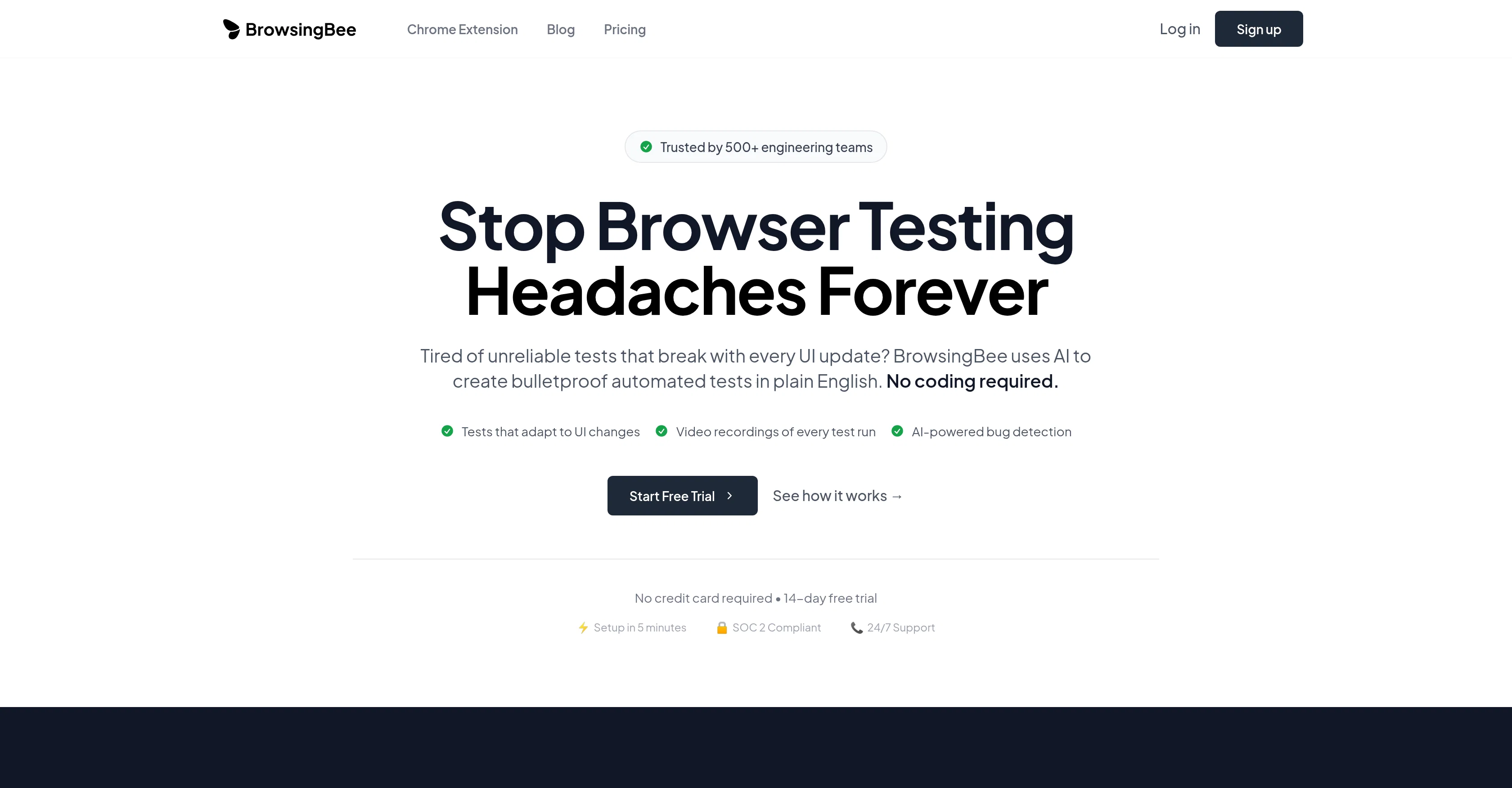
BrowsingBee is an AI-supported Browser Testing tool developed to rectify the common complexities in browser testing. It aids engineering teams to create automated tests in plain English without prerequisite coding knowledge.
This tool utilizes artificial intelligence to actualize 'self-healing tests', these tests adapt in real-time to software's UI changes guaranteeing a notable reduction in test maintenance time.
BrowsingBee also offers video recordings of every test run for enhanced debugging efficiency. The AI element further extends by identifying patterns in the test to proactively predict potential bugs before reaching the users, being beneficial for ensuring product quality and user experience.
It covers a vast range of testing needs including Regression Testing, User Journey Testing, Cross-Browser Testing, Performance Testing and Scheduled Monitoring.
BrowsingBee caters to different industry applications from E-Commerce, SaaS, Multi-Platform, to Financial and Healthcare apps. Despite its advanced capabilities, it maintains a simple setup process and requires minimal maintenance.
BrowsingBee secures SOC 2 compliance and provides role-based access control, intensive analytics, smart notifications, and audit logs as additional features.
Best for
Short scenarios where BrowsingBee tends to shine.
-
AI creates bulletproof browser tests in plain English.
Example outputs 1
Sample generations and before/after results for BrowsingBee.
Access & connections
Where you can use BrowsingBee.
Platforms
Capabilities
What this tool accepts, produces, and is strongest at.
Input
- API
- Tabular
- Image
- Text
- Audio
Output
- Video
- Tabular
- API
Supported features
- QA Automation
Pros & cons
Pros
- Automated tests in English
- No coding knowledge needed
- Self-healing tests
- Adapts to UI changes
- Minimized test maintenance
- Video recordings for debugging
- Predictive bug identification
- Regression Testing
Show 38 more
- User Journey Testing
- Cross-Browser Testing
- Performance Testing
- Scheduled Monitoring
- E-Commerce application testing
- SaaS application testing
- Multiplatform application testing
- Finance application testing
- Healthcare application testing
- Easy setup process
- Minimal maintenance required
- SOC 2 Compliance
- Role-based access control
- Intensive analytics
- Smart notifications
- Audit logs
- Maintenance time reduction
- Tests creation in English
- Chrome extension
- Free trial available
- 14-day free trial
- No credit card required
- Detailed test reports
- 95% time saved in setup
- Immediate notifications on issues
- Slack, email, and webhook alerts
- Enterprise Security
- Automated tests creation
- Security and Compliance Testing
- Monitoring scheduled
- Monitor page load times
- API response monitoring
- User experience metrics
- No-Code Test Creation
- 99.9% Uptime SLA
- 24/7 Support
- 10x Faster Test Creation
- 95% Reduction in Test Maintenance
Cons
- Lacks multi-language support
- No mobile testing
- Limited by plain English
- No option for coding tests
- Potential over-reliance on 'self-healing tests'
- No API testing
- Lacks integrated code editor
- No local testing capabilities
Show 1 more
- No free tier pricing
Compare alternatives
Similar tools in the catalog — with a clear reason to open each one.

DebuggAI ✓
FreemiumZero config AI browser testing for every PR.
Why look Typically cheaper
Full comparison
Carbonate ✓
Free TrialWrite automated browser tests in plain English.
Why look Better for writing
Full comparison
AgentSwarms ✓
FreeLearn, Build and Run Agentic AI on your Browser!
Why look Fully free option
Full comparison
Kane CLI By TestMu AI ✓
FreemiumKane CLI: Browser Automation for AI-Driven Testing | TestMu AI
Why look Typically cheaper
Full comparisonPeople also view
Tools that often show up alongside BrowsingBee in collections and comparisons.
DebuggAI ✓
FreemiumZero config AI browser testing for every PR.
Carbonate ✓
Free TrialWrite automated browser tests in plain English.

Runbase ✓
Free TrialOne API for every top AI model.
Kane CLI By TestMu AI ✓
FreemiumKane CLI: Browser Automation for AI-Driven Testing | TestMu AI

Kane AI ✓
FreemiumWorld’s first end to end software testing agent built on modern LLMs

ForthWrite ✓
FreemiumAI email writer that sounds like you.

Coarena ✓
FreeWatch computer use agents do your work for free!

Bytesalt ✓
Free TrialAI QA Tester
Releases 1
FAQ 12
What is BrowsingBee?
How does BrowsingBee's AI support feature work?
What is a 'self-healing test' in BrowsingBee?
Can BrowsingBee predict bugs before reaching users?
What kind of tests does BrowsingBee support?
How can BrowsingBee improve my debugging process?
Which industries can use BrowsingBee?
Are there any prerequisites to use BrowsingBee?
Does BrowsingBee require maintenance?
What is SOC 2 compliance in BrowsingBee?
What are BrowsingBee’s security features?
How do BrowsingBee’s analytics work?
Related tools
Recommended

PrompTessor ✓
FreemiumAI Prompt Workspace for Better AI Results

B12 AI Website Builder ✓
FreemiumAI-powered website builder

Easy-Peasy.AI ✓
FreemiumAccelerates content creation.

FlowPost ✓
Free TrialAI autopilot for social media posting

Redesignr Ai - website redesign and landing page bui... ✓
FreemiumRedesign And Build websites, docs, and blogs with AI in minutes

VDraw - AI Carousel Generator ✓
FreeFrom Any Content to Carousel Post in 30 Seconds.