

CodeGPT by Judini ✓
Code like a pro with AI-powered assistance
Free + from $9.99/mo
Verdict
A quick read before you dig into the full page.
- Best if
- Code like a pro with AI-powered assistance
- Skip if
- Complex fine-tuning of LLMs
- Pick this when
- VSCode extension
Considering Cursor instead? Compare side by side
Overview
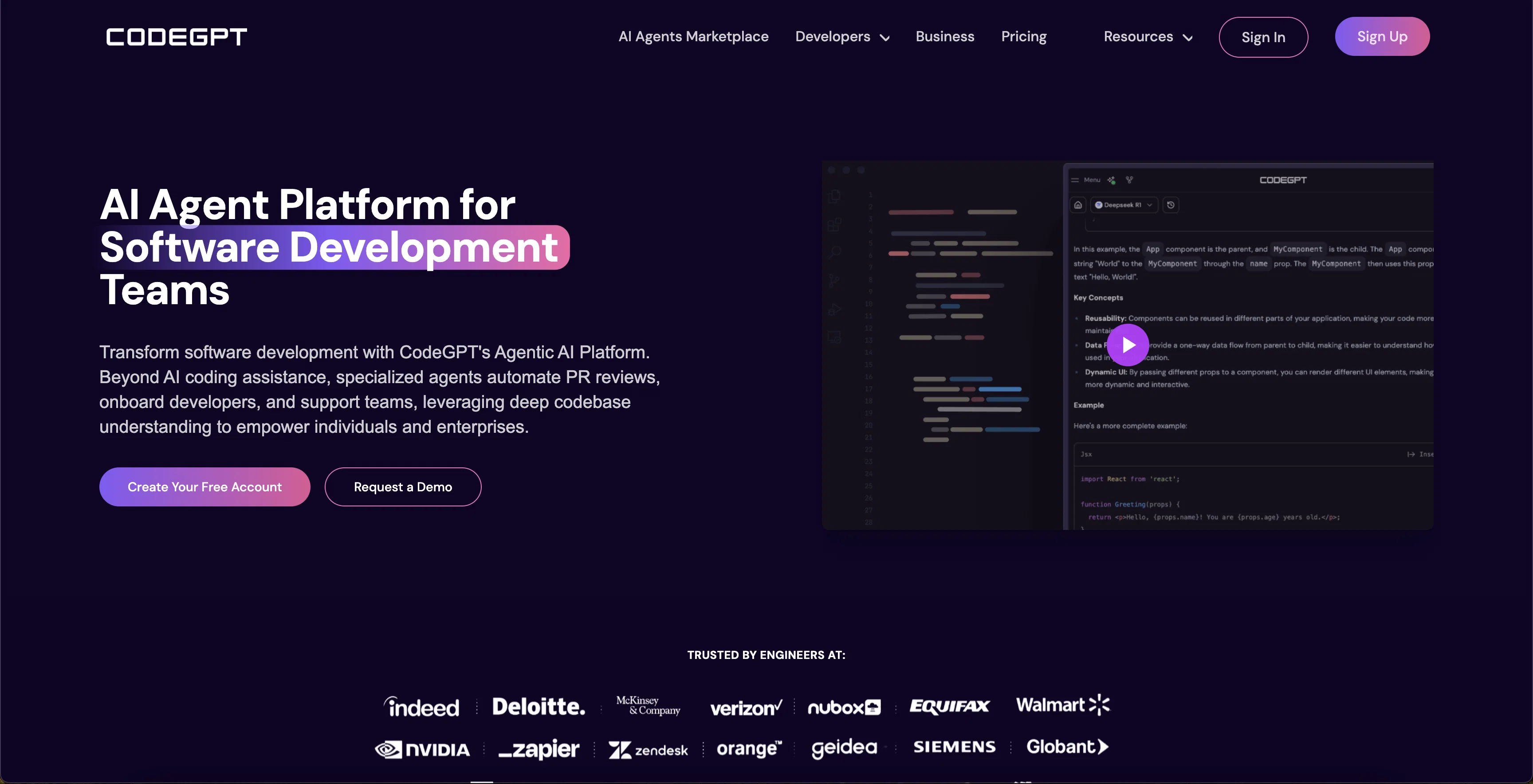
CodeGPT is a versatile tool designed to enhance coding abilities through a variety of features. It operates primarily as an AI pair programming extension for Visual Studio Code (VSCode).
The tool incorporates a chat assistant and code completion to facilitate users' coding activities directly within the VSCode environment. Users can personalize this AI copilot via the Playground feature or enable AI applications via the API.
In addition to this, CodeGPT provides an API connection for creating effortlessly AI-powered apps. It handles the complexities of fine-tuning large language models (LLMs), allowing developers to concentrate on creative processes rather than tedious technical details.
Users can develop their own AI agents with specific context information, hence customizing their AI copilots for any task. Patching into global AI LLM providers such as Google AI Chatbot, Microsoft Azure AI, OpenAI, and others is also possible, offering seamless connectivity for superior code development.
CodeGPT offers 'CodeGPT Plus', a premium service variant that provides access to advanced functionalities such as context management, AI agents creation, seamless GitHub repo synchronization, and more.
This tool demonstrates profound respect for privacy, with users' data going directly through the AI provider's server using users' API key, ensuring zero data storage on its part.
Remember, the CodeGPT extension is primarily available on Visual Studio Marketplace, with plans for future expansion to other integrated development environments (IDEs).
Access & connections
Where you can use CodeGPT by Judini, and what it plugs into.
Platforms
Integrations
Capabilities
What this tool accepts, produces, and is strongest at.
Input
- API
- Code
- Tabular
Output
- Code
- API
Supported features
- Autocomplete
Pros & cons
Pros
- VSCode extension
- Chat assistant feature
- Code completion
- Handles LLM fine-tuning
- Premium service variant available
- Context management functionality
- GitHub repo sync
- Respects user privacy
Show 11 more
- Zero data storage
- Future expansion plans
- Enhance coding abilities
- Allows creativity over technicality
- Always free base version
- Personalized context Knowledge for coding
- Playground for Copilot creation
- Protects and respects user data
- Integrates Vector Databases
- Used globally by developers
- CodeGPT Plus with advanced functionalities
Cons
- Primarily for VSCode
- Complex fine-tuning of LLMs
- Premium service for additional features
- API Key required for privacy
- Limited IDEs support
- Playground customization complexities
- Seamless Github sync only with CodeGPT Plus
- Paid plan for API customization access
Compare alternatives
Similar tools in the catalog — with a clear reason to open each one.


OnSpace.AI - No Code App Builder ✓
FreemiumBuild Apps with AI, No Code
Free + from $20/mo
Full comparison
Kilo Code ✓
Free TrialAI-powered coding assistant for VS Code
Why look Higher community rating
Full comparison
Github Copilot ✓
FreemiumAI-powered coding assistant for faster development
Free + from $10/mo
Full comparison
CodingFleet ✓
FreemiumAI wizard transforms instructions into code snippets.
Why look Typically cheaper
Full comparison
Releases 1
Imported reviews 1
Great app for coders
FAQ 12
What is CodeGPT?
How does CodeGPT enhance coding abilities?
In what ways does CodeGPT serve as an AI pair programming extension for VSCode?
What is the purpose of the chat assistant in CodeGPT?
What does the CodeGPT code completion feature do?
How can users personalize CodeGPT?
How can AI applications be enabled on CodeGPT using the API?
How does CodeGPT handle the fine-tuning of large language models?
Can users develop their own AI agents with CodeGPT?
Does CodeGPT allow connection with global AI LLM providers?
What advanced functionalities are offered by CodeGPT Plus?
What is the 'Playground' feature in CodeGPT?
Related tools
Recommended

Marblism ✓
FreemiumAI Employees who Work for Your Business

Command-G ✓
FreeAI copilot for Xcode developers

Codelab ✓
FreeCode smarter with AI-powered web development.

Scisummary ✓
Free TrialCutting-edge scientific articles summarization.

Flowpoint ✓
FreemiumWebsite Analytics Reports with AI Agents

Codeium ✓
FreemiumAI-powered code completion for 20+ languages