

Command-G ✓
AI copilot for Xcode developers
Verdict
A quick read before you dig into the full page.
- Best if
- AI copilot for Xcode developers
- Skip if
- Developer's limited background
- Pick this when
- Versatile Xcode copilot
Considering Cursor instead? Compare side by side
Overview
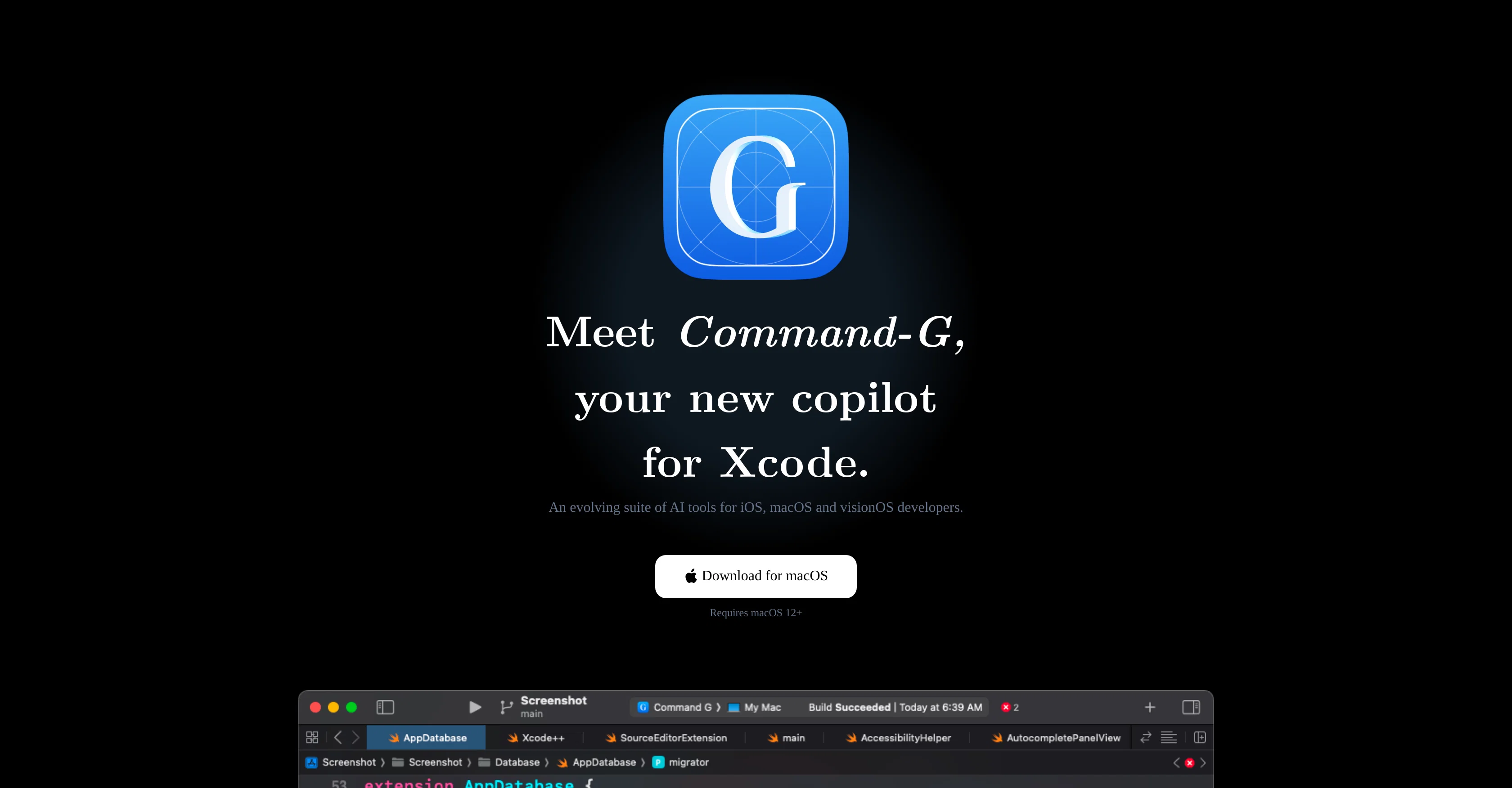
Command-G is a tool designed to serve as a versatile Xcode copilot for developers working on iOS, macOS, and visionOS. Its functionalities are centered around aiding developers with coding tasks and workflow efficiency.
One of the notable features of Command-G is its code auto-complete capability which aims to accelerate coding tasks and inspire developers during their programming process.
This feature is powered by Codeium. Another feature is its integration with ChatGPT, allowing code to be inserted as context in conversations with ChatGPT to facilitate communication and ensure better focus during coding tasks.
The tool also carries a robust focus on personal security and privacy, with measures in place that prevent Command-G servers from accessing user code or messages, and no telemetry to track app usage.
While it offers various licenses for different types of users, such as trial users, early adopters, and individual developers, each type is subject to certain conditions and features.
Command-G is developed by Olivier Truong who has a background in iOS development and financial infrastructure design.
Access & connections
Where you can use Command-G.
Capabilities
What this tool accepts, produces, and is strongest at.
Input
- API
- Code
Output
- Code
- API
Supported features
- CLI
Pros & cons
Pros
- Versatile Xcode copilot
- Supports iOS, macOS, visionOS
- Auto-complete coding
- Workflow efficiency enhancement
- ChatGPT integration
- Code insertion in conversations
- Improves focus during coding
- Robust personal security
Show 13 more
- Privacy-centric design
- No telemetry tracking
- Various user license options
- Codeium-powered auto-completion
- No access to user code
- Developer with iOS, financial infrastructure background
- Trial version available
- Lifetime license options
- No subscription fees
- Direct requests against API providers
- Efficient update checks
- Software license management
- Refund policy within 30 days
Cons
- Only for Xcode
- Requires macOS 12+
- Depending on third-party APIs
- Depending on Codeium
- Various licenses confusion
- No telemetry for troubleshooting
- Individualized licenses per Mac
- Developer's limited background
Show 1 more
- License nagging for trial users
Compare alternatives
Similar tools in the catalog — with a clear reason to open each one.


OnSpace.AI - No Code App Builder ✓
FreemiumBuild Apps with AI, No Code
Free + from $20/mo
Full comparison
Kilo Code ✓
Free TrialAI-powered coding assistant for VS Code
Why look Higher community rating
Full comparison
Github Copilot ✓
FreemiumAI-powered coding assistant for faster development
Free + from $10/mo
Full comparison
CodingFleet ✓
FreemiumAI wizard transforms instructions into code snippets.
Why look Higher community rating
Full comparison
Releases 1
FAQ 12
What is Command-G and what does it do?
What platforms does Command-G cater to?
How does Command-G improve workflow efficiency?
Can you clarify the auto-complete feature of Command-G?
What's the role of Codeium in Command-G?
How does the integration with ChatGPT in Command-G work?
How does Command-G ensure personal security and privacy?
Can Command-G servers access my code or messages?
Is there any telemetry to track app usage in Command-G?
What types of licenses does Command-G offer?
Are there different features based on the type of user for Command-G?
Who is Olivier Truong and what is his role in developing Command-G?
Related tools
Recommended

AI Smart Coder ✓
FreeEnhance coding with AI-powered tests, reviews, docs, and fixes.

AIT-CodeX ✓
FreeAccelerate your tech career with AI-guided talent matching.

Marblism ✓
FreemiumAI Employees who Work for Your Business

Prisma Assistant ✓
FreeConverse with your schema to code smarter.

Codelab ✓
FreeCode smarter with AI-powered web development.

Gurubase ✓
Free TrialShortcut search for tech resources and answers.