
CloudHQ ChatGPT for Gmail
Enhance your email communication with artificial intelligence.
Free + from $4.90/mo
Verdict
A quick read before you dig into the full page.
- Best if
- Enhance your email communication with artificial intelligence
- Skip if
- Limited to Gmail integration
- Pick this when
- Integrated with Gmail
Considering ChatGPT for Gmail instead? Compare side by side
Overview
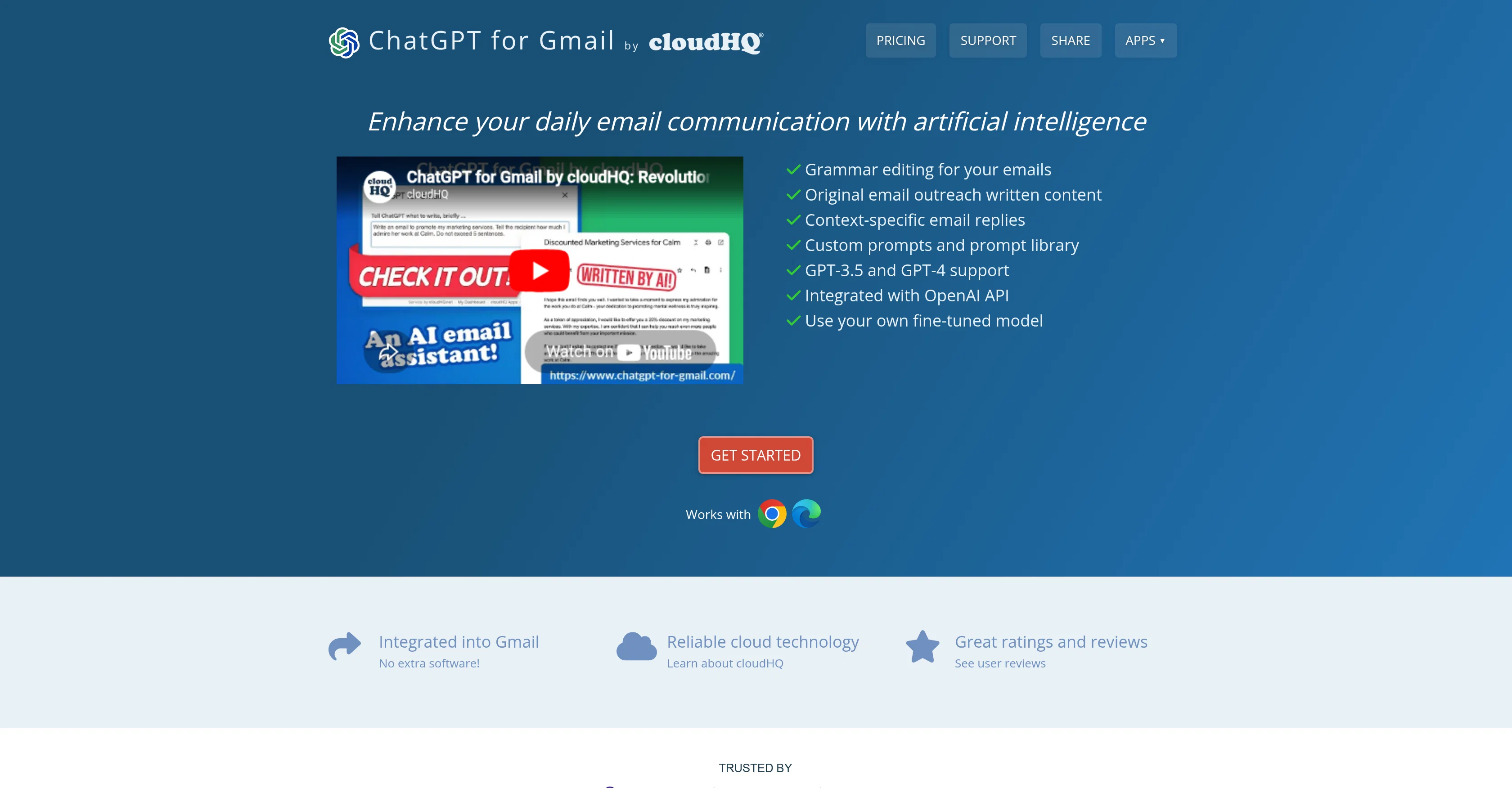
ChatGPT for Gmail by cloudHQ is an app designed to elevate daily email communication by leveraging artificial intelligence. It is integrated into Gmail and requires no additional software or downloads.
The user interacts with it directly in Gmail via a unique icon, feeding it prompts to initiate actions. The tool's primary functionalities include grammar editing, original email outreach writing, and context-specific email replies.
For grammar editing, the app analyzes the written content of an email, identifies potential errors or areas for improvement and suggests edits. As for original email outreach, the tool can write tailored content based on context details provided by the user, such as target audience, outreach purpose, and messaging or branding guidelines.
Similarly, ChatGPT can create context-specific email replies by analyzing the email to which it is replying and other factors like purpose, style, and desired points of emphasis.
ChatGPT for Gmail can be installed from the Chrome Web Store or Microsoft Edge Store, and it seamlessly integrates with a user's Gmail account upon installation.
Users range from small business owners and non-native language speakers to sales professionals, teachers, and students, all benefiting from its refinement in written email communication and the time saved in crafting emails.
The tool is praised for its time-efficient email writing assistance and its ability to improve the overall quality of email correspondence.
Access & connections
Where you can use CloudHQ ChatGPT for Gmail, and what it plugs into.
Platforms
Capabilities
What this tool accepts, produces, and is strongest at.
Input
- Text
- Tabular
Output
- Text
- API
Supported features
Pros & cons
Pros
- Integrated with Gmail
- No additional software required
- Grammar editing feature
- Context-specific email replies
- Personalized email outreach
- Chrome Web Store availability
- Microsoft Edge Store availability
- Broad user range
Show 17 more
- Time-efficient email writing
- Improved email quality
- Ability to use customized fine-tuned models
- Near universal 5-star ratings
- Quick installation
- Supports small business owners
- Tool for non-native language speakers
- Assistance for sales professionals
- Education sector usability
- Helpful for students
- Useful for enhancing professional correspondence
- Improves overall communication clarity
- Increases productivity
- Can handle bulk email
- Easy adaptation to individual email style
- Custom prompts and prompt library
- Assists in achieving communication goals
Cons
- Limited to Gmail integration
- Only Chrome and Edge extensions
- Reliant on user prompts
- Doesn't work offline
- Potential for context misinterpretation
- May not capture unique voice
- Dependent on user's grammar ability
- May lack domain-specific expertise
Show 2 more
- Requires Gmail account
- No mobile app version
Compare alternatives
Similar tools in the catalog — with a clear reason to open each one.

ChatGPT for Gmail
FreeBoost email writing productivity and quality.
Why look Fully free option
Full comparison


AI Email Writer
FreemiumWrite great emails 10x faster with AI.
Why look Better for writing
Full comparison
Auto Gmail
FreemiumAI writes 80% of your emails for you.
Why look Higher community rating
Full comparison
Gmelius Meli AI
Free TrialAI assistants sort emails and draft replies.
Why look Offers a public API
Full comparison