ChatGPT for Gmail

AI Email Writer

Write great emails 10x faster with AI.

151 views 0 saves Freemium
More categories (4)

Free + from $4.99/mo

Verdict

A quick read before you dig into the full page.

Best if
Write great emails 10x faster with AI
Skip if
Cannot handle complex messages
Pick this when
Integrated into Gmail

Considering ChatGPT for Gmail instead? Compare side by side

Overview

AI GPT Email Writer: ChatGPT Gemini for Gmail is a tool specifically designed to streamline email composition processes with artificial intelligence models.

Running within Gmail, it is powered by models such as ChatGPT, Gemini, and Llama. These AI assets assist in generating compelling emails and formulating articulate replies, with an aim to significantly accelerate and simplify the email writing process.

A notable feature of this tool is its capability to function across multiple languages. Additional utilities include grammar and spelling correction, an array of suggestions and rewrites to improve drafts, and the capability to adjust text length as needed.

The tool also offers options for translating emails and summarizing content. Users can specify the desired tone and length for their messages, and the tool will aid in refining the wording until the output aligns with user preferences.

New email creation is as simple as providing a brief of what needs to be conveyed - the tool then generates a draft that aligns with the provided inputs.

The add-on is also beneficial in crafting contextually sensible replies to incoming emails. Its usage spans various scenarios from creating newsletters and event invitations, to formulating business communications and job applications.

It can be accessed from both desktop and mobile platforms, eliminating device-related constraints. The tool is available freely, with installation being a straightforward process.
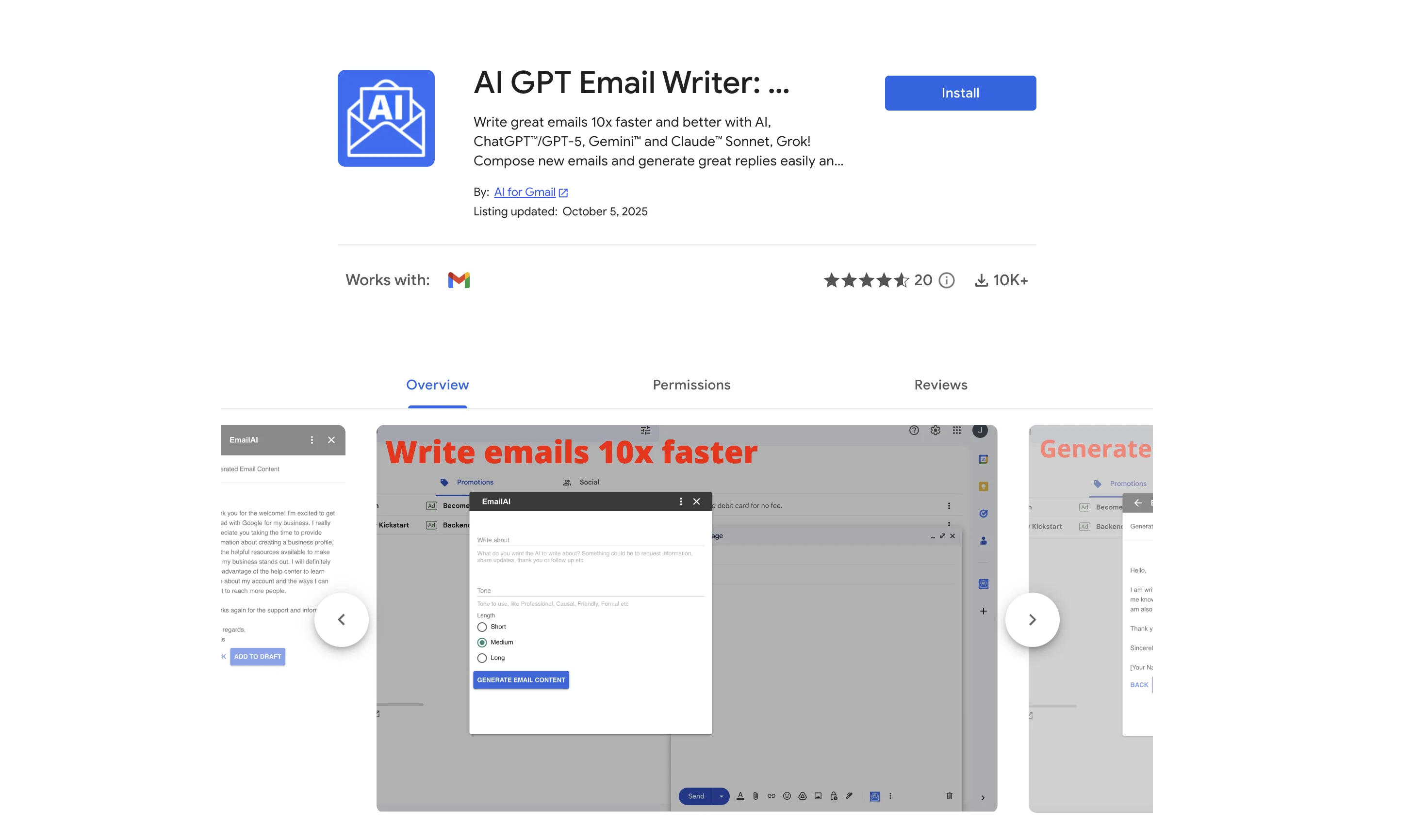
AI Email Writer website

Access & connections

Where you can use AI Email Writer, and what it plugs into.

Platforms

Web

Integrations

Capabilities

What this tool accepts, produces, and is strongest at.

Input

  • Text

Output

  • Text

Supported features

  • Newsletter

Pros & cons

Pros

  • Integrated into Gmail
  • Powered by ChatGPT
  • Multilingual functionality
  • Grammar correction
  • Spelling correction
  • Varied content suggestions
  • Draft improvement
  • Text length adjustment
Show 41 more
  • Email translation
  • Email summarization
  • Tone and length customization
  • Contextual reply generation
  • Utilized for various scenarios
  • Desktop and mobile compatible
  • Free tool
  • Easy installation
  • New email generation
  • Formatting articulate replies
  • Creation of newsletters
  • Formulating business communications
  • Crafting job applications
  • Email automation
  • Content generation
  • Workflow improvement
  • 50+ languages support
  • 20+ custom assistance actions
  • Clients communication tool
  • Newsletter automation
  • Event invitations creator
  • Job hunting tool
  • Personalized thank-you emails tool
  • Efficient cold emailing tool
  • PR campaigns manager
  • Varied tones choice
  • New emails auto-generation
  • Incoming emails responsive
  • No Sign-up required
  • Free credits availability
  • No API key needed
  • Quick tutorial for users
  • One-click great replies
  • Proofread feature
  • Content elaboration capability
  • Text length expansion
  • Emails shortening
  • Improvement of writing
  • Personal info protection
  • Result insertion
  • Prompts provision

Cons

  • Only works within Gmail
  • Limited to predefined tones
  • Cannot handle complex messages
  • Inconsistent context interpretation
  • Struggles with unique languages
  • Possible privacy concerns
  • Only basic customization options
  • No memory of past messages

Compare alternatives

Similar tools in the catalog — with a clear reason to open each one.

Releases 1

Initial release July 18, 2025 Current
Initial release of AI Email Writer.

FAQ 12

What is the AI GPT Email Writer: ChatGPT Gemini for Gmail?
ChatGPT Gemini for Gmail is a tool designed to streamline email composition operations with the power of artificial intelligence models. It is created to work from within Gmail and assists in generating compelling emails and formulating articulate replies.
How does the AI GPT Email Writer work within Gmail?
ChatGPT Gemini for Gmail operates within Gmail by leveraging AI models such as ChatGPT, Gemini, and Llama. These models help in generating emails and replies, improving drafts, correcting grammar and spelling, and more. No sign-up or API key is required to use it.
What AI models power the ChatGPT Gemini for Gmail?
ChatGPT Gemini for Gmail is powered by multiple AI models, including ChatGPT, Gemini, and Llama. These AI models aid in generating high-quality emails and replies, and also assist in enhancing drafts, fixing errors in spelling and grammar, translating emails, and summarizing content.
Does ChatGPT Gemini for Gmail support multiple languages?
Yes, ChatGPT Gemini for Gmail supports multiple languages. It can function and generate compelling email content across many different languages, making it a useful tool for non-native English speakers and for communications that involve multiple languages.
Does the tool provide grammar and spelling correction?
Yes, ChatGPT Gemini for Gmail does provide grammar and spelling correction. This feature ensures your email content is free of spelling and grammatical errors, enhancing the professionalism and readability of your emails.
Does ChatGPT Gemini for Gmail offer suggestions and rewrites to improve email drafts?
Yes, ChatGPT Gemini for Gmail offers an array of suggestions and rewrites to improve drafts. The tool helps to enhance the quality and clarity of your email drafts by offering relevant suggestions, and can rewrite sections as needed for optimal communication.
Can I adjust text length with ChatGPT Gemini for Gmail?
Yes, with ChatGPT Gemini for Gmail, text length adjustments can be made as needed. This ensures that emails meet specific length requirements or preferences, whether you need shorter, concise messages or longer, more detailed emails.
Does the tool offer any email translation features?
Yes, ChatGPT Gemini for Gmail offers email translation features. It can translate emails to and from multiple languages, making it easier for users to communicate across different languages and cultural contexts.
Can I customize the tone and length of my messages with ChatGPT Gemini for Gmail?
Yes, users can specify the desired tone and length for their messages in ChatGPT Gemini for Gmail. The tool will then aid in refining the wording of your email until the output aligns with your specifications and preferences.
How does the email drafting process work with this tool?
The email drafting process with this tool involves providing a brief of what needs to be conveyed. ChatGPT Gemini for Gmail then generates a draft that aligns with the given inputs, making the creation of new emails simple and efficient.
Can ChatGPT Gemini for Gmail automatically generate replies to incoming emails?
Yes, ChatGPT Gemini for Gmail can generate replies to incoming emails. This feature allows the AI to create contextually sensible responses, further streamlining your email management process.
What are the possible scenarios where I can use this tool? Can it be used for business communications or job applications?
ChatGPT Gemini for Gmail can be used in various scenarios, from creating newsletters and event invitations to formulating business communications and job applications. Whether for a large enterprise or running a small business, it can be employed to send emails to clients, partners or prospects among other use cases.
AI Email Writer Free + from $4.99/mo