

Clipwing ✓
Cut long videos into viral short clips.
Free + from $29.99/mo
Verdict
A quick read before you dig into the full page.
- Best if
- Cut long videos into viral short clips
- Skip if
- Subscription plans can be expensive
- Pick this when
- Video shortening
Considering reap Ai instead? Compare side by side
Overview
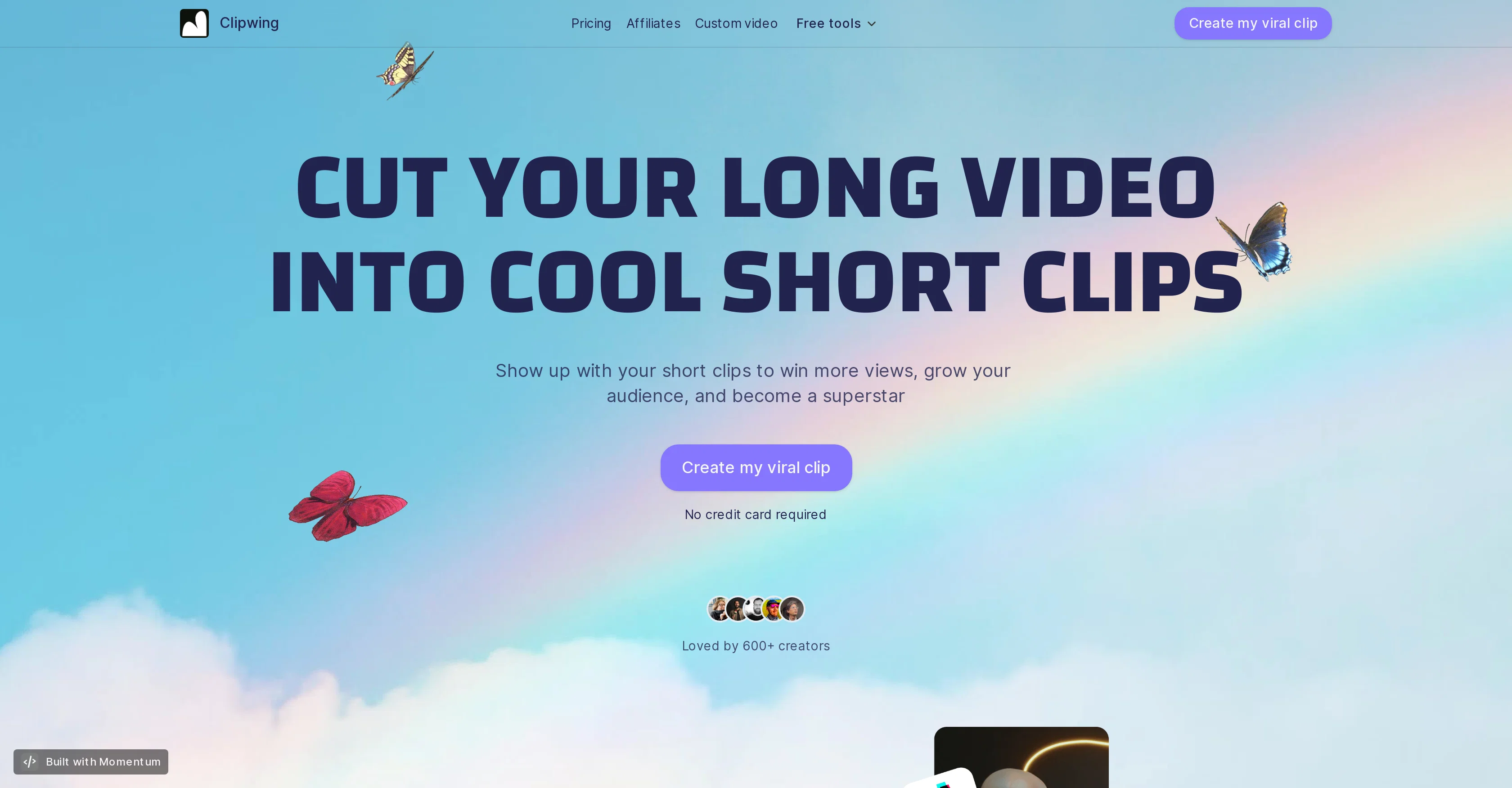
Clipwing is an AI-powered video processing tool designed to convert long videos into concise, short clips. It provides a simple-to-use interface where users only need to upload a video, and get a generated transcript from which they can highlight the needful text parts to create short clips.
The tool has features including automatic focusing, even in videos with multiple speakers, and allows the option to resize the video clip into different formats such as portrait, landscape, or square.
It also allows users to add catchy subtitles to their videos and soundtracks with just a click. Furthermore, Clipwing supports the creation of unlimited clips from the video and also provides storage options.
It is suitable for a wide range of video types including podcasts, interviews, product demos, educational lectures, and more. However, currently, it only supports English language videos.
It also offers the convenience of transforming a landscape video into a vertical one or vice versa, enhancing its usability for various social media platforms.
Clipwing offers a free plan, along with other subscription plans with enhanced features.
Access & connections
Where you can use Clipwing.
Platforms
Capabilities
What this tool accepts, produces, and is strongest at.
Input
- Video
Output
- Video
- Text
Supported features
- Clipping
Pros & cons
Pros
- Video shortening
- Simplistic user interface
- Transcript generation
- Text highlighting for clips
- Auto-focus feature
- Resizes to multiple formats
- Subtitles addition
- Add soundtracks easily
Show 27 more
- Unlimited clip creation
- Storage options included
- Broad video type compatibility
- Landscape/vertical transformation
- Free plan available
- Subscription plans for advanced features
- Catchy subtitle support
- Magic auto-focus for multi-speakers
- One click soundtrack addition
- Transforms for various social media
- Supports only English language videos
- Creators community support
- Well-received by users
- Option to remove ClipWing branding (paid plans)
- Priority support for Pro and Studio plans
- Free version includes 120 video minutes
- Pro version includes 1200 video minutes
- Studio version includes unlimited video minutes
- Plan options with varying storage capacity
- Studio version offers super-duper priority support
- Perfect for any talking video
- Efficient marketing tool
- Supports square, portrait, or landscape format
- Magic Crop feature
- Browser compatibility with Google Chrome
- All features accessible in free version
- Contact support via email
Cons
- Only supports English language
- Subscription plans can be expensive
- Free plan includes branding
- Limited to 120 mins video uploads for free plan
- Best used on Google Chrome
- Soundtracks addition is automatic
- No specific video edit functionalities
- Transcripts are generated, not manual
Show 1 more
- Might overly simplify complex videos
Compare alternatives
Similar tools in the catalog — with a clear reason to open each one.

reap Ai ✓
FreemiumTransform long videos into viral shorts instantly.
Why look Typically cheaper
Full comparison
Sumoclip ✓
Free TrialTurn long videos into viral clips automatically.
Why look Typically cheaper
Full comparison
Releases 1
FAQ 12
How does Clipwing create short clips from long videos?
Can I use Clipwing for videos of any length?
Does Clipwing support video types like podcasts and lectures?
Can Clipwing handle videos with multiple speakers?
How does Clipwing accommodate videos with multiple speakers?
Can I add subtitles and soundtracks to my videos with Clipwing?
Does Clipwing offer storage options?
What video formats does Clipwing support?
Can Clipwing transform a landscape video into a vertical one?
Does Clipwing support languages other than English?
What subscription plans does Clipwing offer?
What are the features included in the free plan of Clipwing?
Related tools
Recommended

Bytecap ✓
FreemiumEdit and publish clips 10x faster with AI

AI E-books ✓
FreemiumEasily generate e-books using advanced GPT models.

Text to Speech.im ✓
FreeConvert text to lifelike speech effortlessly

Brandblast ✓
Free TrialBrandblast: Streamline Your Social Media with Smart, Automated Content Creation

AirCaption ✓
FreemiumPowerful speech-to-text tool for video captions, subtitles and audio transcription.

BlogToPin ✓
FreemiumConvert your blog posts to pins in minutes.