

Background noise reduction 2026 Rank: #1810
Cleanaudio ✓
Remove background noise from audio and video with AI.
Verdict
A quick read before you dig into the full page.
- Best if
- Remove background noise from audio and video with AI
- Skip if
- Limited file formats
- Pick this when
- Studio-quality sound delivery
Considering ai|coustics instead? Compare side by side
Overview
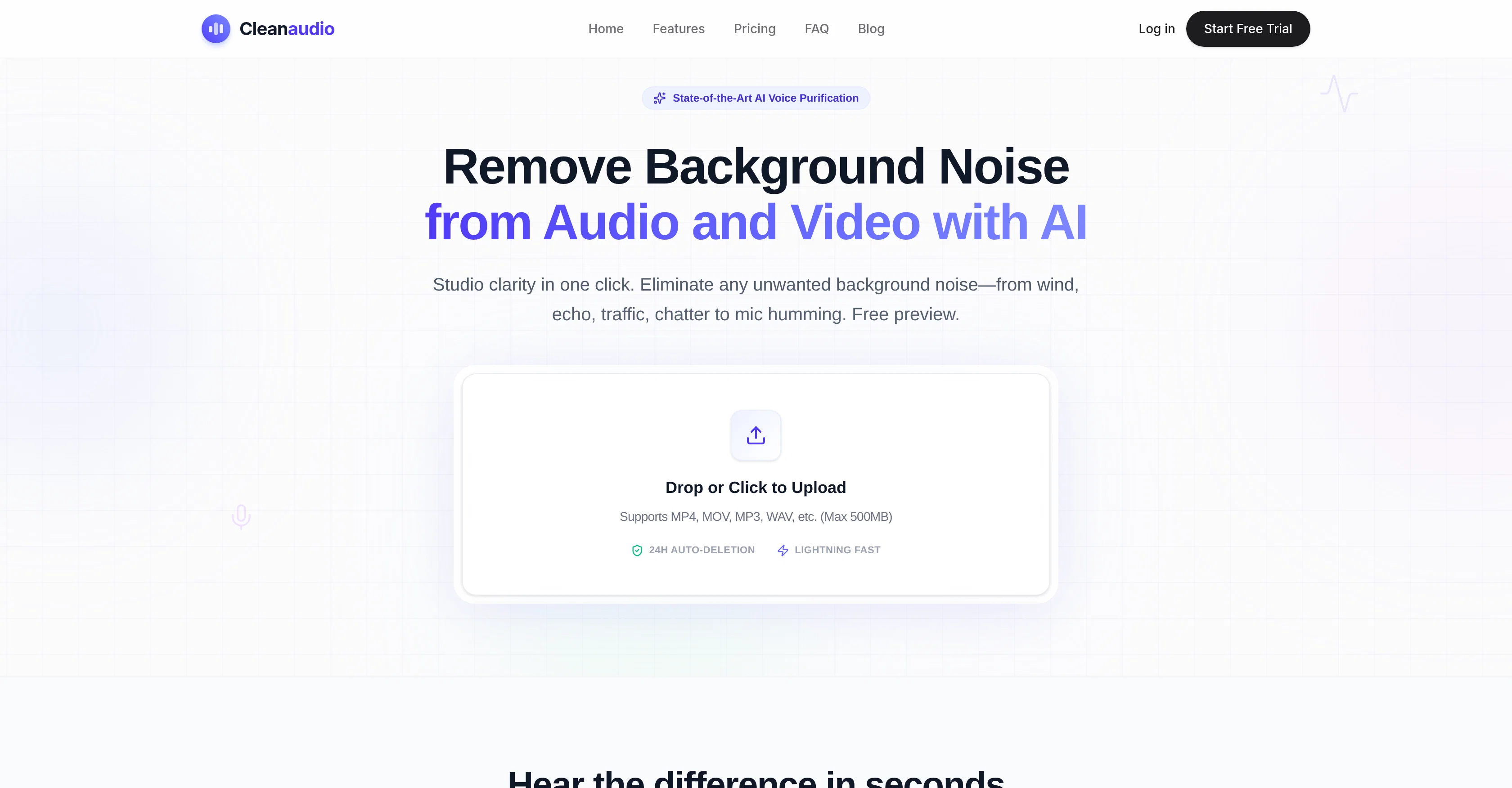
CleanAudio is an AI-powered tool designed to purify audio and video files by removing unwanted background noise. This tool works to remove a variety of background sounds such as wind, echo, traffic, chatter, mic humming and more.
Based on a free preliminary preview system, the AI noise reduction occurs automatically once a file is uploaded. It is suited for both professional and casual users, including podcasters, YouTubers, marketers, educators, and audio engineers.
It supports various common file formats such as MP4, MOV, MP3, WAV among others. As part of its unique features, it offers a browser-based noise removal and voice cleanup, making it possible to reduce background noise from any recording effortlessly.
Furthermore, it offers users different options for file cleanup from wind erasure in outdoor vlogs to removing microphone hiss. Additionally, it's a solution for professionals who need to maintain audio clarity without investing in complex software or expensive studio gear.
All uploaded files are processed in a secure environment and permanently deleted after 24 hours to ensure privacy. Finally, while CleanAudio does offer advanced features, it maintains a user-friendly interface, allowing users to achieve 'studio clarity' in a single click.
Access & connections
Where you can use Cleanaudio.
Platforms
Capabilities
What this tool accepts, produces, and is strongest at.
Input
- Video
- Audio
Output
- Audio
- Video
Supported features
- Denoise
- Podcast
Pros & cons
Pros
- Studio-quality sound delivery
- Eliminates wind, echo, traffic, chatter
- Eradicates microphone hum
- Simple, fast method
- Handles multiple file formats
- Efficient waveform analysis
- Delivers clean, ready-to-use audio
- Caters to diverse user groups
Show 41 more
- Free preview without account sign-up
- Paid full service option
- Files erased after 24 hours
- File security and user privacy
- Removes variety of background sounds
- Browser-based noise removal
- Voice cleanup feature
- Offers different file cleanup options
- Eliminates need for expensive gear
- Supports MP4, MOV, MP3, WAV
- Lightning fast processing
- 30-second cleaned preview
- Drag and drop interface
- Automated noise reduction
- Delivers results in various formats
- Saves entire interviews
- Removes harsh outdoor winds
- Filters unexpected pet barking
- Eliminates street noise, sirens, cars
- Removes electronic interference
- Fixes hollow sounds in rooms
- Enhances phone recordings and interviews
- Quick first-pass tool for rough cuts
- Created for both casual and professional users
- Offers a secure environment
- Studio-quality results in one click
- Optimized for spoken word content
- Upload support for a wide range of formats
- Preserves voice quality
- Responsive and mobile optimized
- No app installations required
- Fully online, no download required
- User-friendly interface
- Seamless workflow integration
- Flexible pricing options
- Unlimited PRO option available
- One-time payment option available
- Try for free option available
- Cancellation anytime policy
- Supports 10+ audio and video formats
- Online noise remover feature
Cons
- Limited file size (500MB)
- Can't handle high level noise
- No API
- Limited file formats
- No offline version
- Requires stable internet connection
- 24-hour auto-deletion
- No training options
Show 2 more
- No multi-language support
- Not collaborative
Compare alternatives
Similar tools in the catalog — with a clear reason to open each one.

ai|coustics ✓
FreemiumHigh Quality Audio From Any Device, Anywhere
Why look Typically cheaper
Full comparison
Weet ✓
FreemiumRecord AI-powered video tutorials instantly.
Why look Typically cheaper
Full comparison
CrystalSound ✓
FreemiumIsolate your voice, eliminate everything else.
Why look Typically cheaper
Full comparison
Denoisr ✓
Free TrialRemove background noise from recordings in seconds.
Why look Typically cheaper
Full comparison
SimpleClean ✓
Free TrialRemove background noise from any audio or video, free to preview.
Why look Typically cheaper
Full comparisonReleases 1
Imported reviews 1
Particularly useful in scenarios where human voices are clear but background noise is complex.
FAQ 12
What is the Cleanaudio AI Background Noise Remover?
How can Cleanaudio help improve the audio of my podcast?
Can Cleanaudio remove wind and echo noise from my video files?
What types of file formats does Cleanaudio support?
How does Cleanaudio's waveform analysis work?
Does Cleanaudio offer a free trial or preview of its service?
Is the Cleanaudio platform user-friendly for casual users?
What are the privacy and security measures implemented by Cleanaudio?
How is Cleanaudio different from other audio editing software?
Can Cleanaudio handle multiple audio and video files at once?
Do I need advanced technical skills to use Cleanaudio?
How long does Cleanaudio store my uploaded files?
Related tools
Recommended

MagicSlides.app AI PPT Maker ✓
FreemiumCreate Stunning PPTs in Seconds with the AI PPT Maker

Claude ✓
FreemiumBuilding reliable, interpretable AI systems

MySpec ✓
UnknownTurn vague ideas into robust technical specifications.

Whacka ✓
Free TrialTurn ideas into real apps from your phone.

BeatMV ✓
Free TrialTurn any song into scroll-stopping videos in minutes with AI-directed scripts and

Reel to Prompt ✓
FreeConvert Instagram Reels into ready-to-use AI prompts.