

Choppity ✓
Turn long videos into social shorts in 3 clicks
Trial; then from $2/mo
Verdict
A quick read before you dig into the full page.
- Best if
- You are podcasters and need: Creating short-form videos for social media marketing
- Skip if
- Limited editing features
- Pick this when
- Creates short social media videos
Considering Bytecap instead? Compare side by side
Overview
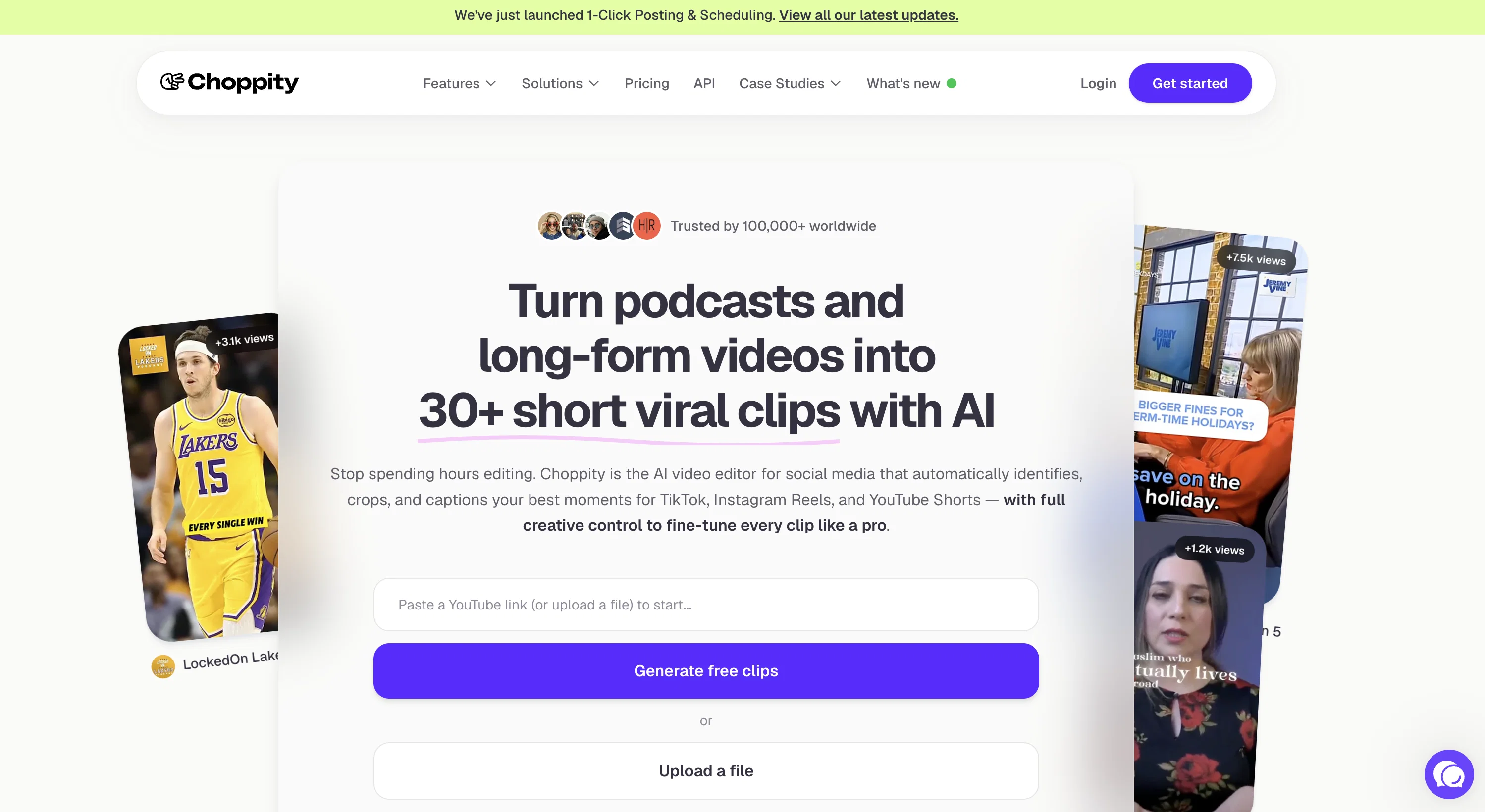
Choppity is an AI-powered tool that enables users to quickly and easily turn long videos into short, engaging clips for social media platforms such as TikTok, LinkedIn, and more.
With Choppity, users can automatically add animated subtitles and center faces in the videos, allowing for more effective engagement with the content.
In addition, Choppity ensures compliance with accessibility standards by including captions.Choppity is designed to be significantly faster than traditional video editing software, providing users with the ability to edit 60 second videos in under 5 minutes.
Additionally, Choppity is far more affordable than outsourcing video editing on Fiverr, with its “Starter” plan equating to just £0.33/minute.Choppity has been institutionally backed by Durham University’s Venture School, and it is committed to empowering creatives to stay creative.
It also uses innovative technology to automate video editing for marketers and content creators.Users can sign up for Choppity for free, without a credit card required.
The website uses cookies to enhance the user experience, and the privacy policy and terms of service can be found online.
Best for
Short scenarios where Choppity tends to shine.
-
Creating short-form videos for social media marketing
Best for Podcasters
-
Editing sales and training videos
Best for Creators
-
Generating engaging clips from long videos
Best for Marketers
-
Adding captions to increase watch time
Best for Advertisers
-
Censoring profanity for brand compliance
Best for Sales teams
-
Automating screen recordings for training purposes
Best for Training teams
Example outputs 1
Sample generations and before/after results for Choppity.
Access & connections
Where you can use Choppity, and what it plugs into.
Platforms
Integrations
Capabilities
What this tool accepts, produces, and is strongest at.
Input
- Video
Output
- Video
Pros & cons
Pros
- Creates short social media videos
- Automatically adds animated subtitles
- Centers faces in videos
- Complies with accessibility standards
- Significantly faster than traditional software
- Affordable editing costs
- Backed by Durham University
- Great for content creators
Show 11 more
- Free sign up, no CC required
- Automates repetitive editing tasks
- Turns long videos into TikToks
- Influences viewer engagement
- Creates phone-suitable videos
- Repurposes YouTube and podcast content
- Increases video viewership reach
- 9x faster than traditional editing
- 45x cheaper than Fiverr outsourcing
- Helps people with hearing disabilities
- Easy to use interface
Cons
- Limited editing features
- No multi-language support
- Lacks customisation for subtitles
- No platform-specific optimization
- No explicit file export options
- Lack of advanced editing tools
- Inability to insert additional elements
- No collaborative editing
Compare alternatives
Similar tools in the catalog.
People also view
Tools that often show up alongside Choppity in collections and comparisons.

Shortmake ✓
PaidFast viral video generation and editing.

Postless ✓
PaidAI-generated UGC videos on autopilot for viral marketing.

Opus Clip ✓
FreemiumAI-powered livestream studio for explosive growth

HiClip AI ✓
Free TrialDrop 1 Video, Get 10 Hooked Clips.

Bytecap ✓
FreemiumEdit and publish clips 10x faster with AI

AI Video Cut ✓
Free TrialTransform long videos into viral shorts with AI.

Katto ✓
FreemiumOne video in. Every platform out.

HayNo AI Music Video Generator ✓
Free TrialUpload a song, describe the vibe, get a music video.
Releases 1
FAQ 12
What is Choppity?
What are some major features of Choppity?
How long does it take to edit a video with Choppity?
How does Choppity ensure accessibility compliance?
Can Choppity add animated subtitles to my video?
How does Choppity help with content engagement?
How much does it cost to use Choppity compared to traditional video editing software?
Does Choppity offer a free service or trial?
Can I use Choppity to create short videos for LinkedIn?
What makes Choppity different from other video editing tools?
What is the focal point keyframing feature in Choppity?
How is Choppity institutionally backed?
Related tools
Recommended

Klap ✓
PaidGenerate viral short-form videos from YouTube content in one click.

Dumme ✓
UnknownGenerate upload-ready shorts, no editing needed.

Spikes Studio ✓
FreemiumGenerated clips for popular social media platforms.

2short ✓
FreemiumAI-powered YouTube Shorts generator for 10X faster growth.

WrapUp ✓
UnknownMake videos short, concise, relevant and effective.

LearningStudioAI ✓
Free TrialAI-powered authoring tool for effortless online course creation.