

Free + from $12.99
Verdict
A quick read before you dig into the full page.
- Best if
- You are creators and need: Transform long videos into viral clips for YouTube, TikTok, and Reels
- Skip if
- Limited to specific platforms
- Pick this when
- Generates clips for social platforms
Considering freebeat AI instead? Compare side by side
Overview
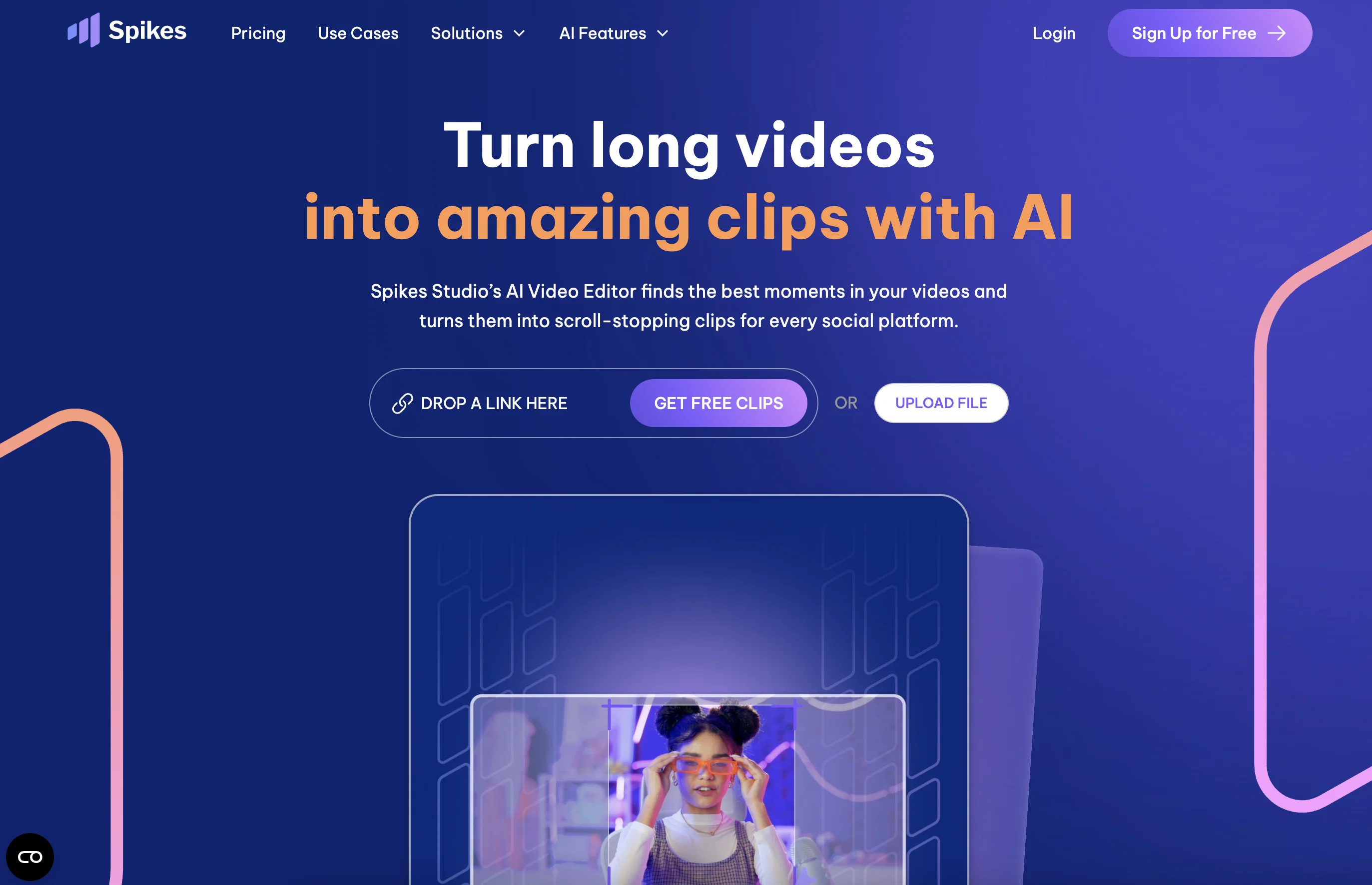
At Spikes Studio, we streamline short-form video production with automated editing that transforms raw footage into polished, engaging content. Extract the best moments from long-form videos and leverage our social media insights to enhance your strategy.
Integrate seamlessly with all platforms for easy distribution and tracking, boosting your brand's growth and engagement.
Elevate your content with Spikes Studio.
25 FREE clips A month
Best for
Short scenarios where Spikes Studio tends to shine.
-
Transform long videos into viral clips for YouTube, TikTok, and Reels.
Best for Creators
-
Expand digital reach for churches and increase donations.
Best for Agencies
-
Scale up video editing for agencies and save on costs.
Best for Podcasts
-
Grow to 1 million views quickly for creators without burning out.
Best for Marketers
-
Transform podcasts into shareable videos.
Best for Media & Entertainment
-
Engage voters and amplify political messages.
Best for Small businesses + teams
Example outputs 1
Sample generations and before/after results for Spikes Studio.
Access & connections
Where you can use Spikes Studio.
Platforms
Pros & cons
Pros
- Generates clips for social platforms
- Specifically designed for YouTube, Twitch, TikTok, Instagram Reels
- Transforms long-form content into clips
- Features auto-captions
- Can process 24-hour long videos
- Personalization capabilities
- Download clips via QR codes
- Sharing to multiple platforms
Show 5 more
- Maintains original video quality
- 24/7 support on Discord
- Advanced video editor
- Functionality preview available
- Planned feature: automatic hashtags and descriptions
Cons
- Limited to specific platforms
- No offline version
- Requires enabled JavaScript
- Supports only on Discord
- No free trial mentioned
- Automatic features pending
- No clarity on watermarks
- Potential quality loss in transformation
Show 1 more
- Reliant on QR code download
Compare alternatives
Similar tools in the catalog — with a clear reason to open each one.

freebeat AI ✓
FreemiumTurn Music & Ideas into Viral Videos In One Click
Why look Typically cheaper
Full comparison
MagicLight ✓
FreemiumTransform text into captivating videos instantly.
Why look Typically cheaper
Full comparison
Seedance ✓
FreemiumMulti-shot video generation from text and image.
Why look Stronger for image work
Full comparisonPeople also view
Tools that often show up alongside Spikes Studio in collections and comparisons.
Seedance ✓
FreemiumMulti-shot video generation from text and image.
MagicLight ✓
FreemiumTransform text into captivating videos instantly.

Kaiber Superstudio ✓
Free TrialAI Video Generation

HeyGen ✓
FreemiumCreate AI spokesperson videos from text
freebeat AI ✓
FreemiumTurn Music & Ideas into Viral Videos In One Click

D-ID ✓
FreemiumCreate AI-generated videos with ease

ResearchMonkey AI | YouTube Summarizer ✓
Free TrialSave Hours of Research in Seconds with 40+ AI Tools

OutlierKit ✓
PaidEnter one channel, see the entire niche.
Releases 1
Imported reviews 12
I have 3 of these 'clip' programs and this is the easiest to use and has the best features, too. I noticed that, once I opened a free account, the price to 'Go Pro' increased compared to the price list pre-joining, which was odd but, anyways, still great value for money when going for the yearly plan.
site down so nothing to comment
I love the app
Time saver of a product for all that want to create viral content in seconds! Love it!
Amazing product.
The highlights quality is a absolutely amazing 😍
Best Highlights generator out there.
Easy to use with tons of useful features. It automatically clips the best parts of my videos, which saved me a ton of time on editing!
A truly an amazing tool for content creation and editing
A must have for all content creators looking to ease their work and save loads of time. Clips the best moments and auto-captions does a brilliant job.
Let's go!
A lot of work done for a great tool!
What a great website, you should definitely check it out!!
Very cool tool, I like it very much...
FAQ 12
What is Spikes Studio?
How does Spikes Studio transform long-form content into viral clips?
What social media platforms does Spikes Studio support?
What unique features does the AI editor of Spikes Studio offer?
How does Spikes Studio handle long videos?
How does Spikes Studio personalize its services for individual users?
How can I download clips from Spikes Studio to my phone?
What platforms can I share my Spikes Studio clips to?
What kind of support does Spikes Studio offer to its users?
What can I expect from the advanced video editor feature of Spikes Studio?
What is the 'functionality preview' feature in Spikes Studio?
Are there any future features planned for Spikes Studio?
Related tools
Recommended

Klap ✓
PaidGenerate viral short-form videos from YouTube content in one click.

Eightify
UnknownAI-powered YouTube video summarizer extracting key ideas for quick content assessment.

Stratup.ai ✓
FreemiumInnovative idea generation for businesses.

Opus Clip ✓
FreemiumAI-powered livestream studio for explosive growth

LearningStudioAI ✓
Free TrialAI-powered authoring tool for effortless online course creation.

PostPerfect ✓
FreemiumAutomated social media posts.