

Text to speech 2026 Rank: #1414
CastReader ✓
Turn any text into explained audio with AI voices.
Verdict
A quick read before you dig into the full page.
- Best if
- Turn any text into explained audio with AI voices
- Skip if
- Only works via browser extension
- Pick this when
- Converts text to audio
Considering ElevenLabs instead? Compare side by side
Overview
CastReader is a highly versatile tool designed to convert written text on various platforms into audio, transforming articles, PDFs, Kindle, AI chat replies, and more content into a listenable format.
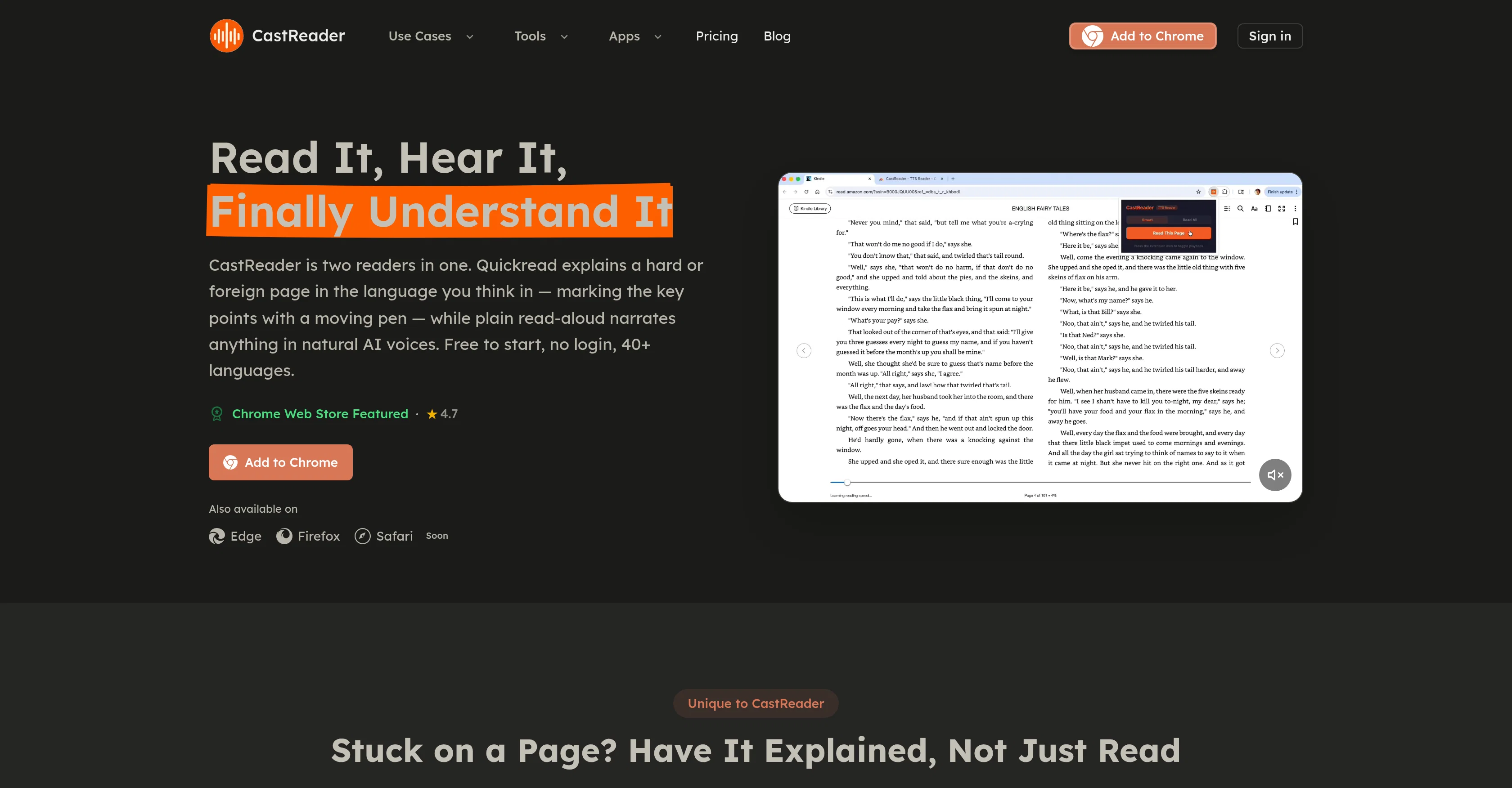
It boasts two key reading features: Quickread and a standard reading-aloud feature. Quickread provides user-friendly content translations, summarizing and explaining complex passages in the user's preferred language, and highlighting key points with a moving pen.
The read-aloud feature, on the other hand, narrates any text with natural sounding AI voices, providing an engaging listening experience akin to a podcast.
Advanced features include the ability to listen to Kindle, WeRead, and O'Reilly content straight from your browser, extending to DRM-protected pages as well.
Furthermore, it offers the convenience of converting articles into audio that can be listened to via one's mobile device for on-the-move consumption. It also supports reading aloud emails and documents for proofreading or multitasking purposes.
Besides, users can selectively listen to specific text by highlighting a section and getting CastReader to read out just that part.Adaptable language support enabling translation and explanation in over 40 languages, alongside universal compatibility, makes it a valuable tool for users worldwide.
Platforms it seamlessly works on include Gmail, Notion, Feishu Docs, Yuque, Kindle, Medium, Wikipedia, and Substack. Also, uniquely, it is equipped to parse explanations provided by AI platforms like ChatGPT, Claude, Gemini, among others.
Altogether, CastReader serves as a dynamic reading tool ideal for both personal and professional use.
Access & connections
Where you can use CastReader, and what it plugs into.
Platforms
Capabilities
What this tool accepts, produces, and is strongest at.
Input
- Tabular
- Text
Output
- Audio
Supported features
- Web browsing
- TTS
- Translation
- Teaching Humans
Pros & cons
Pros
- Converts text to audio
- Offers Quickread and Read-aloud
- Summarizes complex text
- Highlights key points
- 40+ languages supported
- No signup required
- Works on multiple browsers
- Transforms Kindle books into audiobooks
Show 40 more
- Accessible across devices
- Converts articles into audio podcasts
- Useful for proofreading
- Auto-detects language of highlighted text
- Free Chrome extension
- DRM-protected content tool
- Mobile compatibility
- Supports emails and documents
- Used by content creators
- Real-time word highlighting
- Listening to specific sections of text
- No limitation on text length for conversion
- Accessible for all users
- One-click webpage audio conversion
- Works with Gmail, Notion, Feishu Docs, Yuque, etc.
- Can read DRM-protected pages
- Auto page-turning for uninterrupted reading
- Option to continue listening on phone
- Paragraph-level highlighting
- Unpacks dense academic writing
- Cross-language functionality
- Integrated pen marks key points
- Auto-detecting any language
- Select any text to read
- Flexible content consumption method
- Supports ADHD, dyslexia readers
- Helps in proofreading text
- Offers native pronunciation for learners
- Visually impaired user accommodating
- Can read long email threads
- Reading aid in 40+ languages
- Can translate and explain complex passages
- Auto-sends e-books to phone
- Good for multitasking
- Integrated within web browse
- Ability to mute specific parts
- Word-level highlighting for easy proofreading
- Auto-translation of foreign language news
- Adaptable language support
- Custom audio listening from highlighted text
Cons
- Only works via browser extension
- No mobile application
- Requires active internet connection
- Less efficient for small text
- Podcast-like experience lacks customization
- Only supports text-to-speech
- Doesn't support automatic bookmarking
- No offline mode
Show 2 more
- No transcription support
- No personalized voice options
Compare alternatives
Similar tools in the catalog — with a clear reason to open each one.

ElevenLabs ✓
FreemiumCreate lifelike AI voices for compelling storytelling.
Why look Typically cheaper
Full comparison

VoiSpark ✓
FreemiumCreate human-like voices for content with AI
Why look Better for writing
Full comparison
Free Text-To-Speech ✓
FreeText transformed into customizable spoken output.
Why look Fully free option
Full comparison

Releases 1
FAQ 12
What is CastReader?
How does CastReader work?
Can CastReader read Kindle books?
What is the difference between Quickread and plain read-aloud on CastReader?
Does CastReader support other languages, apart from English?
Do I need to sign up or log in to use CastReader?
How does the 'highlight to read' feature work on CastReader?
Can CastReader read out AI chatbot responses?
What web browsers are compatible with CastReader?
Does CastReader work with AI voices from ChatGPT, Claude, and Gemini?
Can CastReader convert long articles into audios using AI voices?
Can I use CastReader for proofreading or reviewing content?
Related tools
Recommended

CodeRabbit ✓
Free TrialEnhanced code review for improved workflow and quality.

freebeat AI ✓
FreemiumTurn Music & Ideas into Viral Videos In One Click

RightBlogger ✓
FreemiumAutomate blogging, SEO, and publishing in one simple platform

Rizz! Keyboard ✓
FreeAI-powered creative responses in your iPhone keyboard.

Emu Video ✓
UnknownTurn text into stunning videos with AI

AutoReels ✓
PaidCreate captivating faceless videos in minutes with AI.