

Multimedia 2026 Rank: #516
MuseCraft ✓
Unleash infinite creativity with top AI models.
Trial; then from $29/mo
Verdict
A quick read before you dig into the full page.
- Best if
- Unleash infinite creativity with top AI models
- Skip if
- No tiered subscription options
- Pick this when
- Generates high-quality videos and images
Considering VoooAI instead? Compare side by side
Overview
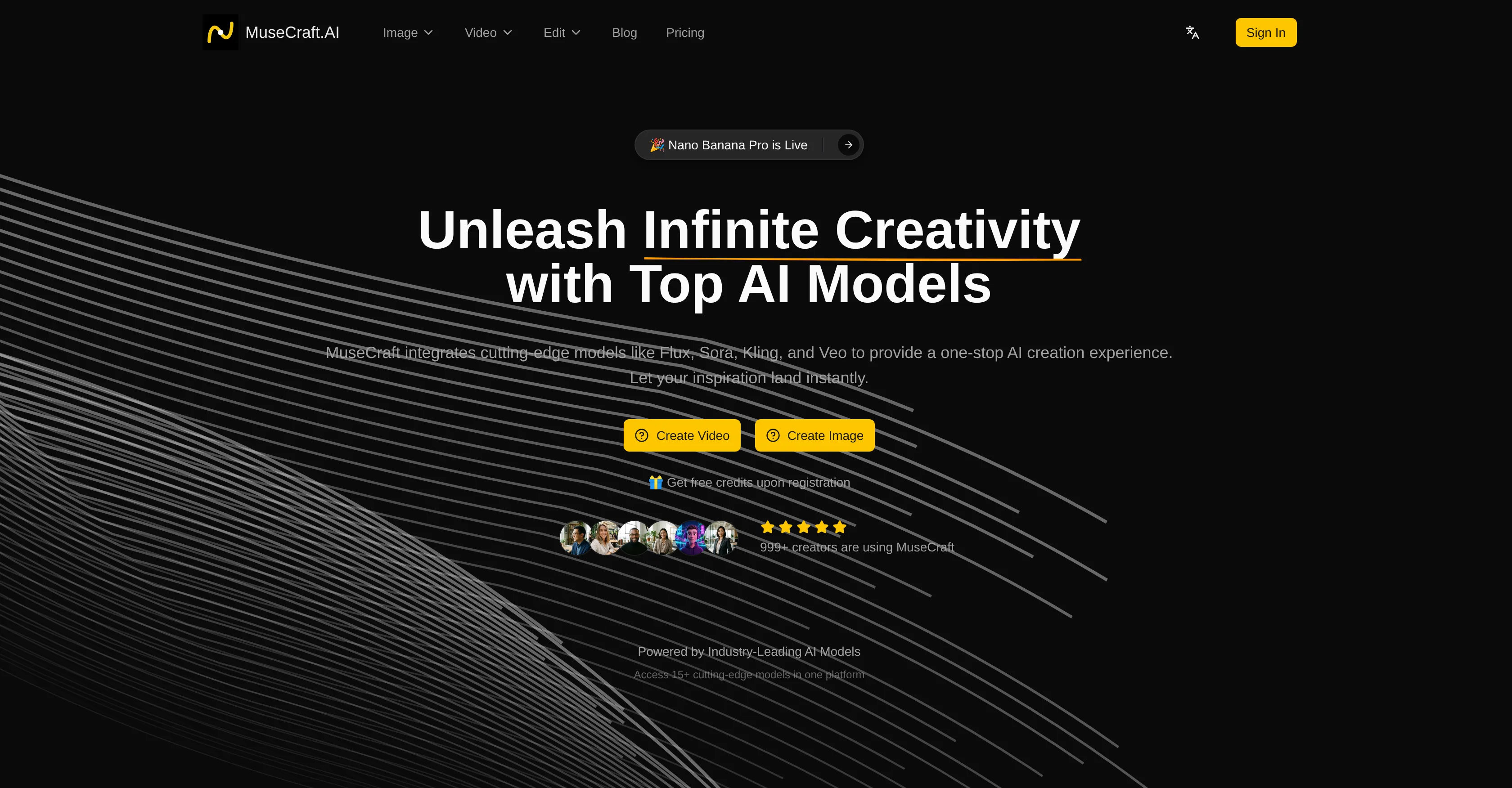
MuseCraft is an artificial intelligence (AI) platform that integrates multiple top-tier models for a comprehensive creation experience. The platform is designed to generate high-quality videos and images based on user text inputs or image uploads.
The service offers a variety of capabilities, including Text-to-Image, Text-to-Video, and Image-to-Video. With Text-to-Image, users can leverage top models such as Flux and Seedream to generate stunning images from textual descriptions.
For Text-to-Video, the platform synthesizes cinematic videos from text prompts using models like Sora and Kling. Meanwhile, Image-to-Video allows users to animate static images into dynamic videos.
Additional features include a professional-grade Skin Enhancer for AI-powered portrait retouching and an AI Background Remover for instant background removal from images.
Notably, MuseCraft employs a unified credit system, removing the need for separate subscriptions for each AI service. Also, the infrastructure is optimized for fast generation times for both images and videos.
Overall, MuseCraft is positioned as a unified AI creative platform that offers all-in-one access to the world's most potent AI models, enabling creators to bring their imaginations to life.
Access & connections
Where you can use MuseCraft.
Platforms
Capabilities
What this tool accepts, produces, and is strongest at.
Input
- Image
- Text
Output
- Video
- Image
Supported features
- Image Edit
- Image Generation
- Video Generation
- Styling
Pros & cons
Pros
- Generates high-quality videos and images
- Features Text-to-Image, Text-to-Video, and Image-to-Video
- Generates artworks from text descriptions
- Image-to-image feature for style transfer
- Unified credit system
- Optimized infrastructures for fast generation
- Versatility in content creation
- Accommodates diverse creative needs
Show 35 more
- Saves cost and increases efficiency
- Incorporates top-tier models like Flux, Sora, Kling, Veo
- Seamless creation experience
- Text inputs and image uploads
- Offers a variety of capabilities
- Employs unified credit system
- Optimized for quick generation times
- Integrated offerings for creators
- Produces high-quality transparent PNGs
- Generates cinematic videos from text prompts
- Animates static images into dynamic videos
- No need for separate subscriptions
- Efficient and economical
- Instant background removal
- 15+ cutting-edge models integrated
- Professional-grade portrait retouching
- Produces stunning images from textual descriptions
- Smooth motion and natural transitions in videos
- Enables infinite creativity
- No juggling multiple subscriptions
- Enriches skin texture naturally
- Swift generation times for images and videos
- Text-to-Image feature powered by high-end models
- One credit system for all models
- Pixel-perfect background separation
- Effortlessly removes backgrounds from complex edges
- Meets varied needs of creators and artists
- Comprehensive creativity unleashed with single platform
- Huge cost savings to creators
- Enhanced workflow and time-saving
- Access to 15+ top models with one credit system
- Has positively impacted creative budgets
- Ensures studio-quality generated visuals
- Offers support via Discord and email
- Implements latest updates and inspirations
Cons
- No API access
- Unified credit system
- Requires registration for use
- Lack of detailed customization
- Difficult to manage credits
- Fast generation times unclear
- Not open-source
- Limited number of models
Show 2 more
- Dependent on third-party models
- No tiered subscription options
Compare alternatives
Similar tools in the catalog — with a clear reason to open each one.

VoooAI ✓
FreemiumGenerate a Multimedia workflow with one sentence.Support OpenClaw
Why look Typically cheaper
Full comparison
Masonry ✓
FreemiumOne prompt, every AI model: compare image and video generation across all
Why look Typically cheaper
Full comparison
Artlist | The Ultimate Creative AI Ecosystem ✓
FreemiumStart Creating Without Limits
Why look Typically cheaper
Full comparison
Higgsfield AI ✓
Free TrialAI Video Generator & Image Generator
Why look Typically cheaper
Full comparison
Apple Creator Studio ✓
Free TrialAll yours for the making.
Why look Typically cheaper
Full comparison
Releases 1
FAQ 12
What is MuseCraft?
What are the key features of MuseCraft?
How does the text-to-image feature work in MuseCraft?
Can I create videos from text in MuseCraft?
How is the image-to-video transformation done in MuseCraft?
What AI models does MuseCraft use?
How can I use MuseCraft for style transfer or creative variations?
What is the function of AI Skin Enhancer in MuseCraft?
How does the AI Background Remover work in MuseCraft?
What is the unified credit system in MuseCraft?
How fast is the generation time in MuseCraft?
Can I use MuseCraft to generate both images and videos?
Related tools
Recommended

Notis ✓
Free TrialThe first WhatsApp assistant that runs on your ChatGPT and Claude subscriptions

remio: Your Personal ChatGPT ✓
FreemiumGet Tailored Answer with Your Personal ChatGPT

Tendem ✓
PaidAI + Human Agent to get tasks done

Vertech Academy ✓
Free TrialPre-built AI study workflows that outperform raw ChatGPT prompts.

VidFlux - Image to Video AI ✓
PaidTransform any image into stunning videos.

Automateed ✓
Free TrialCreate eBooks effortlessly with Automateed, the AI-powered writing tool.