
Bulk Image Generator ✓
Generate 100+ professional AI images in seconds
from $15/mo
Verdict
A quick read before you dig into the full page.
- Best if
- You are e-commerce businesses and need: Generating product photos in bulk
- Skip if
- Limited face swap features
- Pick this when
- Generates high-quality images
Considering ImagePipeline instead? Compare side by side
Overview
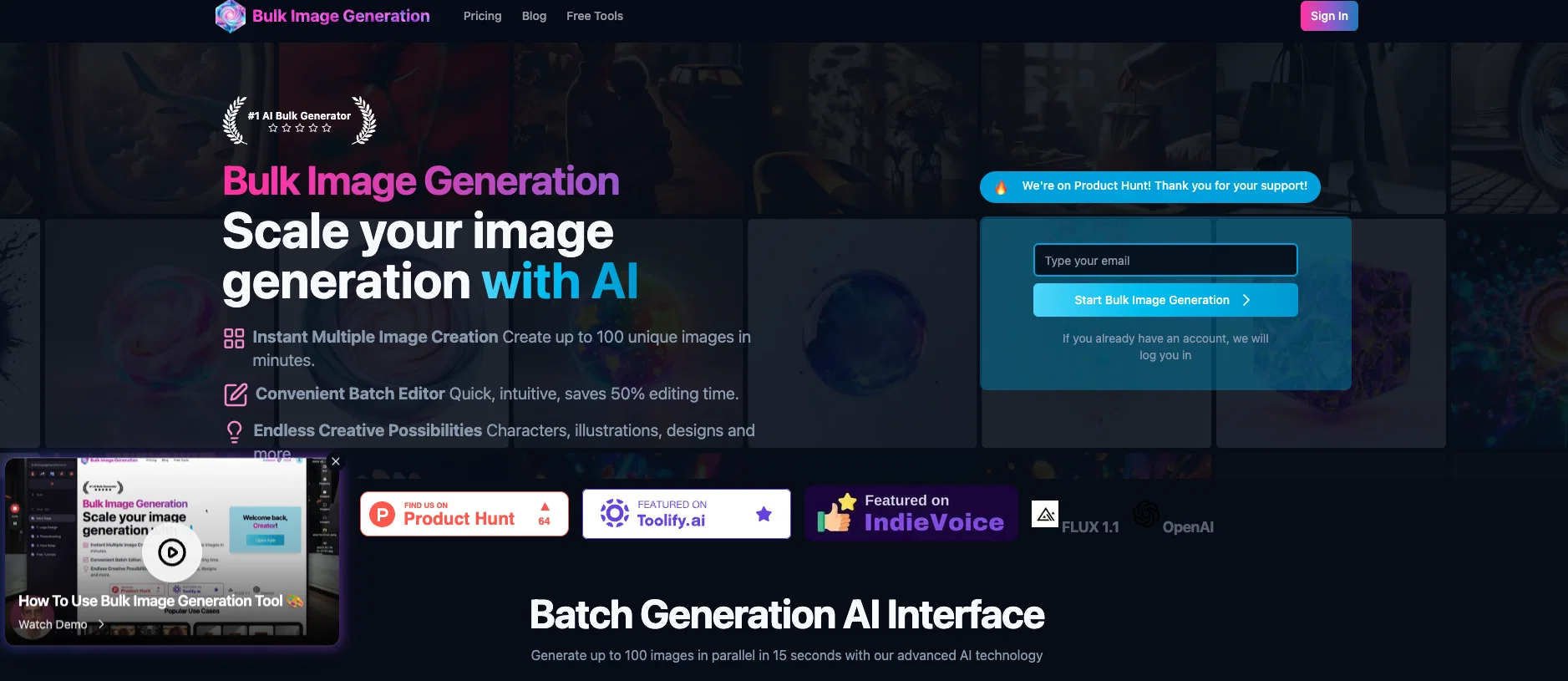
Bulk Image Generator is a comprehensive artificial intelligence tool that generates high-quality images in large quantities, ideal for applications in product photography, social media content, and enterprise requirements.
It is built on the Flux 1.1 technology, allowing for batch processing of up to 100 images simultaneously. The tool's automated prompt engineering feature makes it simple for users to describe their intended output and let the AI handle the styling and generation.
Among its many features are background removal and face swap, both enhancing the range of visual possibilities the tool can provide. Additionally, it offers a batch edit function which simplifies the post-generation process, saving time on individually editing images.
This enables users to drive their creative potential with everything from characters to complex designs. The platform also provides an array of free tools, included but not limited to an aspect ratio calculator, prompt generator, bulk image resizer, and an image to prompt converter.
Designed to support users in achieving optimum output, these resources create a more holistic image creation experience, all through one interface.
Best for
Short scenarios where Bulk Image Generator tends to shine.
-
Generating product photos in bulk
Best for E-commerce businesses
-
Creating social media content
Best for Social media marketers
-
Developing marketing materials
Best for Marketing agencies
-
Designing app icons
Best for Game developers
-
Generating images for game design
Best for Graphic designers
-
Creating coloring pages
Best for Advertisers
-
Generating logos and logo variations
Best for Small businesses
Example outputs 1
Sample generations and before/after results for Bulk Image Generator.
Access & connections
Where you can use Bulk Image Generator.
Platforms
Capabilities
What this tool accepts, produces, and is strongest at.
Input
- Text
Output
- Image
Supported features
- Thumbnails
Pros & cons
Pros
- Generates high-quality images
- Ideal for product photography
- Great for social media content
- Aids enterprise requirements
- Supports Flux 1.1 technology
- Offers batch processing of images
- Processes up to 100 images
- Provides automated prompt engineering
Show 34 more
- Enables easy description of output
- Features include background removal
- Face swap feature available
- Batch edit function for simplicity
- Saves time on individual editing
- Enhances creative potential
- Supports characters to complex designs
- Offers free tools
- Aspect ratio calculator available
- Prompts generator tool included
- Bulk image resizer provided
- Image to prompt converter included
- Designed for optimum output
- Creates holistic image creation experience
- All-in-one interface
- Can generate images in seconds
- Creates consistent style variations
- Can generate unique images quickly
- Saves 50% of editing time
- Ideal for character illustrations and designs
- Instant image resizing while maintaining quality
- THE BIG GAME ADS- suitable for advertising
- Logo generation
- Food icons for marketing
- Construction logos for branding
- Suitable for educational content
- Generates lifestyle photography
- Helps create elements for marketing
- Ideal for FMCG Branding
- Generates property exteriors for real estate apps
- Generates variations of an existing logo
- Useful for pregnancy app social media
- Generates social media ads
- Plenty of other use case possibilities
Cons
- Limited to 100 images
- No prompt engineering customization
- Cannot generate animated images
- No multi-language support
- Not clear on pricing
- Specific to Flux 1.1 Technology
- Limited face swap features
- No single image editing
Show 2 more
- No mobile application
- Reliant on strong internet
Compare alternatives
Similar tools in the catalog — with a clear reason to open each one.

ImagePipeline ✓
PaidGenerate AI images at scale with simple APIs
Why look Typically cheaper
Full comparison
BulkGen ✓
Free TrialCreate hundreds of AI images from one prompt.
Why look Typically cheaper
Full comparison
BulkImagen ✓
FreemiumType once, get a stack of images back.
Why look Freemium alternative
Full comparison
ImgBulk ✓
Free TrialGenerate 100+ AI images in one batch.
Why look Typically cheaper
Full comparisonPeople also view
Tools that often show up alongside Bulk Image Generator in collections and comparisons.
ImgBulk ✓
Free TrialGenerate 100+ AI images in one batch.
ImagePipeline ✓
PaidGenerate AI images at scale with simple APIs
BulkImagen ✓
FreemiumType once, get a stack of images back.
BulkGen ✓
Free TrialCreate hundreds of AI images from one prompt.

SVGStud.io ✓
FreeGenerate and search custom SVGs with AI

Image to Prompt Generator ✓
FreemiumConvert images to prompts for AI art generation.

freebeat AI ✓
FreemiumTurn Music & Ideas into Viral Videos In One Click
Releases 1
Imported reviews 2
Very useful if you have business where you need AI images
As the founder of BulkImageGeneration.com, I use our tool myself. I’d love for you to try it and share your feedback.