

Bricks ✓
AI-powered spreadsheets for effortless reports.
Free + from $9/mo
Verdict
A quick read before you dig into the full page.
- Best if
- AI-powered spreadsheets for effortless reports
- Skip if
- Limited visualization options
- Pick this when
- Creates various schedules
Considering SheetAI App - AI For Sheets instead? Compare side by side
Overview
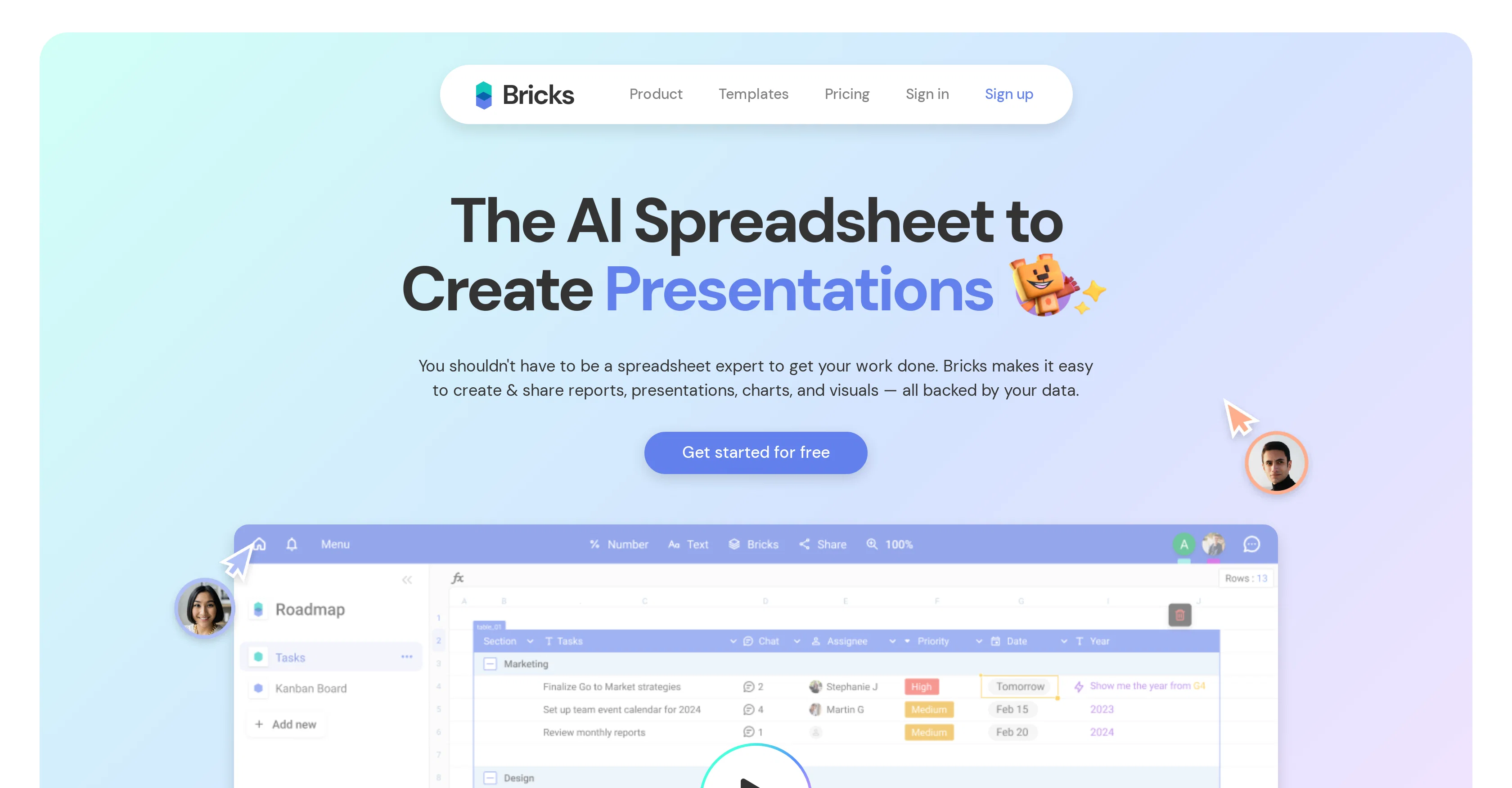
Bricks is an AI-driven tool designed with the aim of transforming the way you interact with spreadsheets. This tool is particularly beneficial if you require assistance in creating various items such as reports, presentations, charts, and visuals, all using your data.
If you're not a spreadsheet expert, Bricks can still assist you in getting your work done with ease. This tool provides the ability to create various schedules, product maps, organization charts, tables for stocks and much more by leveraging the sophisticated AI mechanisms embedded in its system.
It can also help in tasks like duplicate removal from sheets and typo fixing in column data. Bricks goes beyond regular spreadsheet manipulations and traverses into the domain of visualization.
It can create bar charts for sales figures, a forecast of sales for future weeks, graphs to compare revenue and expenses, and project timelines. Bricks also contains a feature that allows you to describe what you want to create, after which it automatically generates the desired document in only a few seconds.
Use cases vary across different sectors, making Bricks suitable for diverse teams like sales, product, marketing, and operations.
Access & connections
Where you can use Bricks.
Platforms
Capabilities
What this tool accepts, produces, and is strongest at.
Supported features
- Spreadsheets
Pros & cons
Pros
- Creates various schedules
- Generates product maps
- Designs organization charts
- Builds tables for stocks
- Duplicate removal
- Typos fixing
- Visualization features
- Generates bar charts
Show 41 more
- Creates sales forecasts
- Generates comparison graphs
- Provides project timelines
- Automatic document creation
- Cross-sector usability
- Suitable for diverse teams
- Supports effortless report creation
- Facilitates data cleaning
- Automates data processing
- Assists in visualization of operations
- Features for sales visualization
- Automatic report generation
- Data analysis
- Spreadsheet management
- Easy report sharing
- Templates for spreadsheet creation
- User-friendly for non-experts
- Instant document generation
- Weekly class schedule creation
- Removal of sheet duplicates
- Quarterly product map creation
- Top stocks table generation
- Monthly sales figures bar chart
- Project timeline creation
- Typo corrections in columns
- Weekly content calendar creation
- Sales forecast for six weeks
- Revenue vs expenses graph
- Pre-built blocks for analysis
- Pre-built diagrams
- Data-backed visuals
- Data tables
- Timelines
- Roadmaps
- Designed for various teams
- Pre-built templates from industry experts
- Solutions for sales teams
- Solutions for product teams
- Solutions for marketing teams
- Solutions for operations teams
- Used by top companies
Cons
- Limited use cases
- No offline functionality
- Limited integration capabilities
- Reliance on accurate data
- Requires regular updates
- Limited visualization options
- No multi-lingual support
- No customization features
Compare alternatives
Similar tools in the catalog — with a clear reason to open each one.

SheetAI App - AI For Sheets ✓
FreemiumAI with brain power inside Google Sheets
Why look Offers a public API
Full comparison
Sourcetable — AI spreadsheet & data analyst ✓
FreemiumAI spreadsheet & data analyst. 10x your productivity.
Why look Higher community rating
Full comparison
TabTabTab ✓
FreemiumTurn Google Sheets into your personal research assistant.
Why look Higher community rating
Full comparison
Grist ✓
FreemiumBuild complex spreadsheet workflows with AI in minutes.
Free + from $8/mo
Full comparison

Releases 1
Imported reviews 1
Not free just do your work than say amount
FAQ 12
What is Bricks?
What are the main features of Bricks?
How does Bricks help in data visualization?
Can Bricks create reports?
How does Bricks help with spreadsheet management?
Does Bricks offer any data analysis features?
Can Bricks handle data cleaning tasks?
How does the AI-powered document creation in Bricks work?
What kind of data can Bricks process automatically?
Can Bricks provide project timeline visualization?
Who should use Bricks?
How can I use Bricks even though I am not a spreadsheet expert?
Related tools
Recommended

Blend AI ✓
FreemiumYou favorite AI, all in one place (-20% with TAAFT at checkout)

Marblism ✓
FreemiumAI Employees who Work for Your Business

COACH ✓
FreeAI-powered career development platform built by career experts.

Video Studio AI ✓
FreemiumGenerate AI videos from text or images instantly

Abby - Your AI Therapist ✓
FreemiumYour 24/7 AI Therapist for life's challenges.

Ice Breaking Lab
FreeBreak the ice and make friends with AI-powered questions.