

BityClips ✓
Create Stunning Faceless Videos Instantly with AI
Free + from $9/mo
Verdict
A quick read before you dig into the full page.
- Best if
- You are content creators and need: Creating short videos for platforms like YouTube Shorts
- Skip if
- Limited narration voices
- Pick this when
- Generates faceless videos
Considering Bytecap instead? Compare side by side
Overview
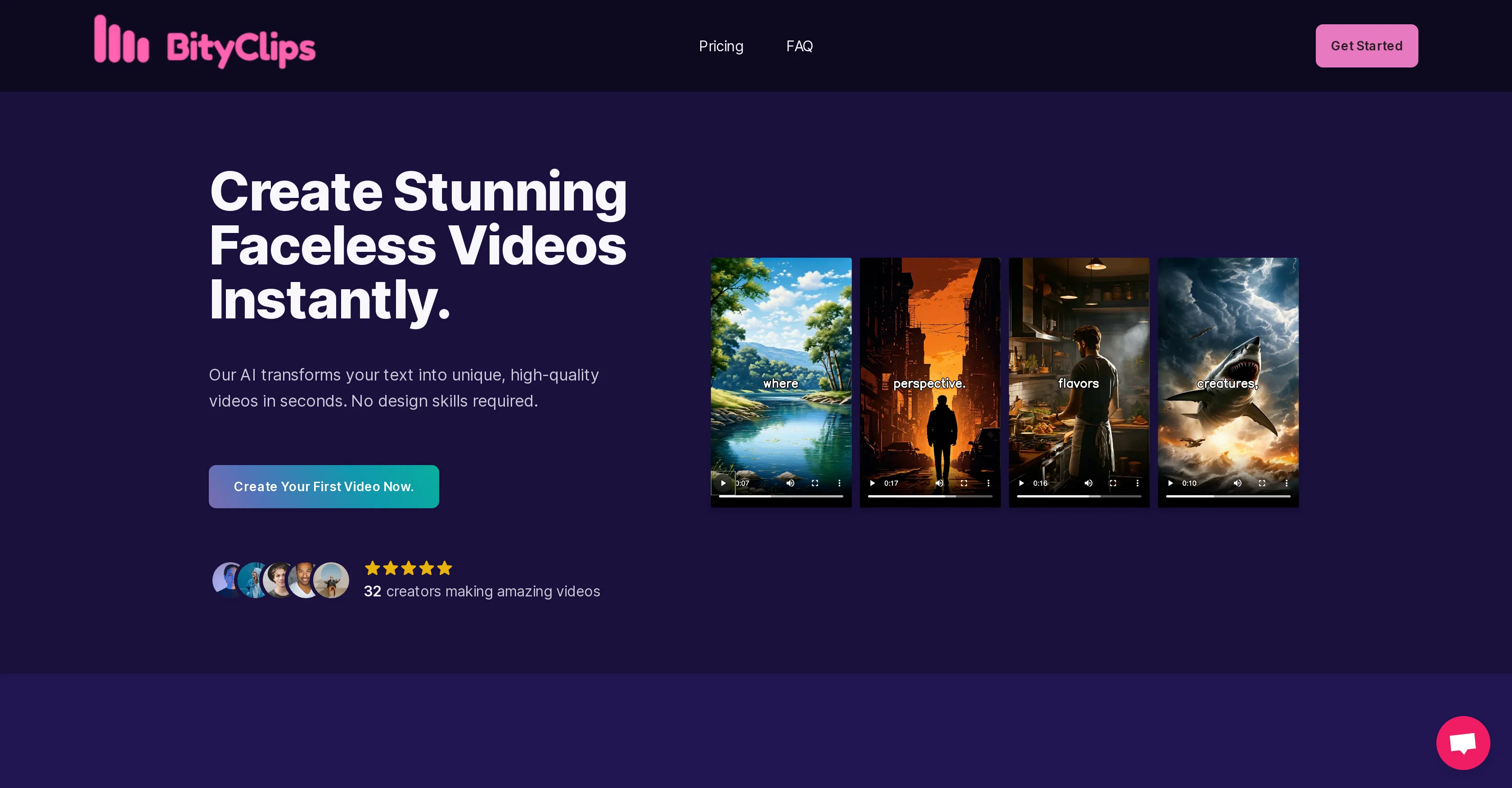
BityClips is an artificial intelligence-powered tool designed to transform text into short, high-quality videos. The main feature of BityClips is its ability to construct 'faceless' videos in a quick and easy manner, making it suitable for users without professional designing skills.
To create a video, users need to input the text content that they want in the video, select customizable options, and let the tool work its magic to instantly produce the desired video.
BityClips boasts its utilization of generative AI, which ensures each video created is unique and will not be duplicated. Downloadable upon creation, the videos can be uploaded and utilized across various channels.
The tool also offers flexibility in adjusting the video length, typically ranging from 30 to 60 seconds to meet specific platform requirements, such as YouTube Shorts.
BityClips offers different plans with varying features, including the options to choose a narration voice and access to 24/7 support.
Best for
Short scenarios where BityClips tends to shine.
-
Creating short videos for platforms like YouTube Shorts
Best for Content creators
-
Generating unique faceless videos for content channels
Best for Social media managers
-
Transforming written content into engaging video format quickly
Best for Marketers
Example outputs 1
Sample generations and before/after results for BityClips.
Access & connections
Where you can use BityClips.
Platforms
Capabilities
What this tool accepts, produces, and is strongest at.
Supported features
- Clipping
Pros & cons
Pros
- Generates faceless videos
- User-friendly, no design skills needed
- Text-based video customization
- Instant video production
- Videos are downloadable
- Adjustable video lengths
- Suitable for YouTube Shorts
- Selection of narration voice
Show 6 more
- Offers 24/7 support
- Variety of plan options
- Supports multiple uploads to various channels
- One-click video shorts feature
- Free trial available
- No credit card required for trial
Cons
- Limited to short videos
- No face visuals
- No free plan
- Limited customization options
- Video length restriction
- Limited narration voices
- Extra cost for support
- No indicated video quality control
Show 1 more
- Not explicitly multi-platform
Compare alternatives
Similar tools in the catalog.
People also view
Tools that often show up alongside BityClips in collections and comparisons.

Shortmake ✓
PaidFast viral video generation and editing.

Postless ✓
PaidAI-generated UGC videos on autopilot for viral marketing.

Opus Clip ✓
FreemiumAI-powered livestream studio for explosive growth

HiClip AI ✓
Free TrialDrop 1 Video, Get 10 Hooked Clips.

Bytecap ✓
FreemiumEdit and publish clips 10x faster with AI

AI Video Cut ✓
Free TrialTransform long videos into viral shorts with AI.

HayNo AI Music Video Generator ✓
Free TrialUpload a song, describe the vibe, get a music video.

Froging AI ✓
FreemiumCreate images and videos with leading AI models in one workspace.
Releases 1
Imported reviews 1
It says it’s free but they don’t have a free option once you’re on their site. Have to sign up for a subscription. It may be a great product- I don’t know. But I’m not going to pay to try it. There are other platforms out there.
FAQ 12
What exactly is BityClips?
What is the main feature of BityClips?
How can I create a video using BityClips?
What is the purpose of generative AI in BityClips?
Can I download the videos created by BityClips?
Can I adjust the length of the videos in BityClips?
What makes BityClips suitable for users without professional designing skills?
Is each video created by BityClips unique?
What are the different plans offered by BityClips?
Does BityClips allow voice narration in its videos?
How can BityClips help in creating YouTube shorts?
Can I upload the videos created by BityClips on various channels?
Related tools
Recommended

Shorts Faceless ✓
PaidAutomate your short video production with AI and instantly publish to socials

VenturusAI ✓
FreemiumBusiness idea analysis and reporting.

D-ID ✓
FreemiumCreate AI-generated videos with ease

APOB ✓
FreemiumEarn money by creating your own personalized AI influencer.

Stunning ✓
PaidBuild AI-powered websites in seconds

Automateed ✓
Free TrialCreate eBooks effortlessly with Automateed, the AI-powered writing tool.