

Bananote ✓
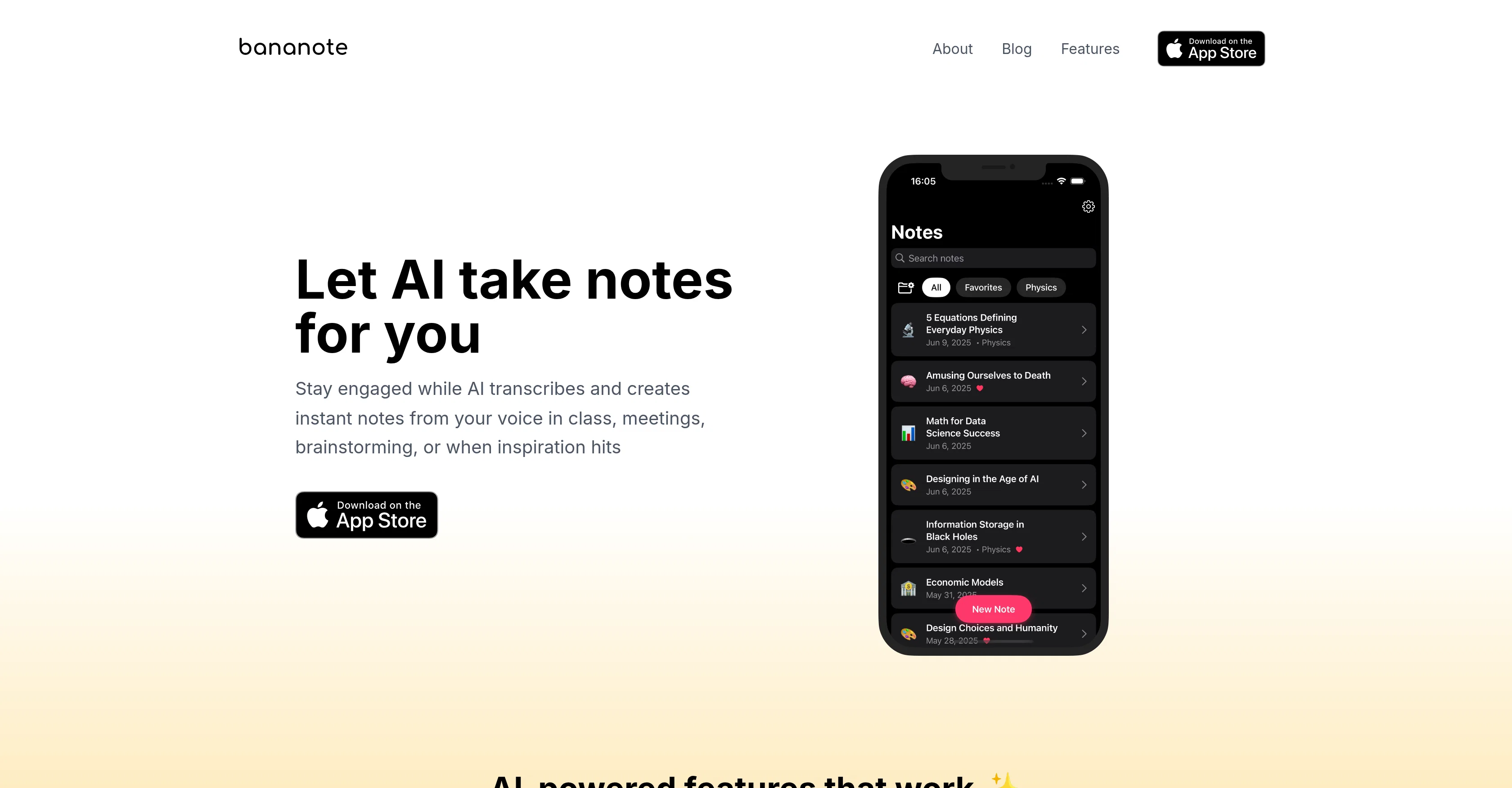
Let AI take notes for you
Free + from $9.99/mo
Verdict
A quick read before you dig into the full page.
- Best if
- Let AI take notes for you
- Skip if
- Lacks offline functionality
- Pick this when
- Multilingual transcription
Considering Qonqur instead? Compare side by side
Overview

Beyond transcription, Bananote includes smart templates for lecture summaries, meeting minutes, brainstorms, and more. It can generate flashcards and quizzes for active recall learning, organize notes with folders and favorites, and even let users “chat” with their notes using the Feynman technique to deepen understanding. It’s not just a note-taker, it’s a study and productivity assistant.
Whether you’re learning a language, capturing a client meeting, preparing for exams, or organizing creative ideas, Bananote helps you stay focused and present. It removes the friction from traditional note-taking and transforms raw speech into intelligent knowledge that’s ready to review, study, or share.
- Fully Customizable Note Templates
- Youtube Video Transcripts And Summaries
- Flexible Input Options (recorded Audio, Audio Files, Video Links, Youtube, Text)
- Free
- Focus On Privacy And Data Security
- Export Capabilities
- Data Organization And Sharing
- Folders
Access & connections
Where you can use Bananote.
Platforms
Capabilities
What this tool accepts, produces, and is strongest at.
Input
- Text
- Video
- Audio
Output
- Text
Pros & cons
Pros
- Multilingual transcription
- One-tap recording
- Home Screen/Lock Screen widget
- Instant voice-to-text
- Smart note templates
- Summary generation
- Flashcards and quizzes creation
- Feynman technique integration
Show 30 more
- Note organization: favorites and folders
- Audio into actionable notes
- Active listening focus
- Ideal for diverse audience
- Supports 100 languages
- Quick in-app recording
- Turns language to written words
- Facilitates deeper comprehension
- In-app study material creation
- Easy to find notes
- Engagement during note-taking
- Actionable knowledge creation
- Ability to retain better
- Time-efficient note-taking
- Useful for language learners
- Good for content creators
- Research transcription
- Organizes research findings
- Creates comprehensive summaries
- Transcription supports 100 languages
- Enables voice transcription practice
- Allows audio upload
- Transforms lectures into study material
- Transforms meetings into actionable items
- Ideal for academics
- Ideal for entrepreneurs
- Ideal for freelancers
- Client calls transcription
- Project notes organization
- Helps create proposals
Cons
- Lacks offline functionality
- No Android app
- No desktop version
Compare alternatives
Similar tools in the catalog — with a clear reason to open each one.


Voicenotes ✓
FreemiumA place to dump your thoughts.
Why look Higher community rating
Full comparison
HyNote AI ✓
FreemiumHyNote | All-in-One AI Note Taker for Professionals
Why look Higher community rating
Full comparison
Elasticnote ✓
FreemiumPrivacy-first unlimited note-taking webapp.
Why look Offers a public API
Full comparison
Notedly ✓
Free TrialTransform readings into instant notes.
Why look Typically cheaper
Full comparison
Releases 1
Imported reviews 1
Not available in Spain AppStore. :(
Looks good...
FAQ 5
What does Bananote do?
Can I use Bananote offline or without uploading files?
🛠️ 1
tool
wrote:
You can access your existing notes and study materials without an internet connection, however, recording new notes requires internet access.
Does it support multiple languages?
What types of content can I generate?
Is my data private?
Related tools
Recommended

Automateed ✓
Free TrialCreate eBooks effortlessly with Automateed, the AI-powered writing tool.

CodeRabbit ✓
Free TrialEnhanced code review for improved workflow and quality.

Claude ✓
FreemiumBuilding reliable, interpretable AI systems

DeepSeek ✓
FreeUnravel the mystery of AGI with curiosity

MindMateGPT: Reflection ✓
FreePersonalized mental health guidance & coping tactics.

remio: Your Personal ChatGPT ✓
FreemiumGet Tailored Answer with Your Personal ChatGPT