
Recraft ✓
Generate vector art and 3D images effortlessly
Free + from $20/mo
Verdict
A quick read before you dig into the full page.
- Best if
- You are professional designers and need: Logo design
- Skip if
- Potential learning curve
- Pick this when
- Generates and edits vector art
Considering Luma AI instead? Compare side by side
Overview
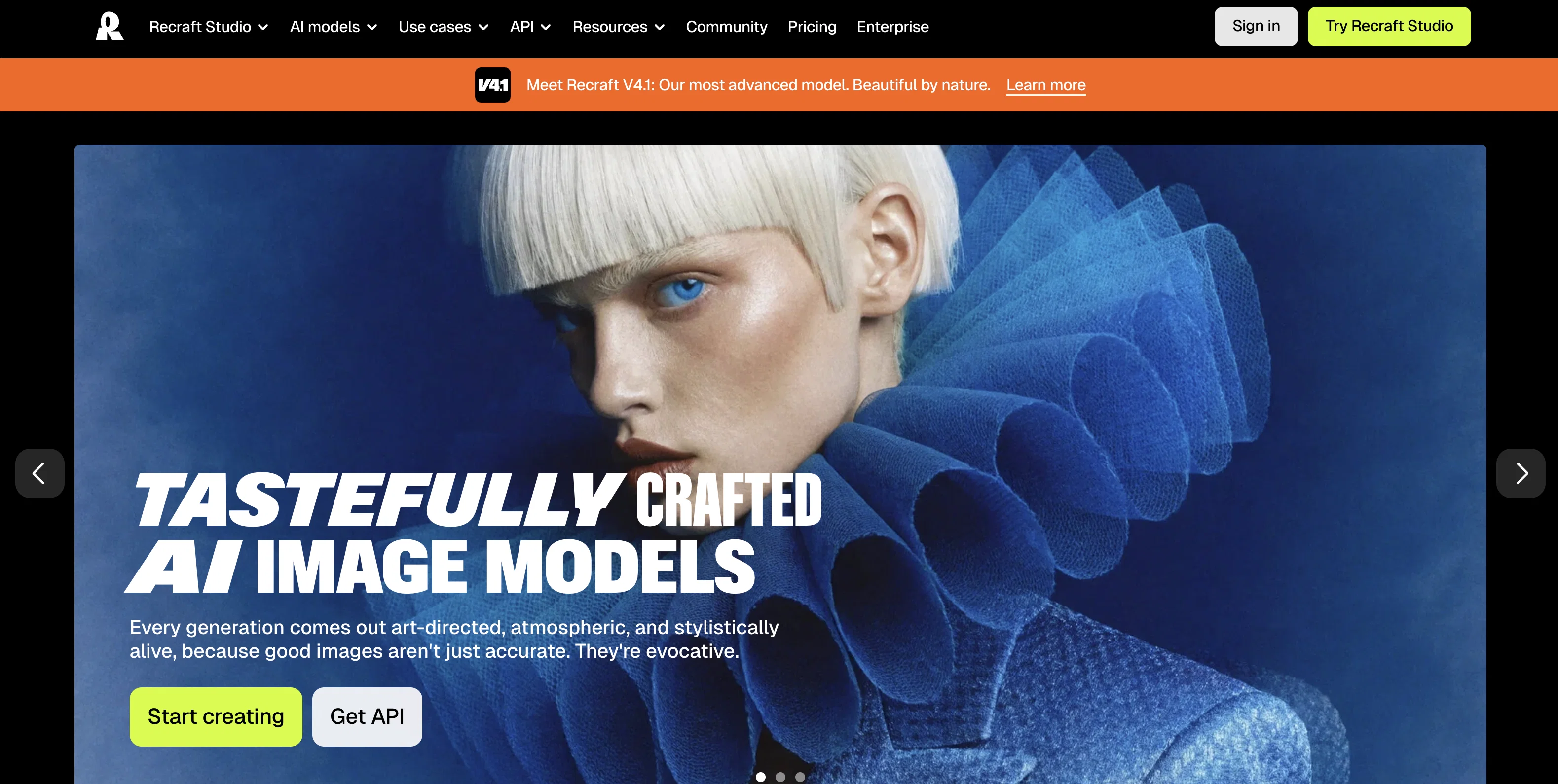
Recraft is an AI-powered tool that allows users to generate and edit vector art, icons, 3D images, and illustrations in various styles suitable for websites, print, and marketing purposes.
It offers a user-friendly interface that enables easy creation of high-quality images, without the typical "AI-weirdness" often associated with other tools.
Recraft provides a range of features that enhance the design process and allow for precise customization. With Recraft, users can achieve stunning high-quality prints regardless of resolution by utilizing the SVG format.
Images can also be saved as hi-res PNG or SVG files for digital design, ensuring flexibility for different platforms and surfaces. The tool includes a precise palette feature, allowing users to fine-tune every color detail without the need to switch between applications.
Recraft offers a best-in-class vectorizer that can convert any illustration into a vector with excellent quality, utilizing a minimal number of points.
Additionally, the lasso modifying tool enables easy selection and editing, allowing users to fix anatomy or make other adjustments. Another notable feature is the ability to switch between various artistic styles, enabling users to transform their images as desired.
Users can also explore the community page to discover new techniques and gain inspiration for creating beautiful images with Recraft. The tool is available for free, with no need for a credit card to get started.
Overall, Recraft is a powerful AI tool that simplifies the process of generating and editing vector art, icons, 3D images, and illustrations, making it an invaluable resource for designers, marketers, and art enthusiasts.
Best for
Short scenarios where Recraft tends to shine.
-
Logo design
Best for Professional designers
-
Icon creation
Best for Brand designers
-
Ad design
Best for Product designers
-
Character design
Best for AI artists
-
Stock image generation
Best for Marketing teams
-
Branding consistency across visuals
Best for Professional designers
Example outputs 1
Sample generations and before/after results for Recraft.
Access & connections
Where you can use Recraft, and what it plugs into.
Platforms
Integrations
Capabilities
What this tool accepts, produces, and is strongest at.
Input
- 3D
- Image
Output
- 3D
- Image
Supported features
- Visual Creation
- Image Edit
- Image Generation
- 3D Generation
- Image to prompt
- Image Understanding
- Outpainting
- Inpainting
Pros & cons
Pros
- Generates and edits vector art
- Creates 3D images
- Different styles for customization
- User-friendly interface
- High-quality image generation
- Enhanced design features
- Precise customization
- SVG format compatibility
Show 22 more
- Uses hi-res PNG
- Hi-res SVG files
- Precise palette feature
- Color detail fine-tuning
- Switch between applications not needed
- Best-in-class vectorizer
- Converts illustration into vector
- Minimal use of points
- Lasso modifying tool
- Easy selection and editing
- Artistic style shifts
- Community exploration for techniques
- Inspiration for image generation
- Free to start
- No credit card needed
- High-quality prints regardless of resolution
- Ultimate resource for designers
- Marketing and art enthusiast tool
- Regular major updates
- Effortless image scaling
- Flexible for different platforms
- Suitable for print and websites
Cons
- No offline usage
- No mentioned collaboration feature
- Potential learning curve
- Only SVG/PNG export formats
- Limited modification tools
- No application version
- Minimal community
Compare alternatives
Similar tools in the catalog — with a clear reason to open each one.


Skybox Lab ✓
FreemiumGenerate stunning panoramic views with AI.
Why look Typically cheaper
Full comparison
Alpha3D ✓
Free TrialTransform 2D images into 3D assets with AI
Why look Typically cheaper
Full comparisonPeople also view
Tools that often show up alongside Recraft in collections and comparisons.

Leonardo AI ✓
FreemiumCreate AI art, images, and videos with prompts

Ideogram ✓
FreemiumAI-powered creativity booster

UX Pilot ✓
FreemiumGenerate Wireframes and UI Designs (Web & Figma)

Tensor.Art ✓
FreemiumGenerate, share, and train AI images for free.
Stable Diffusion ✓
FreemiumUnleash humanity's potential with generative AI

Playground AI ✓
FreemiumCreate art and visuals with AI, for free

PixAI Art ✓
FreemiumAnime artwork generator

Google Imagen ✓
Free TrialTransform images with AI-powered creativity
Releases 1
Imported reviews 1
This one is great for logo and poster concepts. The vector-style output looks clean, and it handled a few pixel-art prompts better than expected. I’d still like tighter controls for fonts and style consistency, but it’s a strong tool overall.
FAQ 12
What is Recraft?
What features does Recraft offer for graphic design?
What image formats does Recraft support?
What is special about Recraft's vectorizer?
Can I shift between styles with Recraft?
How can Recraft help me to create high-quality prints?
Can I save images as SVG files in Recraft?
How can I adjust colors precisely in Recraft?
What is the purpose of the lasso modifying tool in Recraft?
What resources does Recraft have for learning new techniques?
How does Recraft maintain image quality in different resolutions?
Is it possible to convert illustrations into vectors using Recraft?
Related tools
Recommended

VenturusAI ✓
FreemiumBusiness idea analysis and reporting.

LearningStudioAI ✓
Free TrialAI-powered authoring tool for effortless online course creation.

Scisummary ✓
Free TrialCutting-edge scientific articles summarization.

Stratup.ai ✓
FreemiumInnovative idea generation for businesses.

Stockimg AI ✓
PaidGenerated images and text for design ease.

Midjourney ✓
PaidExpand human imagination through AI-powered visuals.