

AutoPod ✓
Automate video podcast editing in Premiere Pro
Trial; then from $29/mo
Verdict
A quick read before you dig into the full page.
- Best if
- You are podcast editors and need: Automatically edit multi-camera podcast recordings
- Skip if
- Aspect ratios limited
- Pick this when
- Adobe Premiere Pro integration
Considering Cleanvoice AI instead? Compare side by side
Overview
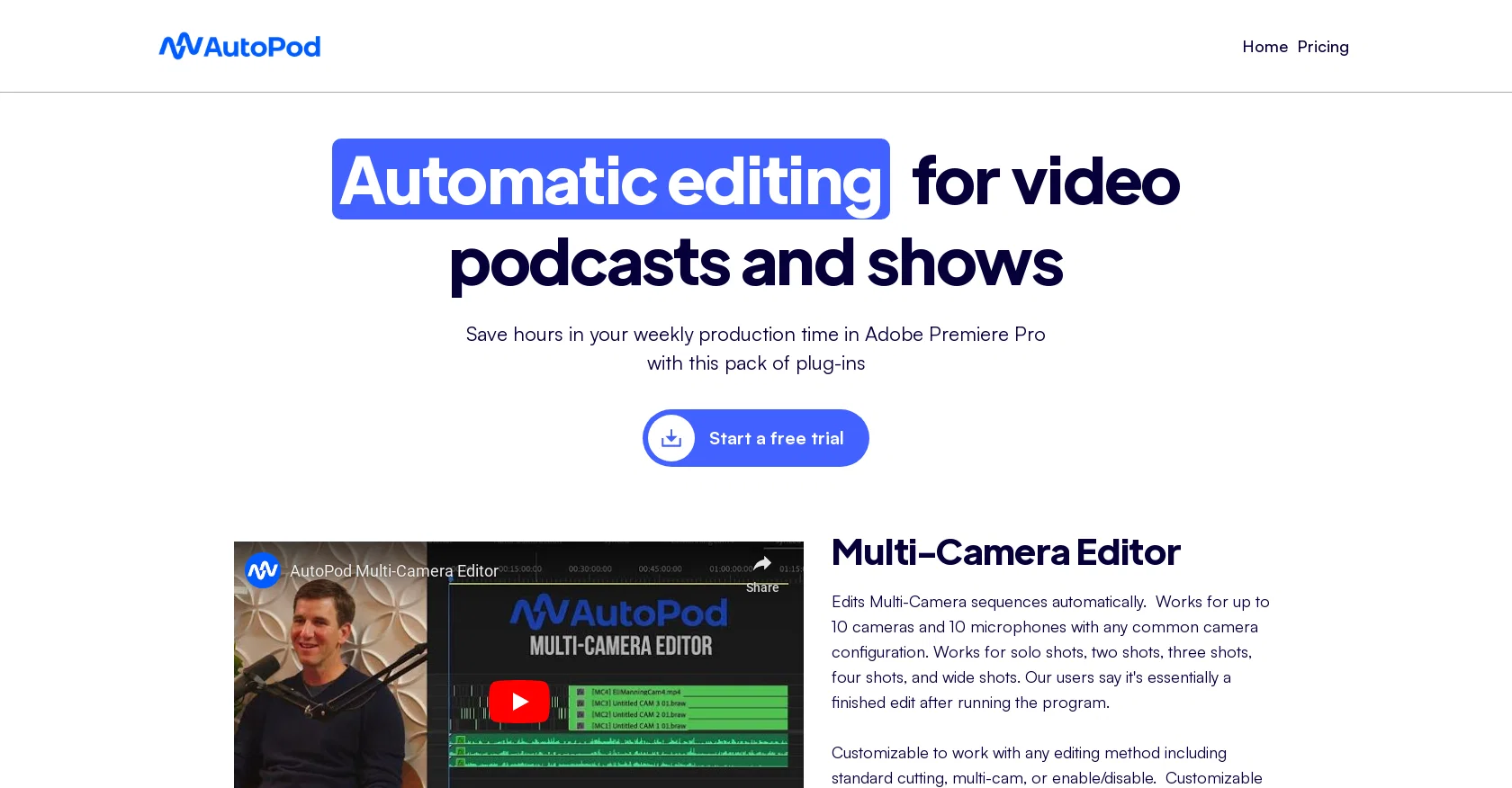
AutoPod is a set of Adobe Premiere Pro plug-ins that enables automatic editing for video podcasts and shows, reducing the production time required for editing.
With AutoPod, you can edit multi-camera sequences automatically regardless of camera configurations, allowing up to 10 cameras and 10 microphones. The plug-in is customizable, allowing you to use any editing method, including multi-camera and standard cutting.
AutoPod also offers a jump cut editor, which automatically creates cuts in footage based on silence, perfect for social clips where engagement is essential.
The jump cut editor lets you input a decibel cutoff for your particular microphones, making sure the cuts are precise and seamless.AutoPod's social clip creator automatically resizes sequence settings and footage sizes based on the selected aspect ratio (1920x1080, 1080x1350, and 1080x1920).
It also adds auto-reframe, watermarks, and end pages based on your preferences. The clips created are stored in a folder and may be batch exported with a single click.
This plug-in is user-friendly and easy to use, saving video editors lots of time as it automates several processes they would have done manually. It is customizable, enabling you to save any preset you consistently use.
AutoPod is designed by editors for editors to optimize their editing experience.
Best for
Short scenarios where AutoPod tends to shine.
-
Automatically edit multi-camera podcast recordings.
Best for Podcast editors
-
Create engaging social media clips from longer videos.
Best for Video show editors
-
Remove silent portions of videos to create jump cuts.
Best for Social media content creators
Example outputs 1
Sample generations and before/after results for AutoPod.
Access & connections
Where you can use AutoPod.
Platforms
Capabilities
What this tool accepts, produces, and is strongest at.
Input
- Video
Output
- Video
Supported features
- Podcast
Pros & cons
Pros
- Adobe Premiere Pro integration
- Automatic multi-camera editing
- Supports 10 cameras, 10 microphones
- Customizable editing methods
- Auto jump cut editing
- Decibel cutoff for precise cuts
- Social clip creator
- Automatic sequence and footage resizing
Show 7 more
- Creates aspect ratio clips
- Auto-reframe, watermarks, end pages support
- Batch export of clips
- User-friendly design
- Saves custom presets
- Time-saving editing automation
- Designed by editors for editors
Cons
- Adobe Premiere Pro only
- Limited to 10 cameras
- Limited to 10 microphones
- Jump cut based on silence
- Aspect ratios limited
- Requires manual decibel input
- No independent social media export
- Requires preferable settings input
Show 2 more
- No noted multi-language support
- Subscriptions management unlinked
Compare alternatives
Similar tools in the catalog — with a clear reason to open each one.

Cleanvoice AI ✓
FreemiumRemove filler sounds and polish your audio effortlessly.
Free + from $11
Full comparison
Snipd ✓
Freemium5-minute AI summaries of your favorite podcasts
Why look Typically cheaper
Full comparison
Podcastle ✓
FreemiumSeamless podcast recording and editing
Why look Typically cheaper
Full comparison
Podsqueeze ✓
FreemiumGenerate podcast content with one click
Why look Typically cheaper
Full comparison
WhisperTranscribe ✓
FreemiumPodcast, blog, social media content generation.
Why look Typically cheaper
Full comparison
People also view
Tools that often show up alongside AutoPod in collections and comparisons.

Topaz Video AI ✓
PaidCinematic superpowers: Ultra smooth, sharp, and steady.

VideoDubber ✓
FreemiumTranslate and dub videos, audios and subtitles with voice cloning and lipsync

Viddo AI ✓
PaidAll-in-one AI Video Generator

VenturusAI ✓
FreemiumBusiness idea analysis and reporting.

Colourlab
PaidExpress yourself in the language of color with AI

AutoCut ✓
Free TrialAI-powered video editing for Premiere Pro.
WhisperTranscribe ✓
FreemiumPodcast, blog, social media content generation.
Snipd ✓
Freemium5-minute AI summaries of your favorite podcasts
Releases 1
Imported reviews 1
cant test before i pay.
autocut doesnt work,but i can install it and watch that it doesnt work
autopod cant do it
FAQ 12
What is AutoPod?
How does AutoPod work with Adobe Premiere Pro?
What is the maximum number of cameras and microphones AutoPod can edit at once?
Can I customize the AutoPod plug-in?
Tell me more about AutoPod's jump cut editor feature?
How does the decibel cutoff feature work in the AutoPod's jump cut editor?
What are the aspect ratios supported by AutoPod?
Does AutoPod offer a batch export feature?
Can I save presets in AutoPod?
How can AutoPod benefit video podcast editors?
How do I start a free trial of AutoPod?
How does AutoPod's social clip creator function?
Related tools
Recommended

Fineshare ✓
FreemiumAn online all-in-one AI voice generator for everyone

GhostCut ✓
PaidAI-powered video translation and subtitle removal.

Stratup.ai ✓
FreemiumInnovative idea generation for businesses.

Eightify
UnknownAI-powered YouTube video summarizer extracting key ideas for quick content assessment.

Stunning ✓
PaidBuild AI-powered websites in seconds

Recall ✓
FreemiumSummarize Anything, Forget Nothing!