

AutoClipr ✓
Turn long videos into viral shorts automatically.
Verdict
A quick read before you dig into the full page.
- Best if
- Turn long videos into viral shorts automatically
- Skip if
- Limited video format support
- Pick this when
- Automatic video clipping
Considering Bytecap instead? Compare side by side
Overview
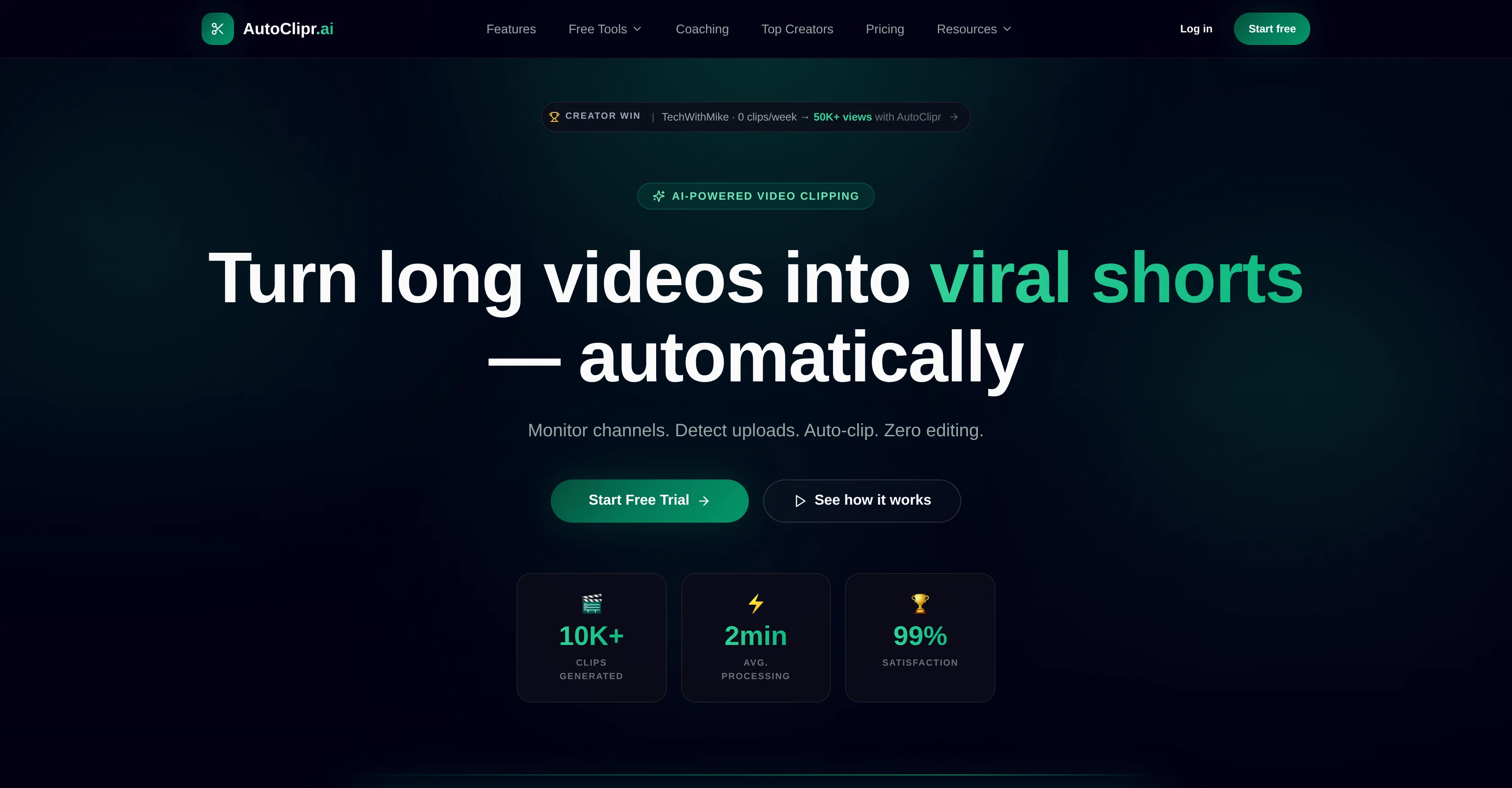
AutoClipr is an automatic video clipping tool that uses AI technology to turn long videos into short, engaging clips suitable for platforms like TikTok, Reels and YouTube Shorts.
The tool automates the entire clipping process by monitoring channels, detecting new uploads and creating clips with no manual editing required. Users simply paste a Youtube link or upload a video and AutoClipr takes care of the rest.
AutoClipr features automated viral detection, assessing each second of footage for exciting moments to clip and share. It also provides automatic subtitles, eliminating the need for manual SRT editing.
The software is designed to function at a high speed, with an average processing time of under 2 minutes for most videos. Multi-platform export is also offered, allowing one video to become content for multiple platforms, each optimized to their respective formats.
AutoClipr has transparent pricing with no hidden fees and its credits roll over. For enhanced data security, AutoClipr features enterprise grade JWT authentication, row-level security, encrypted storage, and audit logs.
Moreover, a free toolset is available for basic video processing tasks running in the user's browser using WebAssembly without account setup or uploads.
Access & connections
Where you can use AutoClipr.
Platforms
Capabilities
What this tool accepts, produces, and is strongest at.
Supported features
- Video Edit
- Clipping
Pros & cons
Pros
- Automatic video clipping
- Detects new uploads
- Automated viral detection
- Automatic subtitles
- High speed processing
- Multi-platform export
- Transparent pricing
- Credits roll over
Show 34 more
- Enhanced data security
- Enterprise grade JWT authentication
- Row-level security
- Encrypted storage
- Audit logs
- Free basic video processing
- WebAssembly in-browser tools
- No account setup needed
- AutoClipr monitors channels
- No manual editing
- Short video optimization
- AutoClipr adds captions
- Multiple format exports
- Quick video analysis
- Viral moment detection
- Automated publishing
- Rewards for views
- Processing in parallel
- Automatic crop for Reels
- Hook optimization for Instagram
- Hashtag & caption suggestions
- Auto captions for YouTube
- Toolset runs in browser
- Automated channel monitoring
- Auto-burned subtitles
- Vertical video cropping
- Creator satisfaction rate
- Supports multiple video formats
- Auto clip score calculation
- Predictable pricing
- Live-tracked usage
- Download video from any link
- Cancel anytime option
- Free URL paste processing
Cons
- No personalization of clips
- No manual editing option
- Limited to specified platforms
- Reliant on viral detection accuracy
- Doesn't support live streaming clipping
- No mentioned international language support
- Limited video format support
- No direct user control
Show 2 more
- Longer clips not supported
- Reliant on channel monitoring
Compare alternatives
Similar tools in the catalog.






Releases 1
FAQ 12
What is AutoClipr?
How does AutoClipr use AI technology?
Can AutoClipr detect new uploads on my channel?
How does AutoClipr's viral detection work?
Does AutoClipr provide automatic subtitles?
How fast does AutoClipr process videos?
Can AutoClipr export to different platforms?
What formats does AutoClipr support for multi-platform export?
What is AutoClipr's pricing structure?
What is JWT authentication in AutoClipr?
How does AutoClipr provide row-level security?
Can I use AutoClipr without an account?
Related tools
Recommended

Klap ✓
PaidGenerate viral short-form videos from YouTube content in one click.

Spikes Studio ✓
FreemiumGenerated clips for popular social media platforms.

MakeShorts ✓
PaidYouTube videos converted to short social media clips.

Dumme ✓
UnknownGenerate upload-ready shorts, no editing needed.

Choppity ✓
Free TrialTurn long videos into social shorts in 3 clicks

Reemix ✓
UnknownTransform text into captivating AI-generated videos.